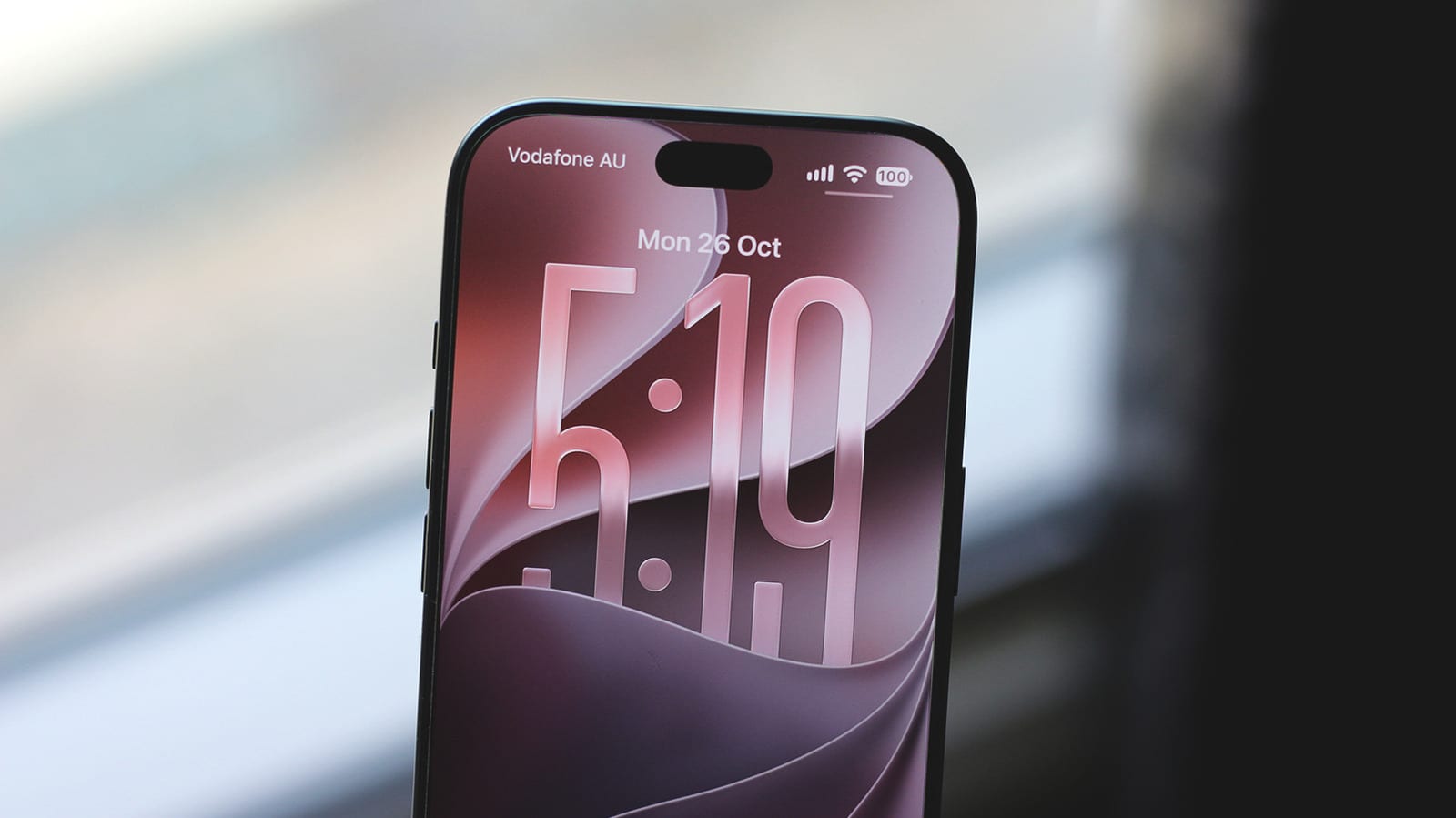
Apple's iOS 27 update lets you tell your iPhone what shortcut you want and have it built for you. It can also turn a photo of a gym card or ticket into a pass in Apple Wallet. Engadget picked these among five features worth trying after updating. It runs on every iPhone back to the iPhone 11.
What changed
Apple focused this release on fixing bugs and making the phone steadier, after a few bumpy updates. Engadget says the keynote covered faster app launches, quicker AirDrop transfers and better memory handling. There is also a new slider that controls transparency across the whole system. Battery reports are mixed. Some people see less screen time per charge, while others see no change.
Shortcuts you describe in words
Shortcuts is the app that automates small tasks on your phone. In iOS 27, you open it, tap the + button and describe what you want. Apple's AI features then build the shortcut. Engadget's reviewer found it usually works for simple requests, but it sometimes picks the wrong steps. You can fix that by tapping Edit.
You can also use AI steps inside a shortcut, such as pulling out information, summarizing, or writing text and documents. Apple offers three AI models, including one that runs on the phone itself for speed. The Cloud and Cloud Pro models have a daily limit.
Wallet passes for anything
Until now, Wallet only held passes that a company chose to support. With iOS 27, you can make your own. This helps with loyalty cards or gym memberships that have no Wallet version.
- Open a screenshot or image of a ticket or card with a barcode, swipe up and tap Add Pass to Wallet.
- If that option is missing, open Wallet, tap +, choose Create a Pass, then Continue, and photograph the card.
- Tap Edit to change the pass details or look.
The first method works on supported iPhone models. Engadget does not list which ones.
Siri gets a beta upgrade
Siri AI is a new version of the assistant, and it is still in beta. Compatible iPhones can join a waitlist under Settings > Siri. Engadget says it handles follow-up questions much better and can use personal context from your messages, emails and photos. It is still a bit slow, and support for third-party apps is limited. A new Siri mode in the Camera app answers questions about what you point it at.
What to do
If you have an iPhone 11 or newer, go to Settings > General > Software Update. After installing, try the Shortcuts and Wallet tools. Engadget's article names five features, but the text provided covers only three of them in detail.
The takeawayIf your iPhone is an iPhone 11 or newer, update to iOS 27 and try building a shortcut or a Wallet pass from a screenshot.