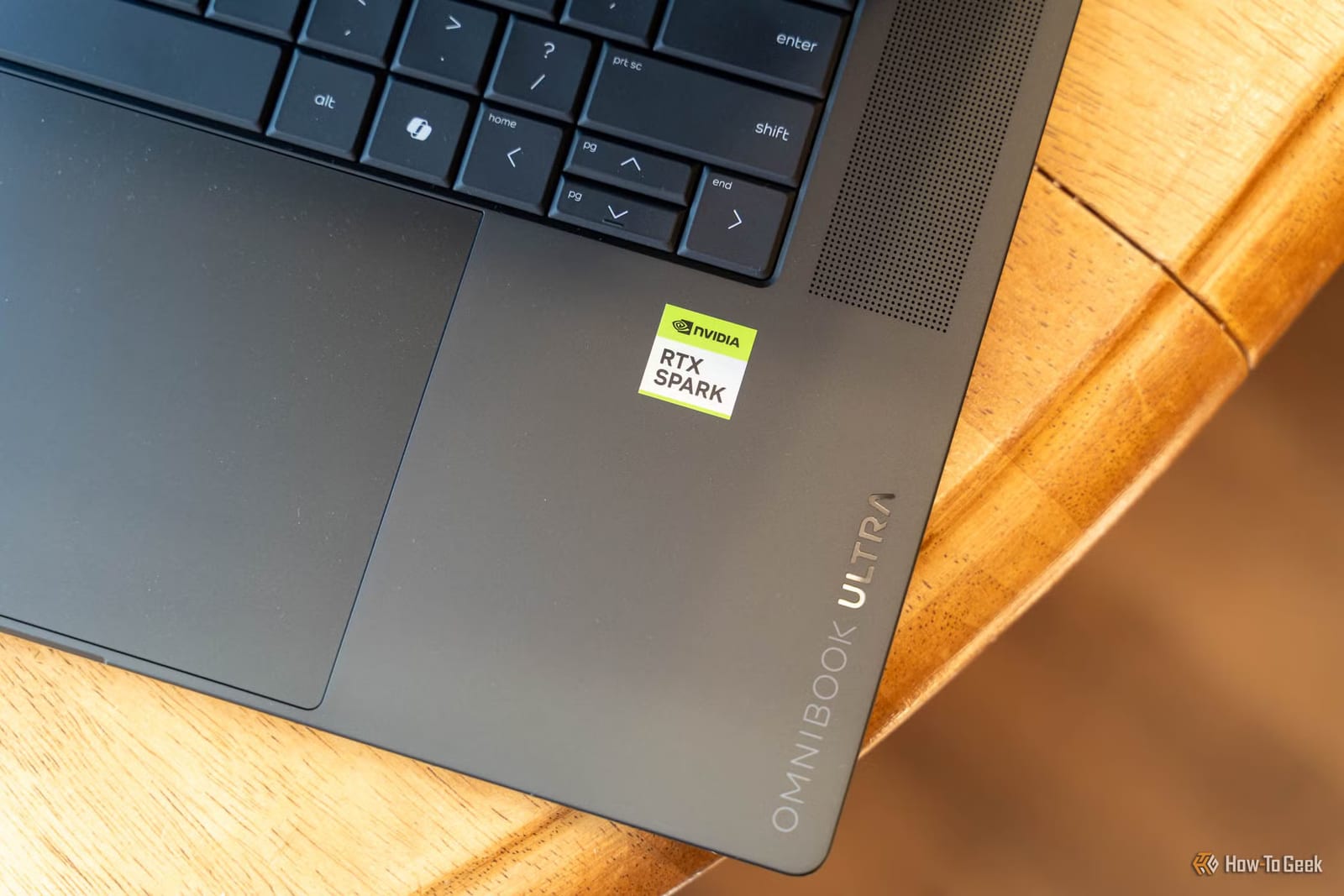
HP's first laptop with NVIDIA's new RTX Spark chip is here, and a reviewer at How-To Geek calls it excellent in almost every way. The catch is the base model. It starts at $3,200 with 32GB of memory, and that is not enough to run bigger AI programs on the laptop itself without trouble. The review score was 7 out of 10.
What it is
The OmniBook Ultra 16 runs Windows 11 Home. It has a 16-inch OLED screen with a sharp 2880x1800 picture and a 120Hz refresh rate. The base model comes with 1TB of storage and is sold at Best Buy and HP. Versions with 64GB of memory and 2TB of storage, or 128GB and 2TB, are available as configurations directly from HP.
Where 32GB runs short
Local AI means running an AI program on your own device instead of over the internet. NVIDIA is pushing this hard for the RTX Spark. On the 32GB model, memory is split up. Windows reserves 10GB for itself, leaving a budget of around 22GB. Most apps the reviewer tried saw only about 20GB.
That caused problems with Hermes, an app for running AI agents, which are programs that carry out tasks for you.
- Hermes would not run any Qwen 3.6-35B-A3B model above a heavily compressed 2-bit version.
- LM Studio could load a better version, but only after a fight with the settings.
- Once loaded, it worked on some tries and failed on others.
When it ran, the reviewer found the answers and reasoning good and the speed fast. The reviewer blames the lack of memory room, not the chip.
What works well
For models that fit, the laptop did fine. Qwen 3.5 9B ran at just over 46 tokens per second. Qwen 3.5 27B managed around 15. A token is a small chunk of text, so higher is faster. NVIDIA's CUDA software beat the Vulkan option. With Qwen 3.5 27B, Hermes finished every task at just over 100 seconds each.
Image creation worked too. FLUX.2 Klein 4B took 7.6 seconds per image, and SDXL took 22.2 seconds.
Outside AI, the RTX Spark N1X chip impressed. In many tests it led its class and beat the Snapdragon X2 Elite Extreme in some. Performance stayed essentially the same on battery as plugged in, though battery drains faster in best performance mode. The reviewer also praised the keyboard and screen. Forza Horizon 5 ran at the full 2880x1800 resolution at 79 frames per second on extreme settings.
What to do
If local AI on the go is the goal, the reviewer says to get at least the 64GB version and avoid the 32GB model. For ordinary work, editing and gaming, the 32GB model held up well. Check which memory size is in the cart before buying.
The takeawayFor running AI on this laptop, memory size matters most, so skip the 32GB model and choose at least 64GB.