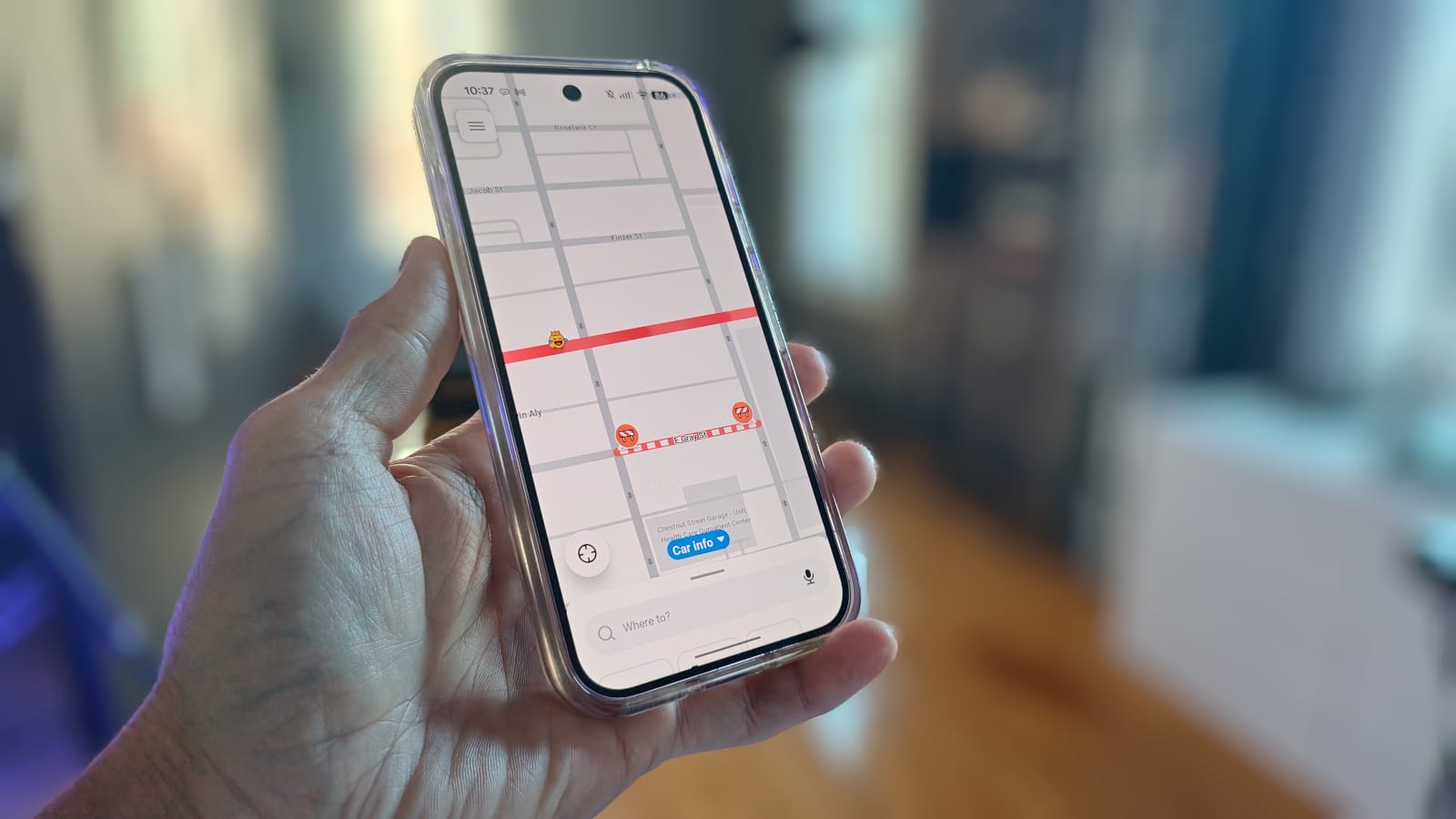
If Google Maps keeps letting you down, you can make Waze the app your Pixel phone opens for directions. It takes a few taps, but the method is not obvious. ZDNet's Jack Wallen found it after Google Maps failed to start navigation on his Pixel 9 Pro.
What changed
Setting a default maps app used to be simple. You installed the new app, opened Default apps and picked it. That changed after Google's August Android update. The Default apps page no longer offers a way to choose a different maps app.
Wallen notes that you can find Waze in that area and choose how it opens web links. That does not make it your default. Apps like Calendar still will not open it when you tap an address.
How to do it
The workaround is to turn off Google Maps so Waze is the only maps app Android knows about. Install Waze from the Google Play Store first. Waze itself will not offer to become your default.
- Open the Settings app and tap Apps.
- Tap See all apps if Google Maps is not listed at the top.
- Scroll to the Maps entry and tap it.
- Tap Disable. The button then changes to Enable.
To test it, open an address from a calendar appointment. Waze should open on its own. You may also see a prompt to set Waze as the default. If so, accept it.
Using Waze in the car
Android Auto, the system that shows your phone's apps on the car screen, needs one more step. Waze has to be added to its launcher, which is the app menu on the car display.
- Go to Settings, then Connected Devices, then Connection Preferences.
- Tap Android Auto, then Customize launcher.
- Make sure Waze is checked.
- Move Waze up the list so it is easier to reach.
What is not known
Wallen says the same steps were needed on other Android phones. He could not test a Samsung phone, so it is unclear whether they work there. The article also does not say what else changes while Google Maps is turned off.
The takeawayTo make Waze your default on a Pixel, disable Google Maps under Settings, Apps, then add Waze to the Android Auto launcher for the car.