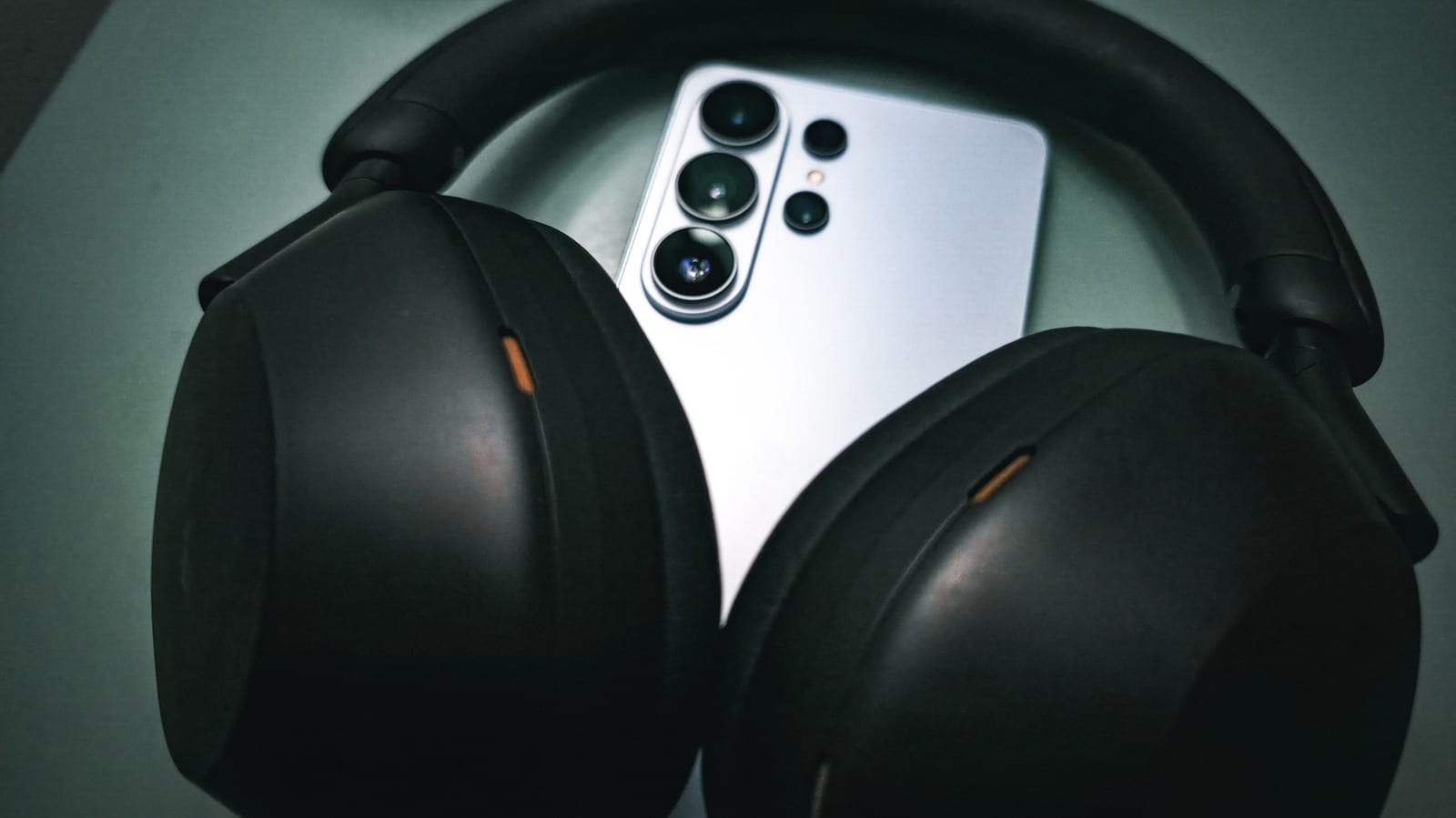
Your Android phone changes your music before it reaches your headphones, even expensive ones. A guide from Engadget lays out how to cut that down. Turn off extra sound effects in your settings, and if you use wired headphones, consider a USB-C adapter that converts the sound cleanly.
What your phone does to sound
Audio takes a path through Android. The app you are playing sends it to the operating system. A service called AudioFlinger passes it to a mixer, where effects may be added or the volume may dip for a notification. Then it goes on to your speakers or headphones, wired or Bluetooth.
Android also resamples the audio along the way. By default it works at very high internal quality, then outputs at 48kHz with 16 or 24 bits of depth. Engadget says most people will be satisfied with that. Listeners who want the file untouched need more steps.
The idea of bit-perfect sound
Bit-perfect means what you hear is mathematically identical to the file in your player. Starting with Android 14, an app can ask to skip the mixer and send audio straight on over USB. That only works if the phone maker, the player app and the adapter all support it. The guide also covers choosing an app with lossless audio and tuning headphones with an EQ, which is a sound adjustment.
The easy first step
Switch off any extra processing your phone applies. That includes:
- An equalizer in your device settings
- Dolby or other spatial sound enhancements
- Anything else that changes the audio signal
Why wired headphones help
Wired headphones skip Bluetooth codecs, the methods that squeeze audio for wireless sending. Even a cheap wired pair gets every bit of the signal. That does not make it sound good, because the headphones still have to reproduce the detail.
Picking a USB-C adapter
Most phones no longer have a 3.5mm headphone jack. A digital-to-analog converter, or DAC, turns the phone's digital signal into one a headphone cable understands. Even a small USB-C-to-headphone-jack dongle counts as a DAC. What matters is the quality of the chip inside.
Engadget suggests looking for decoding up to 32-bit, 96kHz. Active adapters do the conversion themselves. Passive ones use a DAC inside the phone, which may exist even without a jack. Check whether your phone has one, and whether it is good, before buying a passive adapter. Many audio enthusiasts strongly recommend Apple's USB-C-to-3.5mm dongle as a budget pick.
The takeawayTurn off EQ, Dolby and spatial effects in your Android settings first, then consider a USB-C adapter with a good DAC chip if you use wired headphones.