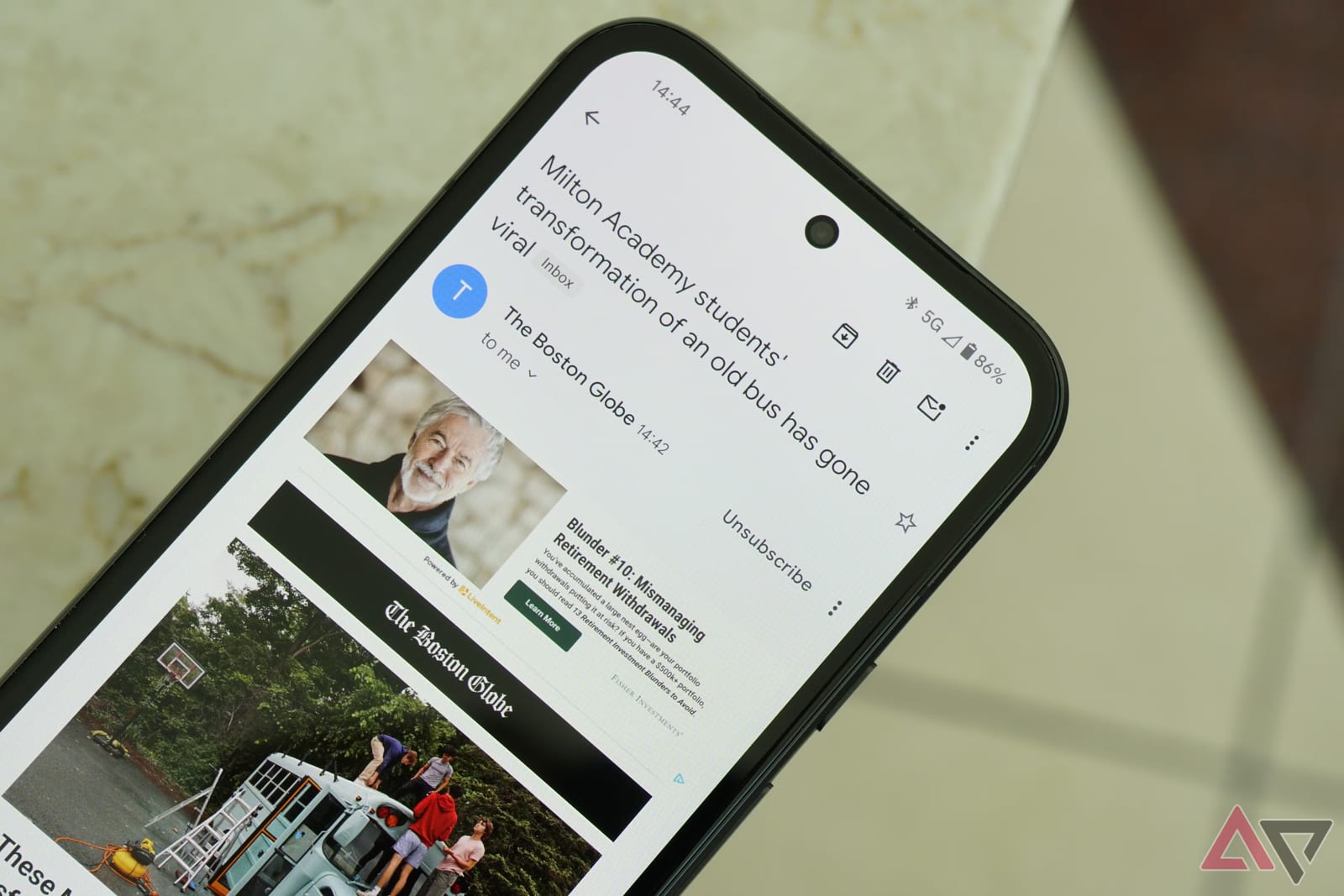
A writer at Android Police says he keeps his Gmail inbox close to empty using three tools already built into Gmail. He needed no extra app and no trip into settings. His reason for changing: a crowded inbox nearly cost him a job interview because an important email got buried.
The idea behind it
The method is called Inbox Zero. It means keeping your inbox as close to empty as possible. The writer, Rahul Naskar, says the key shift was to stop treating the inbox as a place to store email. He now treats it like a to-do list. If an email is still there, it still needs something from him.
The three tools
Snooze is for emails you cannot deal with right now. It hides the message and brings it back later. You can pick Later today, Tomorrow or Next week, or choose your own date and time. The email is not lost. It just arrives again when you want it.
Archive is for emails you have finished with. On a phone, swipe left on the message and it leaves the inbox. On a computer, right-click the email and choose Archive. Archived mail is not deleted. It sits on the All Mail page, and it will not come back on its own. You have to move it to the inbox yourself.
Labels are for emails that need no reply but hold information worth keeping, such as a product announcement or an update about a subscription. Gmail has ready-made labels, and you can create your own. Adding a label does not remove the email from the inbox, so you archive it afterward.
Why labels come first
Archiving alone has a catch. Archived emails pile up on the All Mail page, which is likely crowded, so finding one later is hard. If you add a label before archiving, you can open that label and find the email there.
- Snooze: for emails you need to act on later.
- Archive: for emails you have already answered.
- Label, then archive: for emails you want to find again.
Keeping it going
The writer says Inbox Zero takes upkeep. He reviews his email subscriptions at least once a month to make sure nothing arrives that he no longer wants. His conclusion is that you do not need a dedicated email app for this. Gmail already has what is required, and it costs nothing to try.
The takeawaySnooze what you must act on later, label then archive what you want to keep, and review your subscriptions monthly.