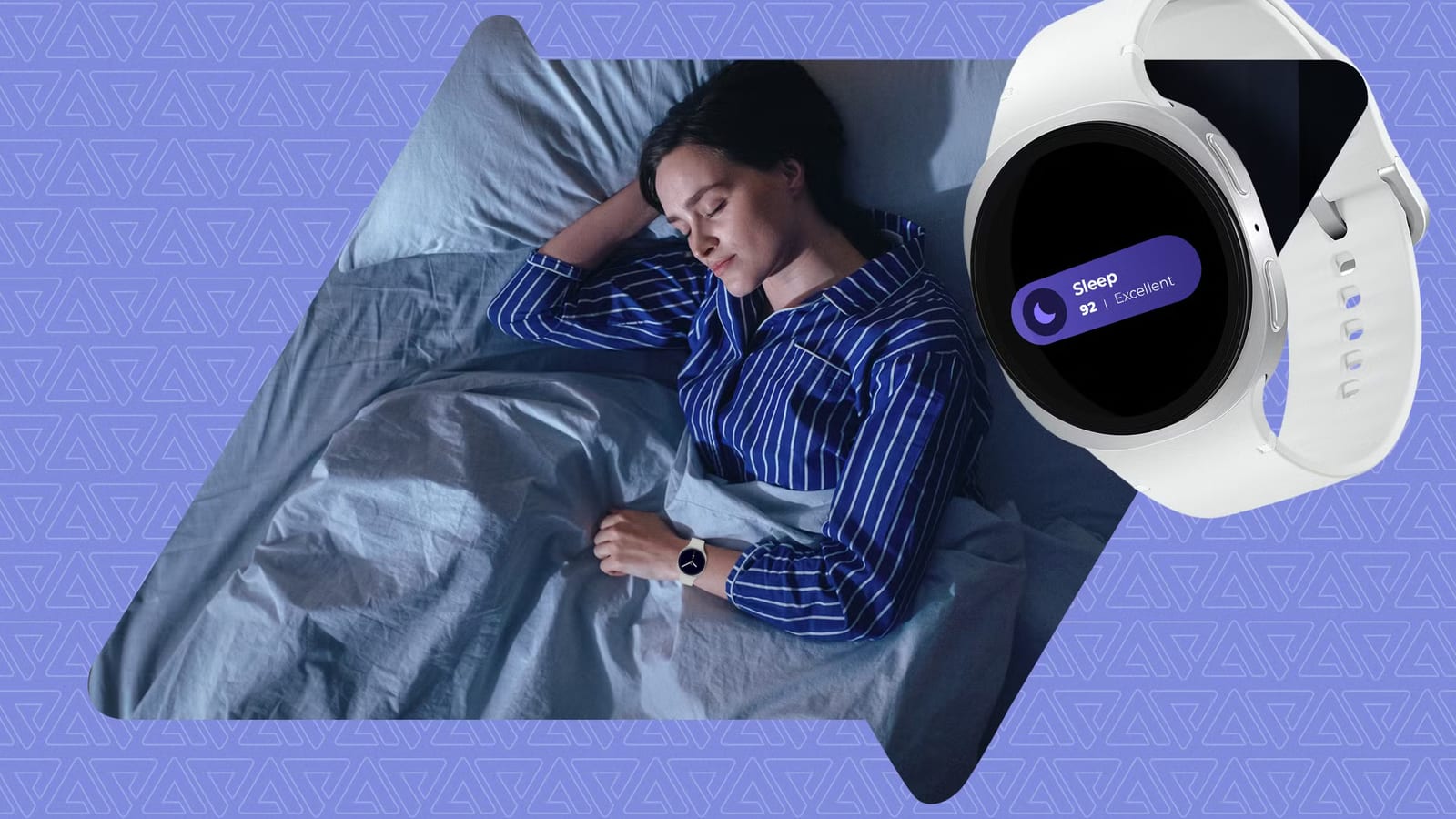
A Galaxy Watch 8 owner who kept waking up to gaps in sleep records says two buried settings fixed it. One is a power saving option. The other is a sensor permission for Samsung Health. Writer Ben Khalesi of Android Police tried rebooting the watch and wiping the sensor glass first. Neither helped, though forum threads show other owners have the same problem.
Why the data goes missing
The watch reads heart rate and blood oxygen by flashing LED light into the skin and measuring what bounces back. If the sensor cannot get a clean read, the software has nothing to work with. Dark tattoo ink absorbs much of that light. Dense arm hair and a loose strap can cause the same trouble.
Restless sleep is a separate cause. The watch uses its motion sensor to tell light sleep from being awake. A night of tossing and turning gets logged as awake time, which leaves fake gaps in the record.
Quick checks first
- With a tattooed wrist, wear the watch on the other arm or on a spot without ink.
- If arm hair is the issue, trim a small patch under the sensor.
- Slide the watch higher on the wrist and snug the band up a few notches.
The settings that fixed it
First, open Settings > Battery > Power saving on the watch and make sure Limit health features is off. Overnight, power saving can slow background work and stop background heart rate tracking. The option may have switched on after a system update. With it off, the watch still dims the screen and turns off Wi-Fi but keeps tracking.
Second, go to Settings > Security and privacy > Privacy > Permission manager > Sensors. Tap Samsung Health and choose Allow all the time. Background updates may take away continuous sensor access. Without it, the watch has little more than movement to go on. The writer says this setting brought the sleep data back.
If gaps remain
On the phone, go to Settings > Apps > Samsung Health > Storage and tap Clear Cache. This removes only temporary files, so sleep history stays. If that fails, back up and factory reset the watch. If gaps survive a reset, the writer says the hardware is the likely culprit.
Before sending the watch in, get an error report. In Samsung Members on the phone, go to Support > Send feedback > Error reports and make sure Send system log data is checked. This matters because Samsung's October update adds sleep coaching, and coaching is only as good as the data behind it.
The takeawayIf a Galaxy Watch misses sleep, check fit, turn off Limit health features, and set Samsung Health's sensor permission to Allow all the time.