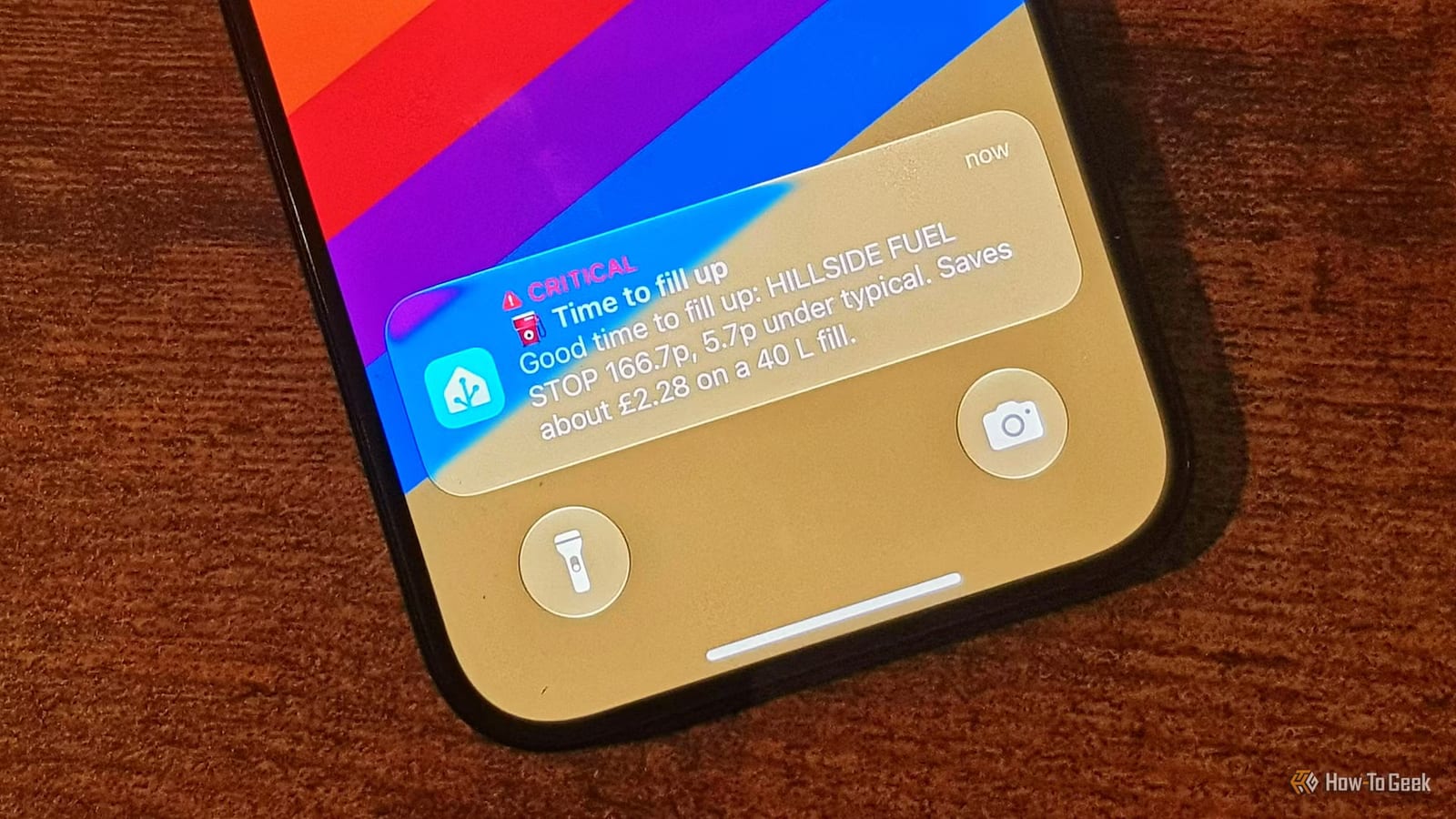
A tech writer at How-To Geek has set up his smart home to ping his phone when gas is cheap. It runs on Home Assistant, a free smart home program, plus an add-on that pulls local gas prices. It does not lower what he pays, but it helps him pick a better moment to fill up.
Where the prices come from
Gas price data is easy to find. In the US, GasBuddy is a popular but unofficial source. A GasBuddy add-on for Home Assistant covers the US and Canada and can search by home location or ZIP code. In the US it can also factor in how you pay and brand discounts such as Walmart membership savings. It can check prices near your phone's location too.
The writer, Adam Davidson, lives in the UK. There, the government recently forced gas stations to publish their prices, and a free interface on the Fuel Finder Developer Portal shares that data. He uses an add-on called UK Fuel Finder. It needs an account and an API key, which works like a password that lets software request data. He sets a search range and picks his fuel type.
Why price history matters
Today's price alone does not say whether to fill up. He wanted a 14-day average to compare against. Waiting two weeks to collect that data was not appealing, so he found a site offering downloadable price history from the same source. He loaded it into Home Assistant's history and had an accurate average right away.
How the alerts work
He built a dashboard showing the cheapest current price, the typical price, current savings and how today compares with the 14-day average. It also has a price trend chart and settings to change or turn off alerts. Because a dashboard still needs checking, he added an automation that sends a critical notification to his phone. It fires in three cases:
- The cheapest gas is 5p/L or more below the local median price.
- The cheapest price is 3p/L below the 14-day average.
- The cheapest price rises more than 2p/L in 24 hours, a sign prices are climbing.
Tapping an alert opens Apple Maps with directions to the station selling the cheapest gas. He can change the thresholds whenever he likes.
The limits
The system cannot control prices. Even when he buys the cheapest gas around, he says he is still paying far more than this time last year. The setup only helps him keep costs down as much as possible.
The takeawayIf you already run Home Assistant, a free gas price add-on and a 14-day average can help you time fill-ups, though it cannot make gas cheaper.