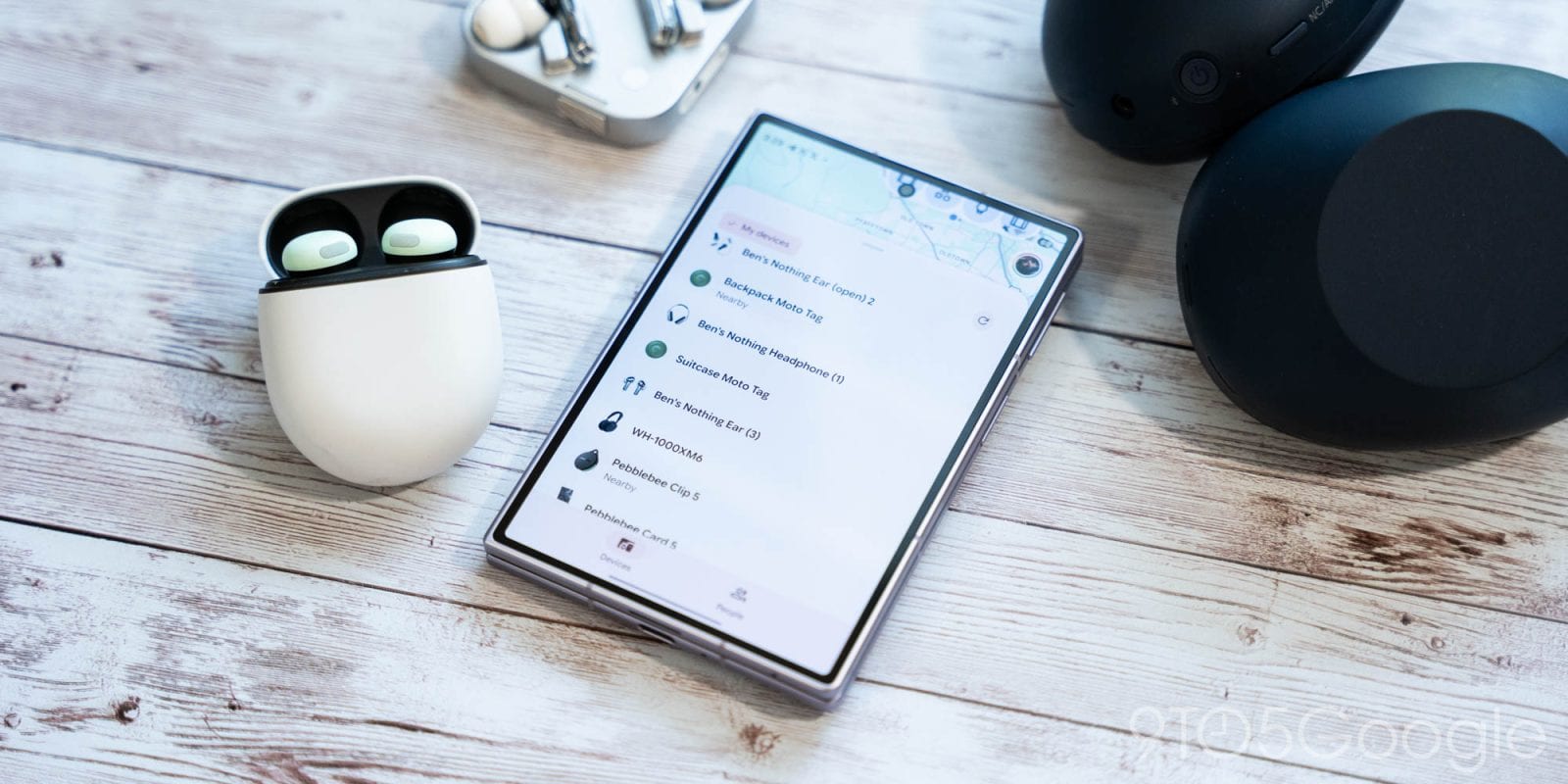
Google has added a "Notify when left behind" alert to Find Hub on Android. If a tracker on your keys, wallet or bag gets separated from your phone, you can now get a notification. Until now, Find Hub mainly helped after the fact, by showing where a lost item was.
How to turn it on
Open the Find Hub app and choose a tag. In the top-right corner of the bottom sheet, tap the settings gear. A new "Notify when left behind" section offers a notification when the tag is separated from your phone. By default, the address saved as Home in your Google Account (Maps) is skipped, so you should not get alerts at home.
Who gets it, and what is missing
9to5Google saw the option with Chipolo trackers and the Moto Tag, using version 3.1.787-06 of Find Hub for Android. It was available to US and European users. It does not show up for other device types, such as headphones. The material does not say when those might be added, or whether any cost is involved.
Google first described "Left-Behind Reminders" in the release notes for Google Play services. The same notes point to a new registration flow for devices. It would let you set category icons, such as Bike, Luggage or Wallet, and rename tags. Google also mentioned coming NFC support, which would let you tap a tag with your phone to see its details or identify a lost tag.
The takeawayIf you use a Chipolo tracker or a Moto Tag with an Android phone, check the tag's settings in Find Hub for the new left-behind alert.