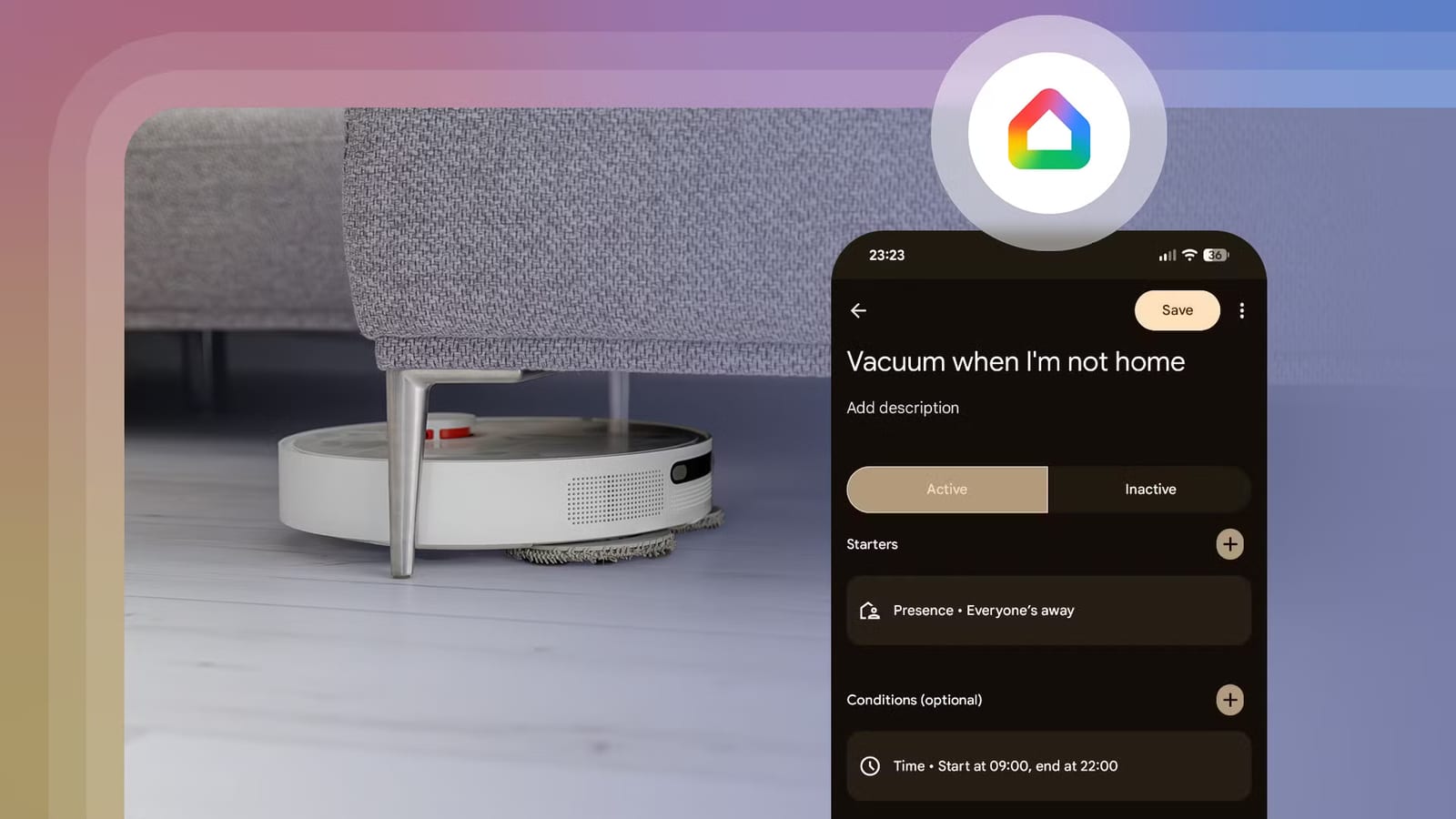
Google Home can now tell whether you are home or away using your phone's location and the Wi-Fi networks it connects to. That opens the door to simple routines for lights, vacuums and more. Android Police writer Calvin Wankhede says he built several useful automations in about 10 minutes, using devices he added to Google Home years ago.
What changed
Presence sensing has technically existed for about five years. It used to require a Nest-branded security system or thermostat, and most people do not own either. Now a phone is enough. Platforms like Home Assistant have offered this for a long time, so Google has caught up. To turn it on for everyone in a household, tap your profile picture in the Google Home app, then go to Home Settings and Presence Sensing.
Routines that work
- A robot vacuum starts when your home is marked Away. A time condition stops it from running if you leave in the middle of the night.
- A porch light turns on when someone arrives home after sunset, then turns off after ten minutes.
- Playing a movie on a Google TV device turns off the room lights after a 30-second delay. Pausing turns on one light.
The morning routine may be the most useful one. In the Google Clock app, dismissing your alarm can start a routine. Wankhede's version reads out the weather, calendar events and pending tasks, turns on a bedside lamp, then plays local news. Because the alarm is the trigger, the routine follows your sleep schedule without edits. You can also build separate routines for weekdays and holidays.
Without a Google Pixel phone, the Google Clock app is available from the Play Store. The routine editor also supports timed delays, so a lamp could brighten gradually. The same idea reaches beyond Google TV. A connected washing machine could change a light from red to green when a load finishes.
What it cannot do yet
Google Home is still not as flexible as Home Assistant. An automation cannot be set to run only once a day. One workaround is to shorten the time window, so an empty house in the evening does not trigger it again. Automations also cannot remember a light's earlier brightness or color. That means a room's lighting cannot be restored after the projector turns off.
What to do
If you already own smart lights, a smart plug or a robot vacuum, start with one routine and see how it feels. Check the Presence Sensing settings first, since many triggers depend on them. Wankhede found he preferred manual control over having the vacuum dock itself when someone arrived home, so it is fine to test an idea and drop it.
The takeawayIf you own smart lights or a robot vacuum, turn on Presence Sensing in Google Home and try one simple routine today.