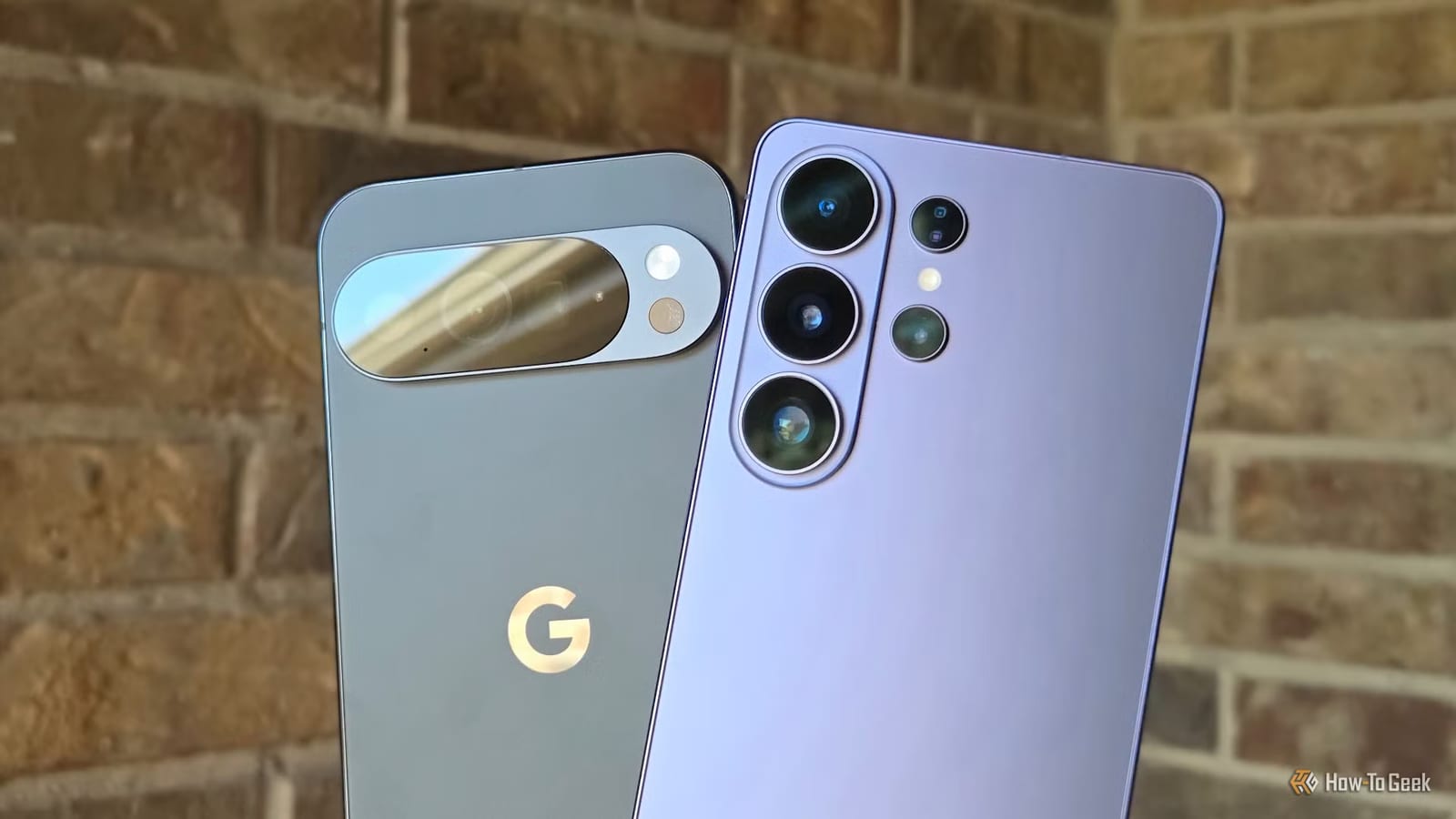
Android phones have several small features that most owners never touch. A recent How-To Geek roundup points to four: a QR code for sharing Wi-Fi, cleaner screenshots, pinned clipboard items and a setting that keeps the phone unlocked in safe places. Each takes a few minutes to set up.
Share Wi-Fi with a QR code
Guests can join your network by scanning a code with their camera, so nobody has to read out a long password. Google added this to Android 10 in 2019. iPhone added it in 2024. Steps vary by brand. In general, open Settings, then Connections, Wi-Fi or Internet, and find your home network. Tap the gear icon, then Share. On a Samsung, choose QR code or Quick Share.
The writer prints the code and puts it on the fridge during the holidays.
Clean up your screenshots
Some phones can leave out the status bar and the on-screen navigation buttons, so a screenshot shows only what you meant to share. On a Samsung Galaxy, go to Settings, then Advanced features, then Screenshots and screen recordings. Switch on the options to hide the status and navigation bars.
Pixel phones do not have this setting. The article suggests the Pixel Screenshots app, which uses AI, or taking the screenshot from the recent apps menu, which removes the status bar.
Pin items in your clipboard
The clipboard holds what you recently copied, but older items drop off as you copy new ones. In a keyboard app such as Gboard, tap the notepad icon above the keyboard. Long-press an item, then tap Pin. It stays there until you remove it, which helps with text you paste often.
Stay unlocked at home
Extend Unlock keeps your phone unlocked in places or situations you trust. It can use a trusted location, or a connected device such as a car stereo or smartwatch. When you leave, normal lock screen security returns. It arrived in 2014 with Android 5.0 under the name Smart Lock.
- Pixel and most phones: Settings, Security & privacy, More Security & privacy, Extend Unlock.
- Samsung Galaxy: Lock screen and AOD menu, then Extend Unlock.
Menu names differ by brand and Android version, so you may need to look around a little.
The takeawaySpend a few minutes in your phone settings to set up Wi-Fi sharing, tidy screenshots, pinned clips and Extend Unlock.