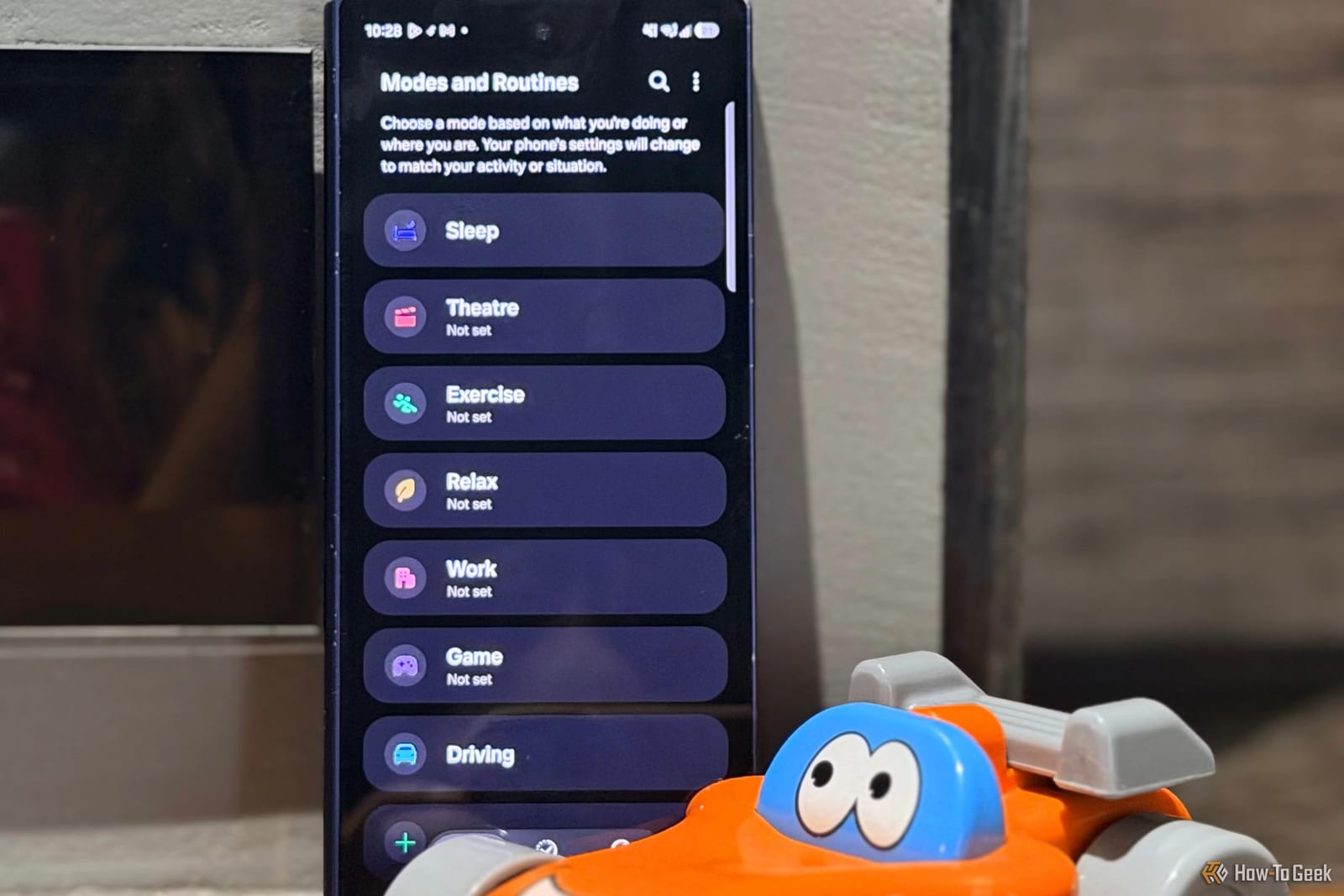
A Samsung phone can change your driving settings so you do not have to. Sanya Shah of How-To Geek set up two Modes and two Routines on hers. Now she no longer adjusts volume, screen settings and alerts by hand every time she gets in the car.
What Modes and Routines does
Modes and Routines is a Samsung feature that changes phone settings automatically. A Mode is a bundle of settings for an activity, such as Driving. A Routine works on an "if this happens, do that" rule. Shah already used the feature for her sleep schedule and gym sessions before building driving setups.
Two tweaks to Driving Mode
The first adds Google Calendar to Driving Mode. When the Mode starts, Calendar opens, so she can check appointments and her daughter's class schedule before leaving or after parking. She says it also helps when parked, when it is easy to drift into WhatsApp or Netflix. Calendar will not read her schedule aloud or start navigation. Gemini can answer a question like "What's on my calendar today?" if the needed integration is on.
The second is a night-driving setup. In the same Driving Mode menu, she added these actions one by one:
- Power saving, to stretch the battery a little longer
- Eye comfort shield, which gives the screen a warmer tint
- Dark Mode, to make the display easier on the eyes
- A lower media volume, so navigation prompts are not drowned out
To find them, go to Settings, then Modes and Routines, then Modes, then Driving, then Other actions, then Add actions. The Calendar option sits under "Open an app or do an app action."
Two Routines for the car
The first Routine turns on Do not disturb whenever Android Auto connects. Android Auto is Google's system for showing phone apps on a car screen. Shah chose Android Auto as the "If" and Do not disturb on as the "Then." She also reviewed options such as Show custom notifications and Read notifications aloud, which control what still gets through.
The second Routine runs when a drive ends. Shah picked Driving ended as the "If" and Wi-Fi off and Bluetooth off as the "Then." She uses wireless Android Auto, which needs both to connect to the car, and does not want them left on after a trip. A separate Routine can turn them back on when a drive starts.
What to do
Open Settings, then Modes and Routines, and start with the one change you repeat most often. The article does not say which Samsung phones or software versions offer these options, so menu names may differ on yours.
The takeawayOn a Samsung phone, Modes and Routines can handle repeat driving chores like Do not disturb, dark mode and Wi-Fi in a few minutes of setup.