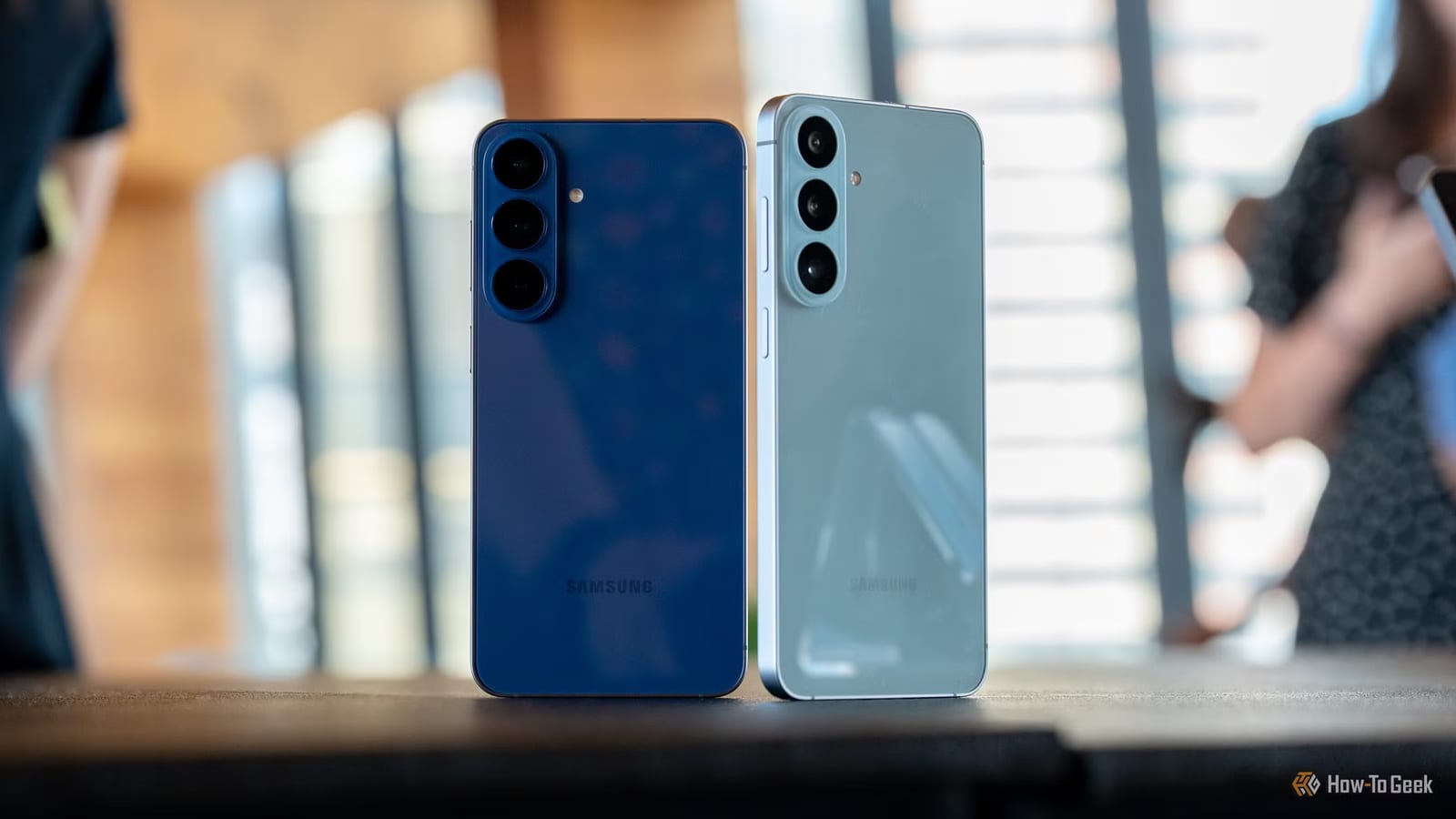
If music, podcasts or movies sound flat on your Samsung Galaxy phone, the fix may already be built in. How-To Geek points to four audio settings that can improve what you hear, through the phone's speakers or through compatible headphones and earbuds. They cost nothing and take a few minutes to try.
Where to find them
All four live in the same menu: Settings, then Sounds and vibration, then Sound quality and effects. The writer tested on a Galaxy S26+, so menu names and layout may look different on your phone.
The four settings
- Dolby Atmos: a more spacious, three-dimensional sound with more separation in compatible audio.
- Equalizer: presets such as Normal, Pop, Classic, Jazz and Rock, plus a Custom option with sliders.
- Adapt Sound: tunes your phone's audio to your hearing, for calls, music and videos.
- UHQ upscaler: an Ultra High Quality option for compatible headphones.
A closer look
Dolby Atmos has four options inside it for a more personal result. You can also add it to Quick Settings, the panel that opens when you swipe down, so you can switch it on and off without opening Settings.
The Equalizer lets you shape bass, treble, instruments and vocals. Each preset suits a listening style. Custom lets you move the frequency sliders yourself. Try different presets for different things, such as music versus a movie.
Adapt Sound may first ask you to pick an age group. You can preview the profiles with the gear icon next to your choice. For a more personal result, look for the option that builds a profile from a hearing test, and use compatible headphones or earbuds when prompted.
What to watch for
Not every setting appears on every Galaxy phone. UHQ upscaler depends on your model, software version and the accessory you connect. On many devices it works with compatible wired headphones, and some models only show it once a supported accessory is plugged in.
Owners of compatible Galaxy Buds have one more option, 360 Audio, which creates a more immersive surround sound feel. Connect the Buds, then go to Settings, your connected Buds, Sound quality and effects, then 360 Audio.
What to do
Pick a favorite song, podcast or movie scene and play it while you switch settings on and off. The best mix comes down to personal taste, so the setting that helps most may differ from person to person.
The takeawayOpen Sound quality and effects on your Galaxy, then test Dolby Atmos, Equalizer and Adapt Sound with a song you know well.