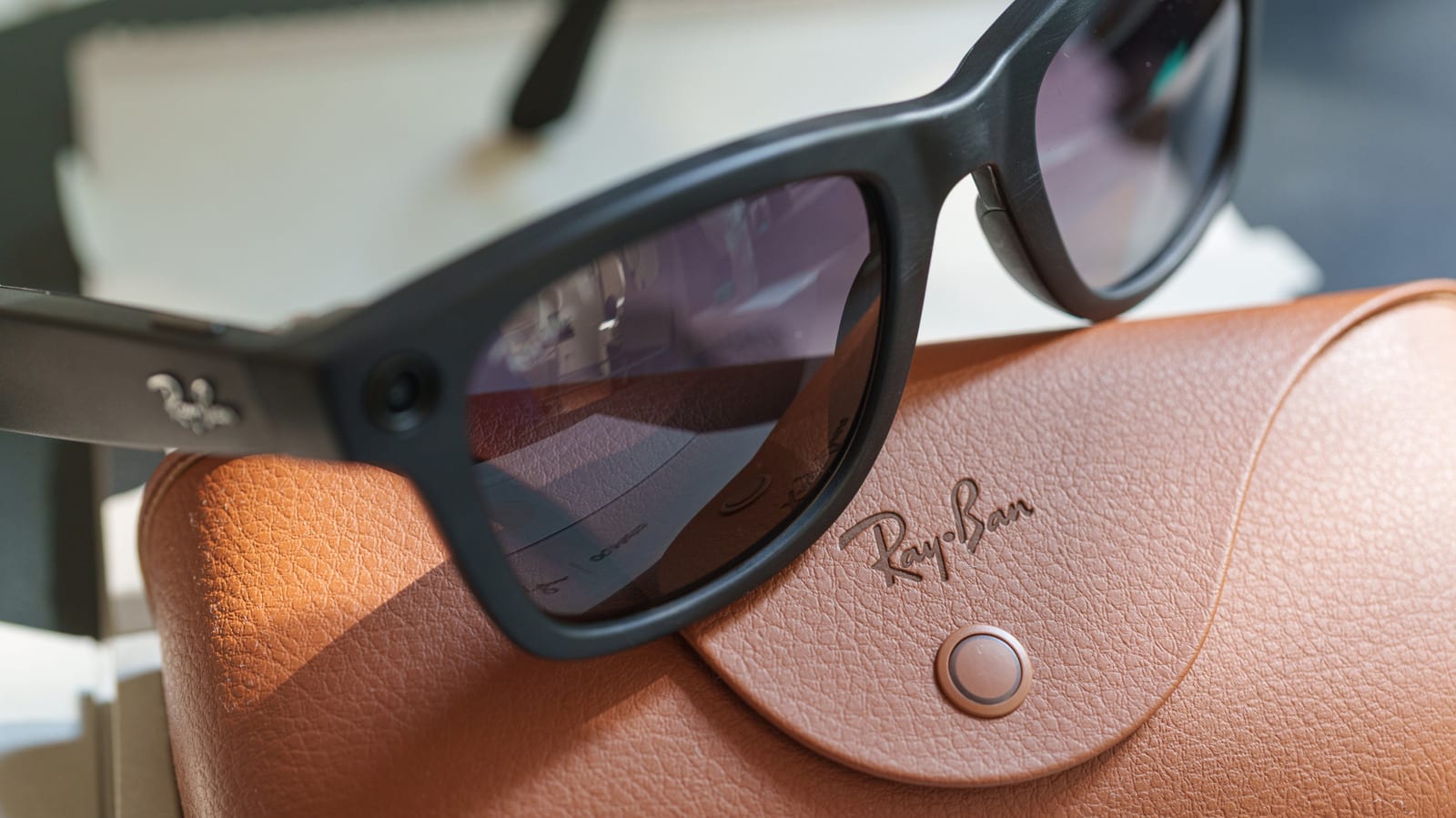
Act this weekWhat happenedEngadget laid out four settings in the Meta AI app that reduce the data Ray-Ban Meta glasses collect, upload or store.
Who is affectedAnyone who owns or plans to wear Ray-Ban Meta smart glasses, including the first-generation pair.
What to do- 1Open the Meta AI app, choose your glasses and turn off the "Hey Meta" toggle if you do not want constant listening.
- 2Go to Glasses privacy and turn off Cloud media so photos stay on the glasses until you import them.
- 3In Glasses privacy, turn off Share additional data to stop optional usage reporting.
- 4Under Meta AI, disable Store visual data from AI experiences, with the glasses out of the case and connected, and repeat for each pair.
If you own Ray-Ban Meta glasses, or plan to wear a pair, a few minutes in the Meta AI app can limit what the glasses hear, upload and keep. Engadget walked through four settings that cut down the data collected. The glasses have been widely criticized for the ways they can invade people's privacy, and Meta puts some of the controls where they are easy to miss.
What the settings control
The first is the "Hey Meta" wake phrase. When it is on, the glasses are always listening for those two words. Normal talk can sound close enough to set it off by accident. In the US, you can also no longer stop Meta from storing recordings of your AI voice interactions in the cloud. You can delete them by hand, but you have to remember to.
The second is Cloud media. Photos and videos normally stay on the glasses until you import them to your phone. With Cloud media on, Meta can keep copies on its servers for up to 30 days. Meta says ordinary gallery captures are not used to train its AI or serve ads, whatever this setting says.
The third is Share additional data, which sends optional usage details, such as which features you use and how often. The fourth is new. In September 2026, Meta added an option to stop visual data from AI requests, like asking the assistant to identify a plant or translate a menu, from being stored for AI training. Before that, such data could be kept for training, including review by human contractors.
What you give up
- Turning off "Hey Meta" still leaves the touchpad on the right temple to call the assistant.
- Turning off Cloud media removes voice-controlled photo sharing and autocapture.
- Turning off visual data storage may break visual reminders, such as asking the glasses to remember an object.
- Turning off additional data sharing does not change how you use photos, calls or music.
What these settings do not do
None of them is a full off switch. Meta still collects data it says it needs to run the glasses and keep them safe. Cloud media off does not stop images from reaching Meta when you ask the assistant a visual question. The new visual data opt-out does not erase what was already processed. Turning off additional data sharing does not delete information already collected.
Phone backups matter too. If iCloud or Google Photos backs up your camera roll, imported glasses photos may still end up in the cloud, just on another company's servers.
What to do
The alert box above lists the steps. Owners of more than one pair, including the first-generation Ray-Ban Meta glasses, must change the visual data setting on each pair separately. For that setting, the glasses need to be out of the case and connected to your phone.
The takeawayOpen the Meta AI app and review all four settings on every pair of glasses you own, knowing some features will stop working.