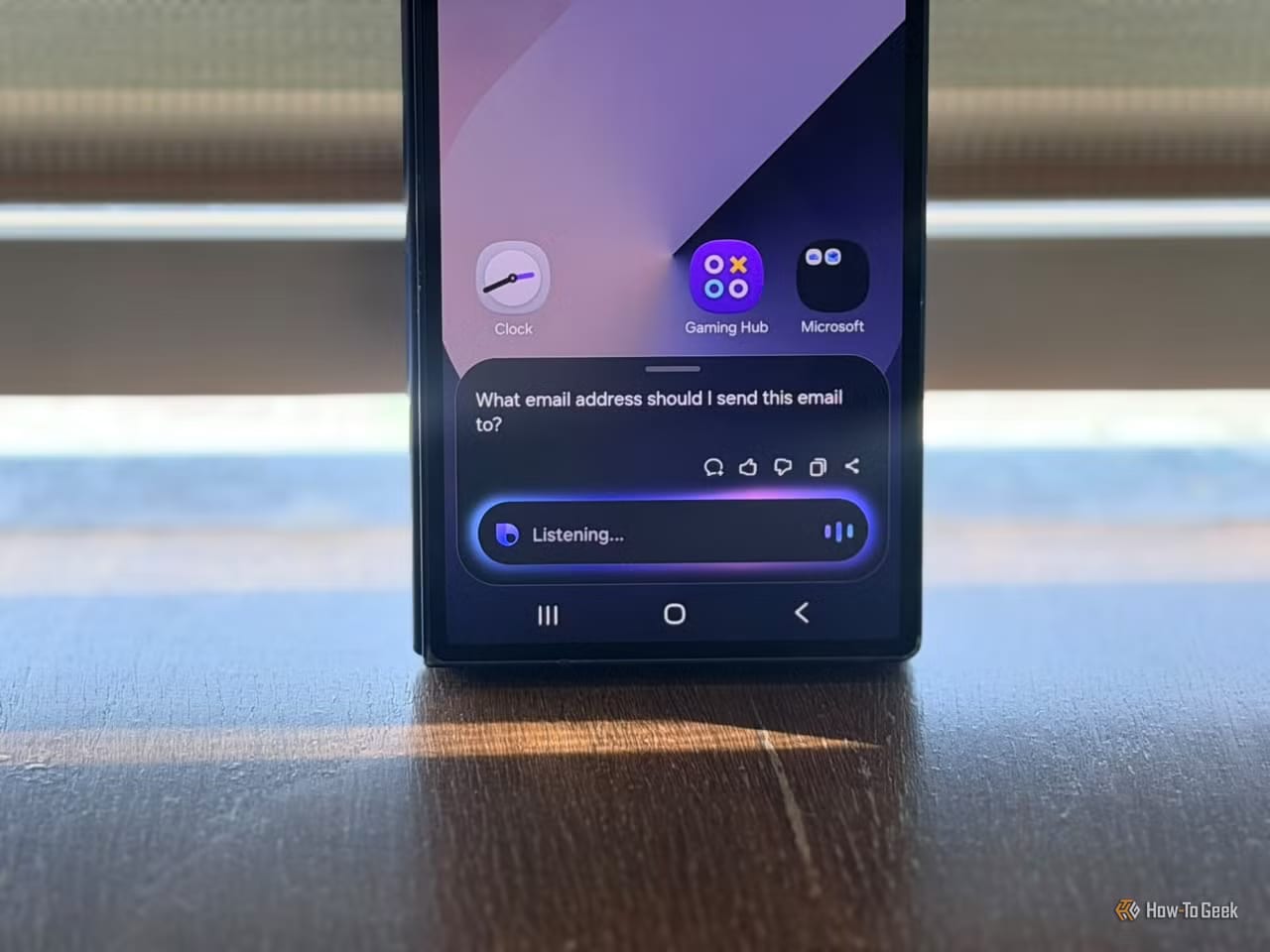
A How-To Geek writer who likes her Samsung Galaxy phone says she replaces five of its preinstalled apps right away: Bixby, Samsung Shop, Samsung News, Samsung Members and Samsung Internet. Her reason is simple. She already has apps that do each job better, so keeping both feels unnecessary. Some are easy to remove. One is not.
The five swaps
- Bixby, Samsung's assistant, gives way to Google's Gemini.
- Samsung Shop gives way to Amazon, Walmart or Best Buy.
- Samsung News gives way to Google News.
- Samsung Members gives way to Reddit for fixes and tips.
- Samsung Internet gives way to Chrome.
Why she switches
On Bixby, the writer says simple requests often confused it. Asking about a place she wanted to visit got her a web search, not an answer. Gemini understands everyday language and works with Google Keep and Google Maps, so it can make grocery lists or give directions.
Google News pulls stories from many publishers into one feed, which lets readers compare coverage. Chrome syncs bookmarks, passwords, history and open tabs across devices. Reddit shows how other Samsung owners fixed the same problem and what they think of software updates. Samsung Members still has a place for official diagnostics and support, she notes.
How to remove them
Samsung Shop is the easy one. Open Settings, then Apps, then Samsung Shop, then Uninstall, and confirm. Samsung News, Samsung Members and Samsung Internet can also be removed from the Apps settings.
Bixby is harder, because the phone will not let you remove it directly. The writer's method is to connect the phone to a computer with USB debugging turned on and run a command through ADB, short for Android Debug Bridge. It is a tool that lets a computer send instructions to a phone. ADB is also an option for the News and Members apps.
A word of caution
Removing system apps with ADB carries risk. The writer warns that taking out the wrong package can affect features you rely on. Anyone unsure should stick to the regular Uninstall button in Settings. The article does not say how much space each app frees up.
The takeawaySamsung Shop and a few others come off in Settings, but removing Bixby needs a computer and care, since the wrong removal can break features.