An Apple Watch can do more for an older person living alone than count steps. Fall Detection, medication reminders, heart alerts and emergency tools are all built in, and most take only a few minutes to turn on. Engadget walked through the settings it thinks every senior with the watch should check.
Why a watch fits
Plenty of people of all ages wear an Apple Watch, so it does not mark the wearer as vulnerable the way a medical pendant can. That matters to older people who do not think of themselves as seniors. The numbers show the risk is real. Pew Research says 26% of US adults 65 and older lived alone in 2023.
Emergency help
Emergency SOS calls emergency services when something goes wrong. Press and hold the side button, then drag the Emergency Call slider or keep holding until the call is made. It needs a cellular watch with an active plan, Wi-Fi calling, or the paired iPhone nearby.
- To switch it on, open the Watch app on the iPhone, tap Emergency SOS and turn on Hold Side Button to Dial.
- Medical ID lives in the Health app. Tap your profile picture, choose Medical ID, tap Edit and add Emergency Contacts.
- Keep allergies and conditions current, because medics who find the watch will review that information.
Fall Detection
The CDC says more than one in four people 65 and older fall each year. It also says 319,000 older people are hospitalized for hip fractures after a fall every year. Fall Detection turns on automatically if the Health app says you are 55 or older. If the watch senses a fall, it asks whether you fell. If you ask for help, do not answer, or stay still, it calls emergency services.
To check it, open Settings, then SOS, on the watch and make sure Fall Detection is on. Choosing Always On is part of the steps. Crash Detection does the same after a serious car crash on recent models. It is under Emergency SOS as Call After Serious Crash.
Heart alerts
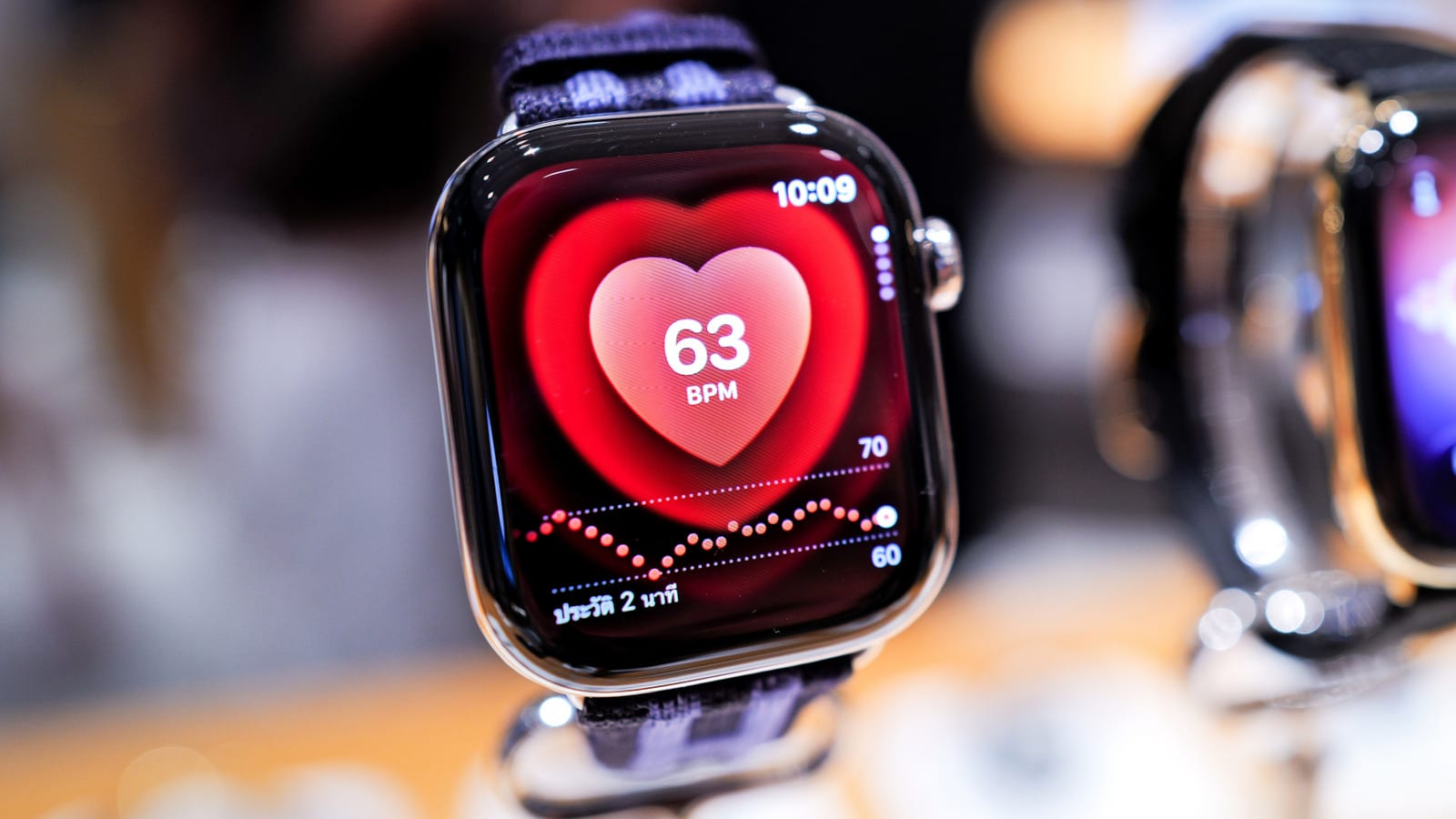
The watch measures heart rate all day using lights on its back. It can warn you if your rate goes above or below limits you set, such as 120 or 40 beats per minute. The ECG app takes a reading in 30 seconds to help spot signs of atrial fibrillation, an irregular heart rhythm. The watch cannot identify heart attacks. Turn these on under Settings, then Heart.
Pills, sleep and sound
Medication Reminders tap your wrist when a dose is due. Set them up in the Health app under Browse, then Medications, then Add Medication. The watch can also build a log to share with a doctor.
- Sleep tracking can flag possible sleep apnea for a doctor to look into.
- Sound Recognition listens for doorbells, sirens or fire alarms. Turn it on in Accessibility settings on the iPhone.
The last one may help the many people who lose hearing with age. Achieve claims one in four US adults in their sixties have hearing loss.
The takeawayIf you or a parent wears an Apple Watch, check Fall Detection, Emergency SOS, Medical ID and Medication Reminders this week.