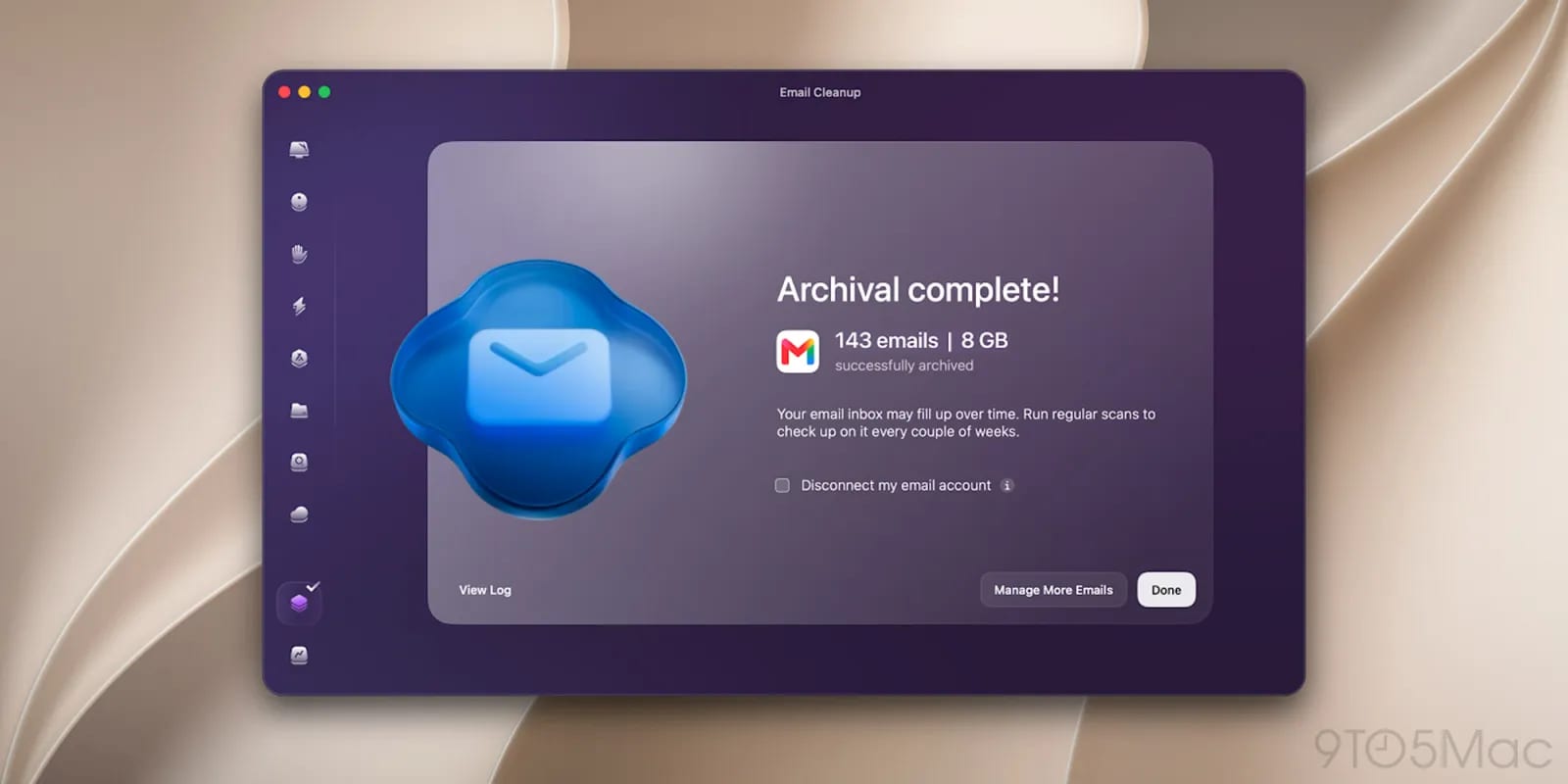
CleanMyMac, the Mac cleanup app from MacPaw, can now help with your Gmail inbox and your Chrome browser. Two new features, Email Cleanup and Browser Care, are rolling out now to people with an active CleanMyMac subscription.
What the tools do
Email Cleanup finds emails that take up storage. That space is shared across Gmail, Google Drive and Google Photos, so deleting those messages for good can free room for all three.
Browser Care uses a Chrome extension that connects to the app. It shows near real-time memory use for each tab. You can pause tabs that use a lot of resources, find duplicate tabs across windows, and spot pages left open for hours or days.
Control and privacy
MacPaw says Email Cleanup asks for confirmation before it changes anything. Browser Care only closes or suspends tabs when you choose to. The company also says page content, titles and browsing history stay on your Mac.
What is not known yet
The material does not say what a CleanMyMac subscription costs. It also does not say whether other email services or browsers will be supported. For now, both tools are built only for Google's Gmail and Chrome.
The takeawayIf you already pay for CleanMyMac, the new Gmail and Chrome tools are available now; if not, they are not a reason on their own to subscribe yet.