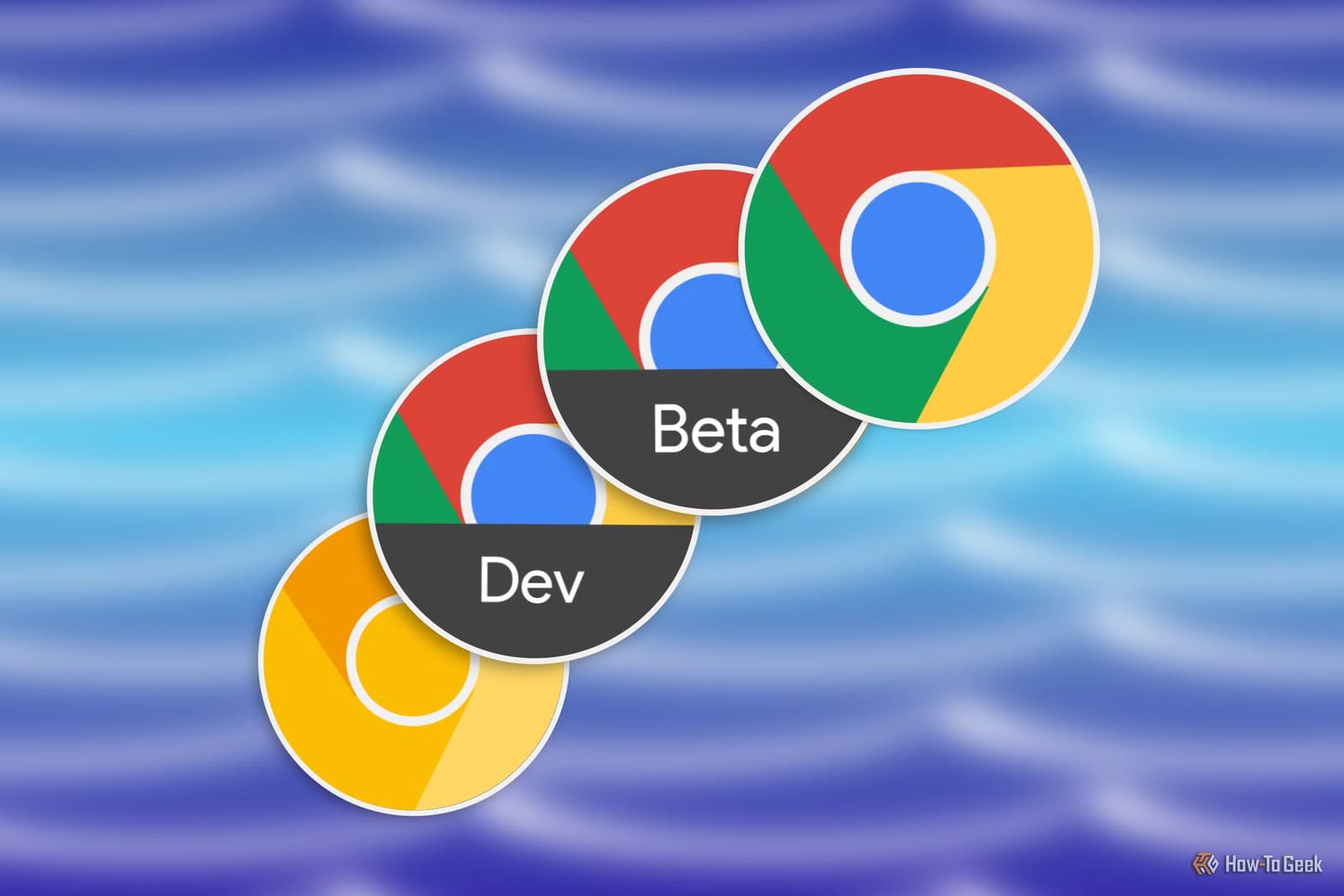
Most Android phones come with Chrome already installed, but the app actually comes in four versions: Canary, Dev, Beta and Stable. Each is a separate app with its own icon, so all four can sit on the same phone at once. They differ mainly in how new they are and how likely they are to break.
Why there are four
Google builds Chrome features in stages, called channels. New code starts at the least stable end, Canary, and gets more testing as it moves toward the final release. Each step is a little more polished and a little less exciting than the one before it.
The four versions
- Canary: updates almost daily and can crash. Not meant as your main browser.
- Dev: updates about weekly. Built mainly for developers, and fine as a secondary browser at most.
- Beta: updates every two weeks. Reliable enough for daily use, with the occasional bug.
- Stable: the version most phones already have. A new one arrives about every four weeks.
Canary is named after the canary in a coal mine, because it is first to find out when something is not working. It is labeled Unstable for a reason, and some builds make the whole app crash. Its experimental features may never reach the public.
Dev gets features several months before the final version. That long lead time shows how unfinished things still are. Features seen in Dev sometimes go no further.
Which one to use
Stable has passed through every other channel and been tested by a lot of people. It should rarely crash or break a website. If Chrome handles your banking, work and everything else, this is the one to rely on. The only cost is a longer wait for new features.
Beta suits people who are curious about what is coming. It works a bit like a Chrome with bonus features. Nothing is promised, but it is usually a good preview of what the final version will get soon.
You do not have to pick one
The versions do not overwrite each other. Each keeps its own tabs, history and settings. You can still sign in with the same Google account to sync bookmarks and passwords across them. That means Stable can stay your main browser while you try Beta or the others on the side, without risking your data and preferences.
The takeawayKeep Stable for banking and work, and add Beta if you want early Chrome features without much risk to your data.