ChatGPT can now build slide decks in a dedicated tool called Slides, but only on Pro plans and above, which cost at least $100 a month. Free and $20 Plus users get a simpler option. A Lifehacker tester tried both and found the decks usable but rushed, and the new tool a bit buggy.
What it is
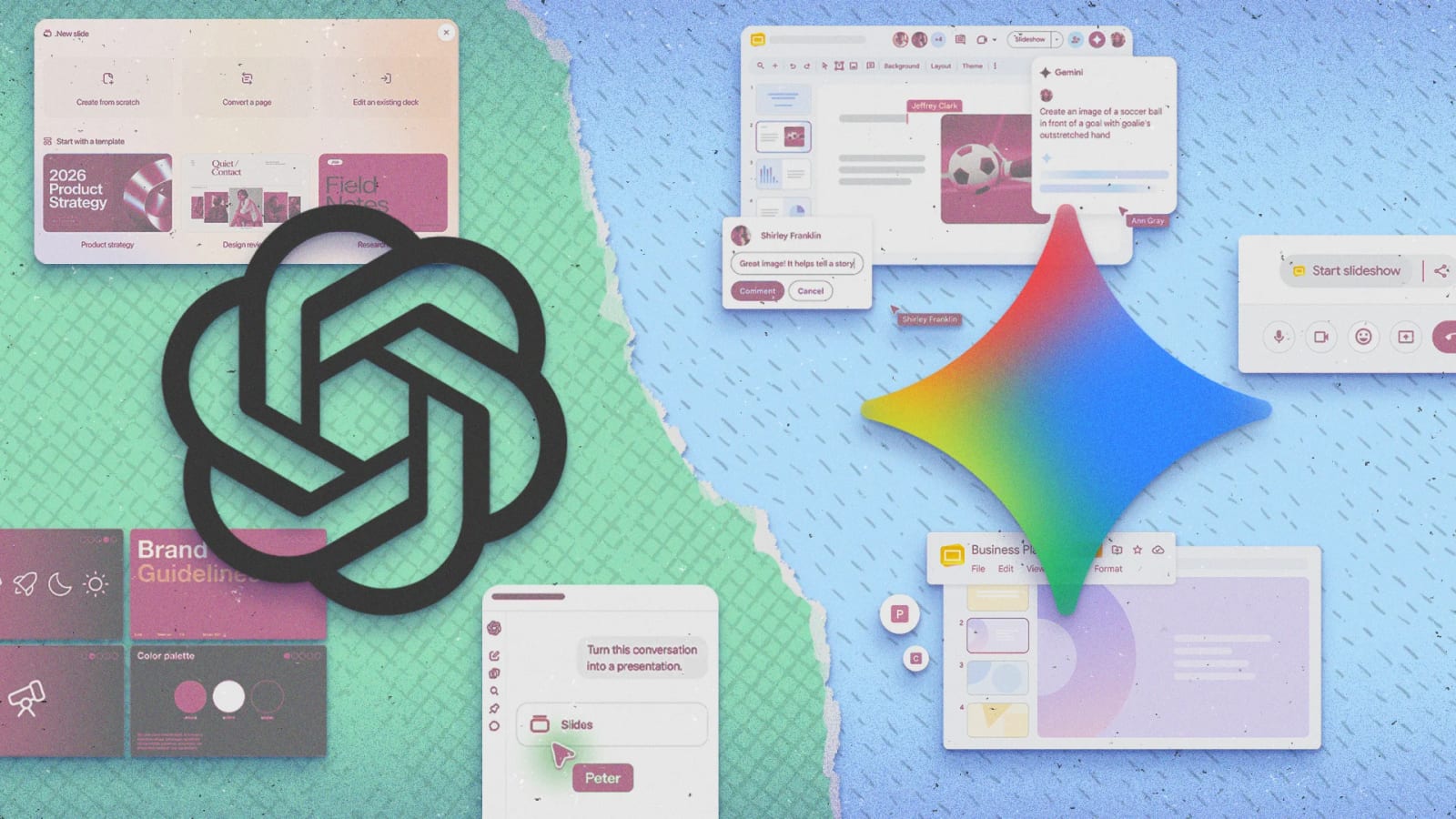
ChatGPT Slides lets you create PowerPoint-style decks from inside your conversations. It was announced a few weeks ago and is now appearing for Pro users. It is part of OpenAI's push to build an office suite inside ChatGPT. Pages, a word processor, is already on Pro tiers and above, and a spreadsheet app is on the way.
What free and Plus users get
On the free plan or the $20-a-month Plus plan, ChatGPT can still turn a conversation into a downloadable PowerPoint file. These files are more basic. They have no collaboration tools and no native editing.
In the test, a Plus deck about Apple's iPhone Duo was fairly competent, and the information looked accurate. But it read like a quick template job. A product photo only appeared because it was requested. Edits had to be typed into the prompt box, since individual slide elements could not be selected.
What Pro adds
- A dedicated Slides area where you can start a blank presentation.
- Basic image and text features, though the idea is to build by prompting.
- Collaboration tools, which the tester could not try.
The Pro deck was longer, better laid out and more informative. It included battery life charts and official photos. Building a deck from scratch in Slides felt tedious, and some requests did not finish. Starting with a normal chat and converting it into a deck worked better.
Where it falls short
At every tier, the decks did not flow well from slide to slide. The tester said it felt as if an algorithm, not a person, had picked what to include and where to put it. In Pro and in chats, you can click elements to resize and move them, or ask for changes in plain words.
The tester would still choose traditional slide tools for now. They give more precision and full control, and their templates make it easy to build something clean. The comparison with Gemini inside Google Slides was cut off in the material provided, so that part is not covered here.
What to do
For a quick, rough deck from a chat, the free or Plus plan is enough, and there is no clear reason to upgrade. For polished or important work, a traditional slide tool still gives you more control. The tester expects Slides to reach cheaper plans eventually, but no date was given.
The takeawayFor a rough deck, free or Plus ChatGPT is enough; for polished slides, traditional tools still give more control than the $100 Slides tool.