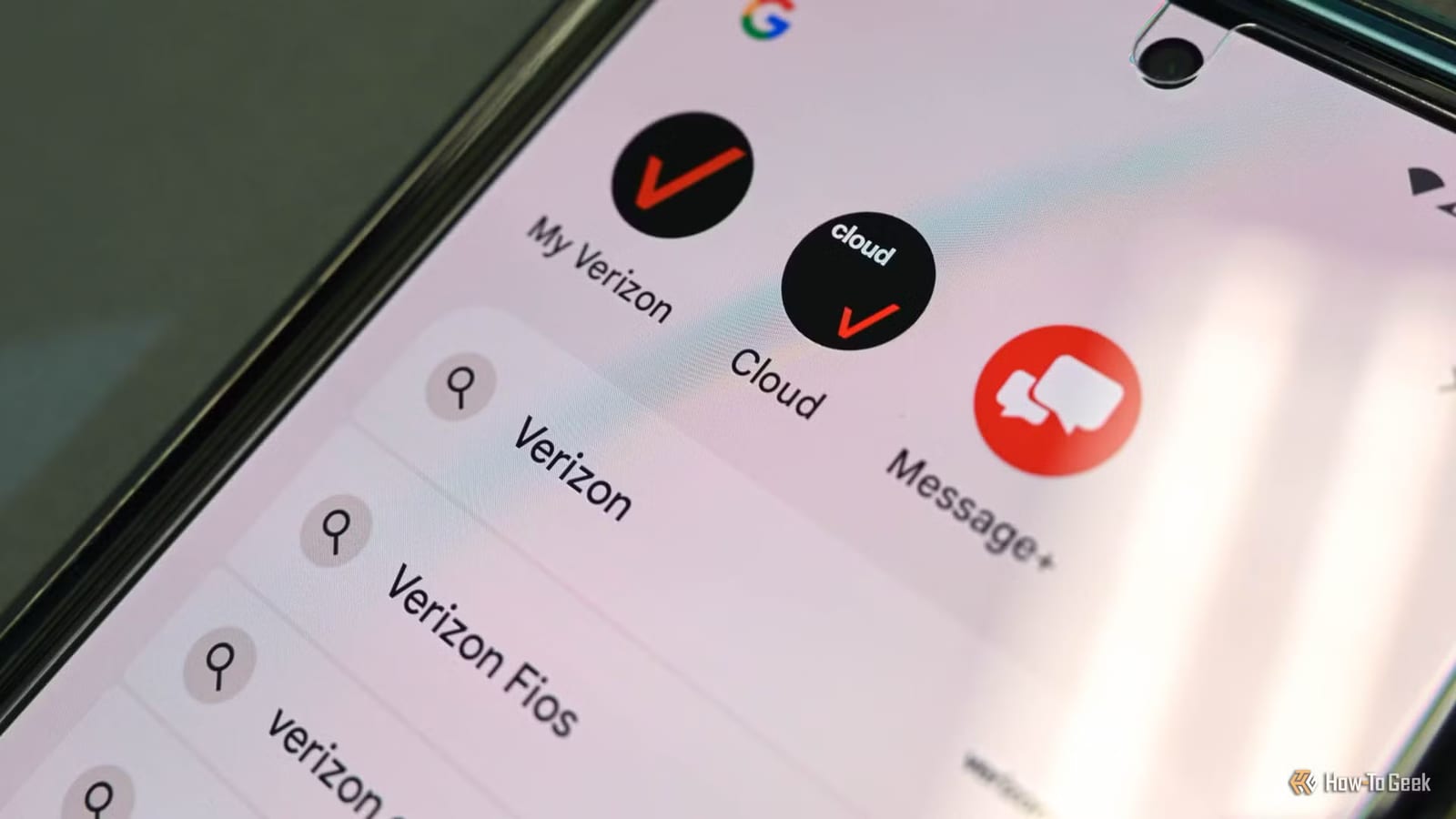
If your Android phone has grown sluggish, age may not be the only cause. How-To Geek reports that apps your carrier preinstalled, often called bloatware, can run quietly in the background. They use up storage, memory and battery, and some are hard to remove.
What bloatware is
Bloatware is software that comes on the phone before you ever use it. It exists because of partnerships between the companies that make the phone and software and the carriers. Typical examples are customer service tools, billing apps, music streaming and news. According to the report, these apps often offer no core function and mainly serve as promotion.
Why it slows things down
One app may not matter much. Many of them add up. They take storage, and they run background tasks that use the phone's memory and processor and drain the battery. The report says these apps run at startup, so they work without any action from you.
Some of that background work is tied to the carrier. The report says it can include checking how well the phone hands off between cell towers, measuring signal drops and data speeds, and tracking data use against your plan's cap.
Heat and throttling
A hot phone protects itself by cutting processor and graphics speed. This is called thermal throttling. It can lower frame rates and make apps respond more slowly.
The report is careful on one point. Background data collection alone is not enough to cause throttling. It can add to the problem when combined with gaming, high-resolution video recording, fast charging or direct sunlight.
What to do
There is no single menu that turns off all carrier background activity. The main fix is removing preinstalled apps where you can.
- Look through your app list for carrier apps you never chose.
- Uninstall or disable the ones that allow it, like any regular app.
- Some apps need a tool called Android Debug Bridge, or rooting the phone.
- Rooting gives full control of the system, beyond the basic controls.
The last two options go beyond normal settings. The report does not walk through the steps, so they may not suit everyone.
The takeawayIf your Android feels slow or warm, check for carrier apps you never chose and disable or remove the ones your phone lets you.