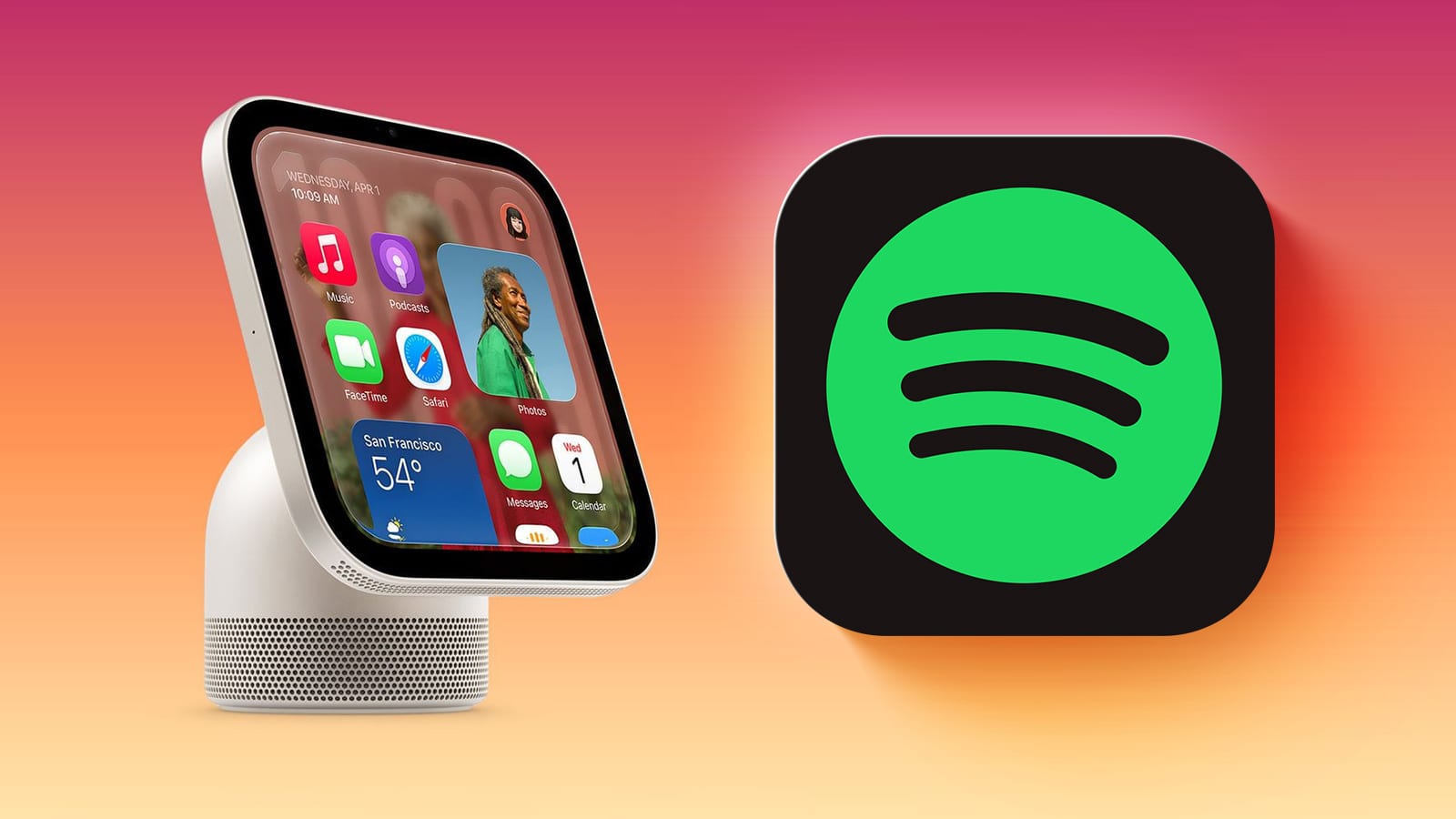
Apple's new HomeView smart home hub has no App Store, but it can still show some apps from other companies. A developer has shared a demo of Spotify running on it. The trick is that HomeView borrows apps from a nearby iPhone.
What changed
HomeView can automatically mirror audio and video apps from a paired iPhone that is close by. It only works with apps that already support CarPlay, Apple's system for showing iPhone apps on a car screen. The apps need no changes to make this work.
The demo came from Steve Troughton-Smith, who makes the Broadcasts app. He posted a short animated clip on Mastodon showing Spotify on a virtualized HomeView. Virtualized means the device was simulated in software, not a real unit in hand.
Who it affects
Anyone thinking about buying a home hub for music or video. Since there is no App Store, you cannot add apps directly to HomeView. What it can show depends on which of your iPhone apps work with CarPlay.
What is not known yet
- Which other apps beyond Spotify will work on HomeView.
- How smooth the experience feels on a real device instead of a simulation.
HomeView is available to pre-order now and launches Friday, November 13.
The takeawayBefore pre-ordering HomeView, check whether your favorite music and video apps support CarPlay, because that decides what the hub can show.