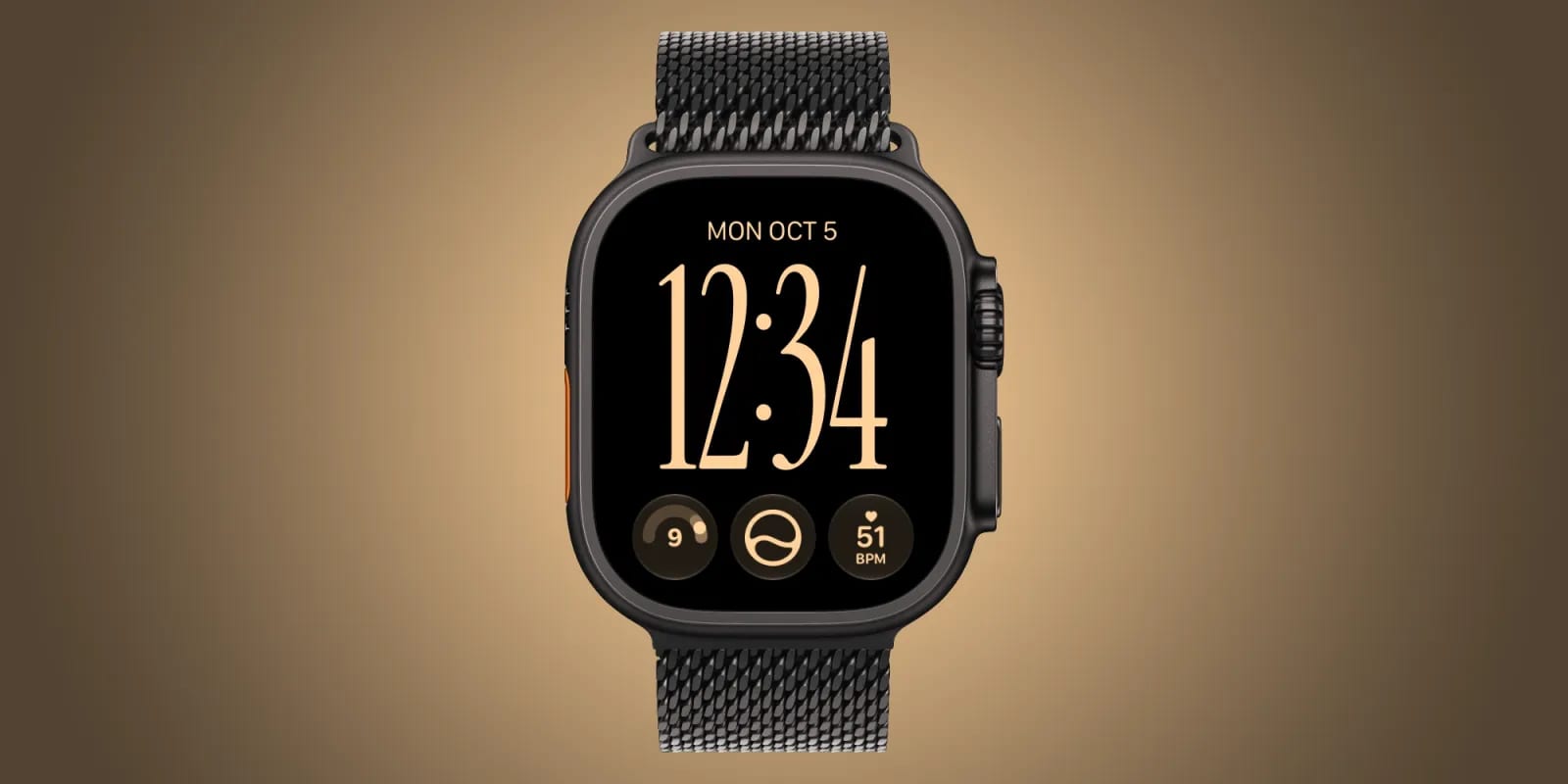
Apple has released watchOS 27.2 for the Apple Watch, and the main news is that its Siri AI now works in more languages. When watchOS 27.0 launched, Siri AI only worked in US English. If you wear an Apple Watch and speak something else, this update is the one to look at.
What changed
According to 9to5Mac, the update is largely focused on improving Siri AI. Apple's release notes say the list of supported languages has grown. The same expanded set of languages also comes to the Apple Vision Pro in visionOS 27.2, along with a new Apple Music icon. No other changes have been found so far.
How to get it
Install iOS 27.2 on your iPhone first. Then open the Watch app on the iPhone to download and install watchOS 27.2. Doing it in that order matters, because the watch update depends on the phone being current.
What is not clear yet
The source material does not name the new languages, so check Apple's release notes to see whether yours is included. It also does not say which Apple Watch models can run the update or whether anything else changed beyond Siri AI.
The takeawayUpdate your iPhone to iOS 27.2 first, then install watchOS 27.2 in the Watch app, and check Apple's notes for your language.