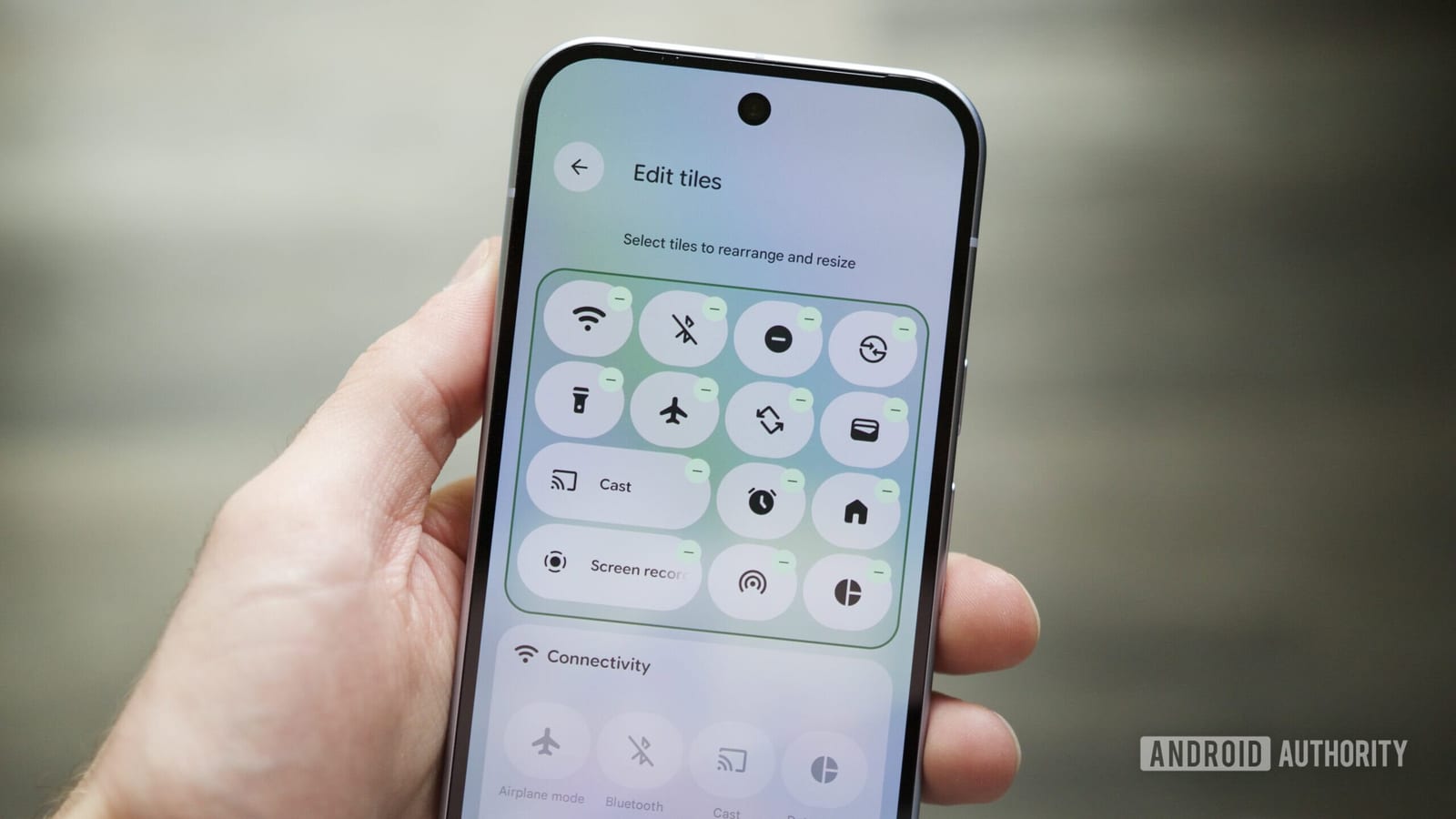
Act this weekWhat happenedThe latest Android 17 beta adds a way to lock the Wi-Fi, Bluetooth, Mobile Data and Airplane Mode toggles on the lock screen.
Who is affectedAndroid phone owners, especially anyone worried about a lost or stolen phone. For now it only reaches people testing the beta.
What to do- 1Set a PIN, pattern or fingerprint lock if your phone does not have one.
- 2Check whether your phone model will get Android 17 and when.
- 3After updating, look in the lock screen settings for the new toggle protection.
- 4Skip beta software on your main phone, since betas can have bugs.
Google has added a way to lock the Wi-Fi, Bluetooth, Mobile Data and Airplane Mode switches on the lock screen. It shows up in the latest Android 17 beta. Until now, anyone holding your locked phone could swipe down and flip those switches.
What changed
Android has a pull-down panel called Quick Settings, with shortcuts for common switches. It works even when the phone is locked. That is handy for you, but also for a thief. Turning on Airplane Mode or switching off mobile data can cut the phone off from the internet, which makes it harder for you to find or lock it remotely. The new option closes that gap.
Who it affects
Any Android phone owner could benefit, especially anyone who worries about losing a phone or having it stolen. For now, though, the change only reaches people testing the beta. Most phones do not have it yet, so there is no need to panic.
What to do
The steps in the box above are short. Start with a screen lock, since the protection means little without one. Skip beta software on your main phone, because betas can have bugs.
What happens next
The source does not say when the feature will reach everyone, which phones will get Android 17, or whether the new setting will be on by default. Those details are not known yet. Watch for your phone maker's update announcements.
The takeawayMake sure your phone has a screen lock now, and look for the new toggle protection once Android 17 reaches your phone.