Act this weekWhat happenedAgencies like the TSA and FBI have warned that public USB chargers could be rigged to install malware or steal data, though experts say real attacks are not documented.
Who is affectedAnyone who charges a phone or tablet, including iPhone users, at airports, hotels and other public USB charging stations.
What to do- 1Bring your own power brick and cable and plug into a wall socket.
- 2Carry a rechargeable battery pack as a backup.
- 3If you must use a public USB port, tap "Don't Trust" on any trust prompt.
- 4Consider a cheap USB data blocker, which charges your phone but blocks data transfer.
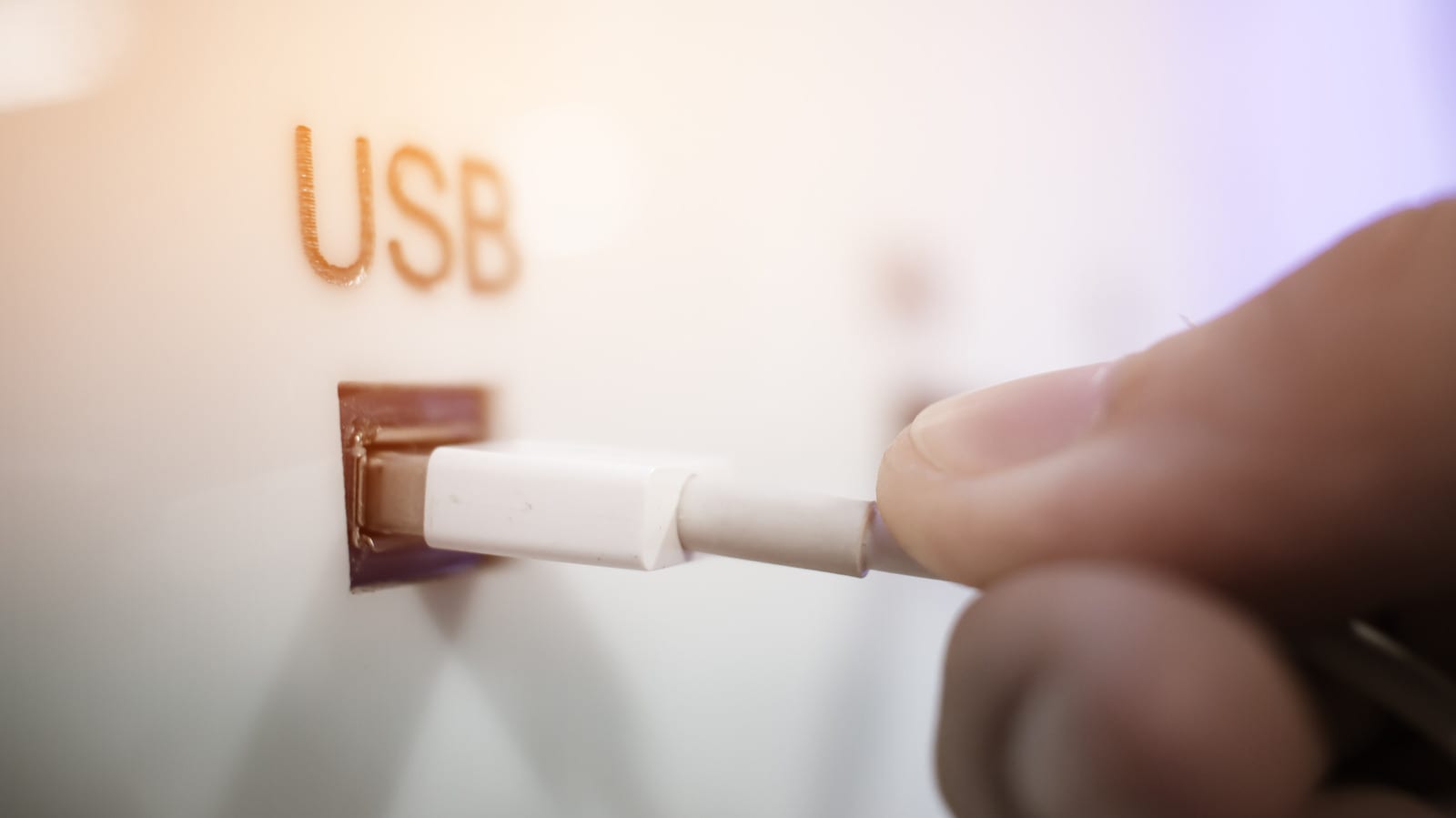
Charging your phone at an airport USB port is reasonably safe, according to security researchers. Still, the TSA has told travelers not to do it, and avoiding the risk costs very little. The worry is called "juice-jacking," where a rigged public charger tries to install malware or steal data from a phone.
What changed
In a March 2025 Facebook post, the TSA said: "When you're at an airport do not plug your phone directly into a USB port." It advised travelers to bring their own power brick or battery pack instead. The FBI has also warned against public USB charging.
Not everyone agreed on how big the danger is. The FCC published its own juice-jacking warning, then withdrew it after tech experts disputed the extent of the threat. In 2019, the Los Angeles County district attorney warned about it, then confirmed it had no cases on its books.
Why it matters
The risk comes from how USB works. One cable carries both power and data, on separate internal pins. In theory, an attacker could tamper with a public charging point so it reaches the data side of your cable.
This has been shown in demonstrations. At the Black Hat USA conference in 2013, Georgia Tech researchers presented a malicious charger prototype called Mactans. It could infect an iPhone running iOS 6. Security pros say there are no credible reports of a successful real-world attack.
Who can relax
iPhone owners have some built-in help. After the Mactans demo, Apple added the "Trust This Computer?" prompt. It appears when a device you plug into wants to set up a data connection. If it shows up at a charging port, tap "Don't Trust" unless you actually mean to share data. The risk is small, but it is not zero, and it applies to anyone using public USB ports at airports, hotels and similar places.
What to do
The steps in the alert box above cover the simple fixes. Your own charger or a battery pack avoids the problem entirely. A data blocker is a small, inexpensive dongle that lets power through but stops data. One catch: blockers for the older, rectangular USB-A ports prevent fast charging, so your phone charges more slowly. Modern USB-C blockers do not have that issue.
What to watch for
Some public spots offer "Secure" charge points that block data transfer entirely. Those can also work where available. The usual travel habits still matter too: avoid public Wi-Fi for sensitive information, install the latest software updates and turn on multi-factor authentication for important accounts.
The takeawayPublic USB ports are probably fine, but your own charger, a battery pack or a data blocker removes the risk, and "Don't Trust" is the right tap.