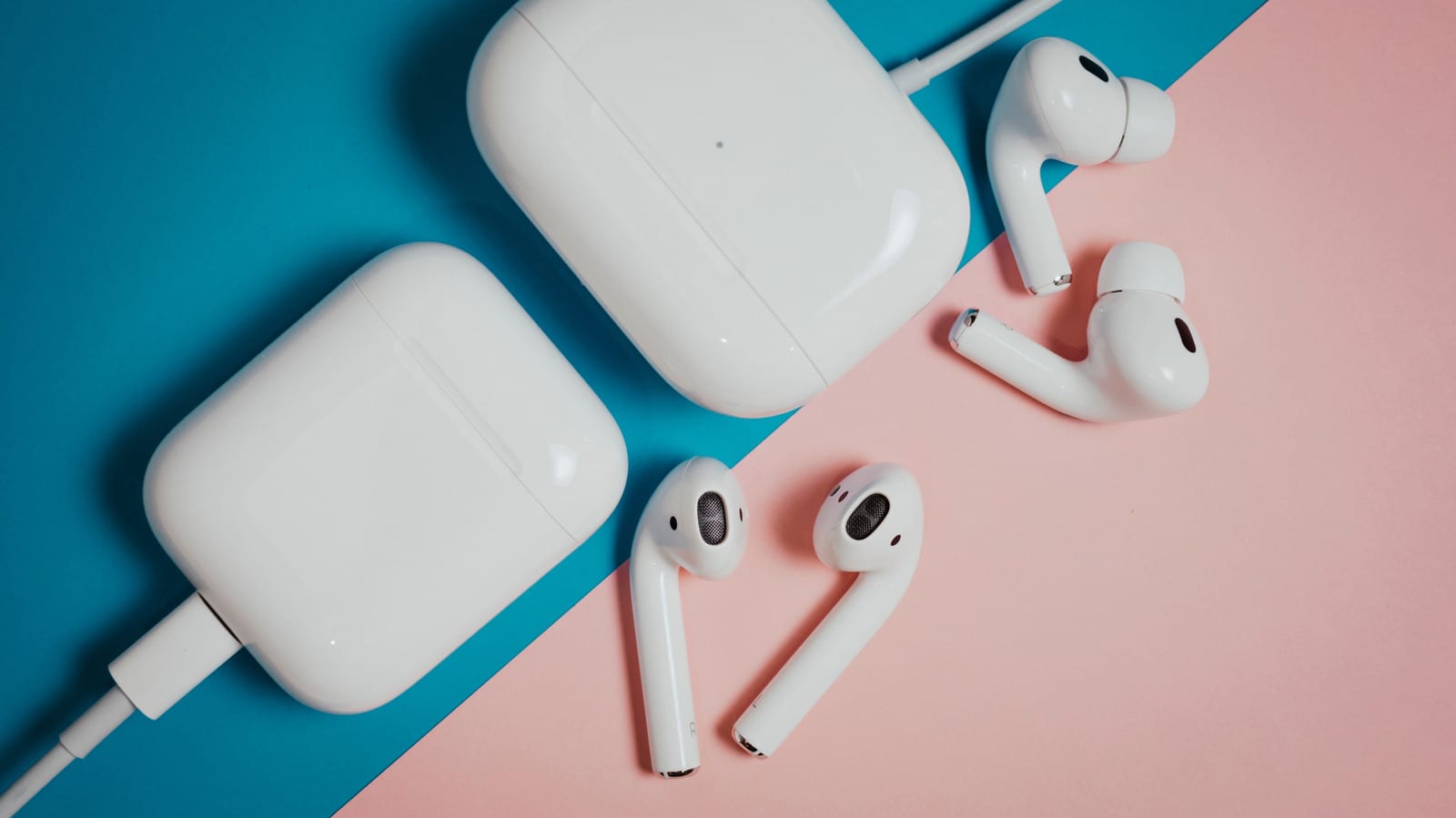
Your AirPods update themselves, but nothing tells you when. Unlike an iPhone, there is no update page to open. Apple says the updates are "delivered automatically," and you cannot force one. You can, however, set things up so an update has the best chance of installing.
Why updates matter
Firmware is the built-in software that runs your earbuds. Some updates only fix bugs and improve reliability. Others add features. Live Translation, studio-quality audio recording and remote camera control all arrived through AirPods firmware updates.
Older models can benefit too. Custom EQ, which lets you adjust the sound, works with all AirPods that have an H2 chip. Even a plain "bug fixes and other improvements" update can fix connection issues and other annoyances.
Check your version first
Start by updating your iPhone, iPad or Mac, because new AirPods firmware often needs the latest iOS or macOS. On an iPhone, open Settings, then General, then Software Update.
Next, find your AirPods version. On an iPhone or iPad, connect the earbuds and open the AirPods menu at the top of Settings. Scroll to Version in the About section. On a Mac, open System Settings, go to Bluetooth and click the i button next to your AirPods. Then compare that number with the latest version for your model on Apple's AirPods firmware page. If the numbers differ, an update is probably waiting.
How to nudge an update
- Pair the AirPods with your iPhone, iPad or Mac, and turn Bluetooth on.
- Connect that device to Wi-Fi. Updates will not download over 4G or 5G.
- Put the AirPods in the case, plug it in and close the lid.
- Keep the earbuds in range of your device and wait about 30 minutes.
Then reconnect your AirPods and check the version number again. AirPods Max work the same way: put them in the case and plug them into a charger.
If you have no Apple device
People who use AirPods without an Apple device can take them to an Apple Store or an Apple Authorized Service Provider. Staff there will update the firmware.
The takeawayTo help an AirPods update along, put them in the plugged-in case with the lid closed, stay on Wi-Fi and wait about 30 minutes.