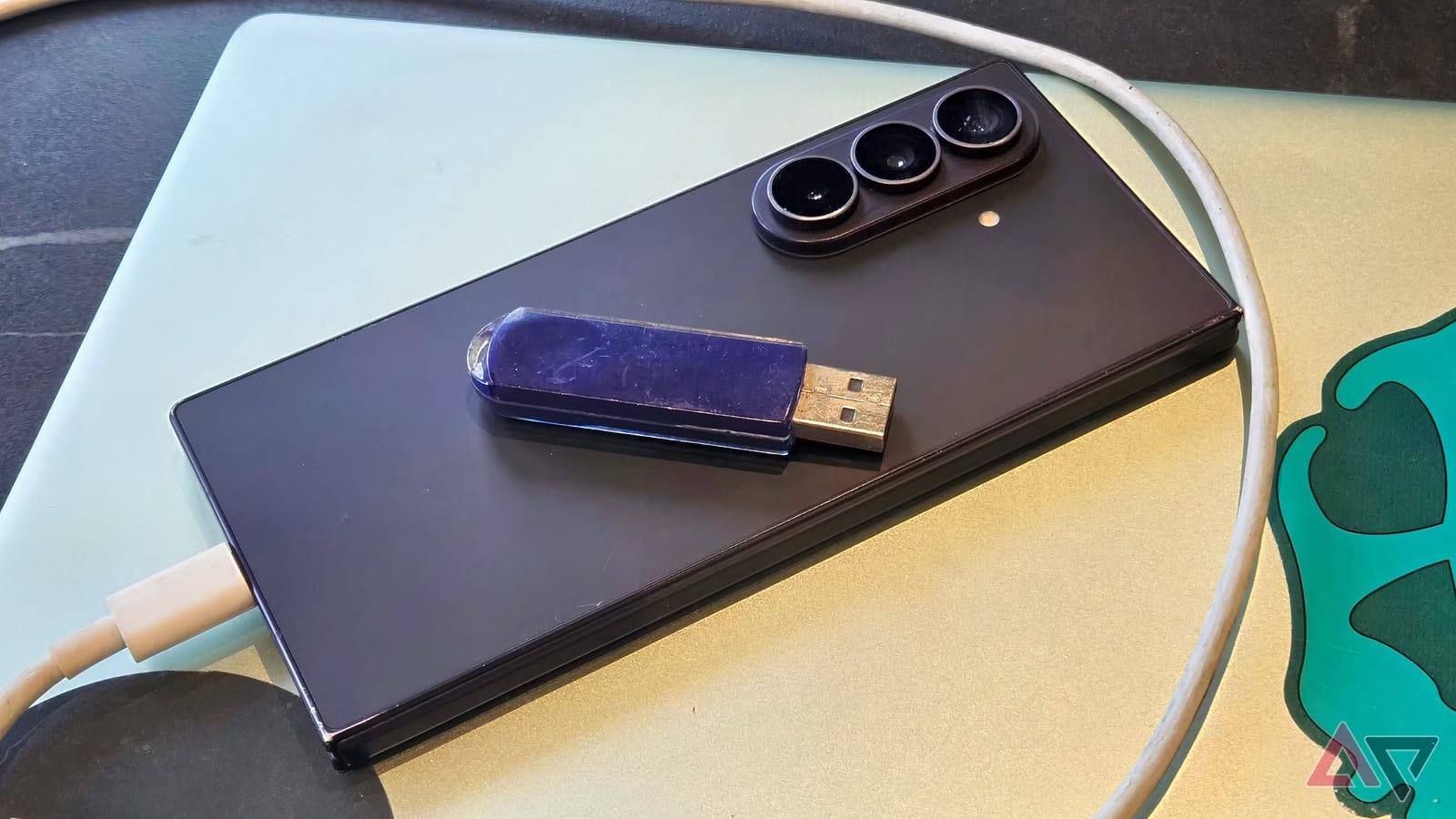
Tech writer Tom Bedford was on a filming trip in Wales without a hard drive. He did not want to risk losing his footage. So he plugged his Samsung phone into his laptop and copied about 140GB of video onto it. The phone worked as a backup drive, and he did not have to buy anything.
What happened
Bedford had his laptop and his camera's memory card, but no second place to keep the files. He was far from a store, and a trip would have taken most of a day. He dragged the files into the phone's storage using Windows File Explorer. The copy took a long while, but it worked. He could even watch the videos in the phone's My Files app.
Why drives cost more now
Bedford says the rising cost of tech has hit storage hard. A fast 256GB flash drive now costs roughly $50. On Amazon, a 1TB drive is hard to find under $100, and nearly impossible if you stick to big-name brands. He recalls paying about $60 for a 2TB drive years ago. Speed matters for video, he notes, so you are not waiting hours for a transfer.
Why a phone can do the job
Bedford's phone has 256GB of storage, about what that $50 flash drive would give him. When you connect a phone to a computer, its contents show up in folders, much like a hard drive. Most music, video and reading now happens online, he points out, so many people forget how much local storage their phone holds.
What to keep in mind
- The idea works only if the phone has enough free space for the files.
- Bedford copied 140GB, and the transfer took a long while.
- A phone backup is a second copy. Keeping a third copy elsewhere is still wise.
- The article does not say how other phone models behave.
Video is the extreme case. Bedford says four recordings of a 10-minute speech took over 40GB on a memory card. Narrative projects can use 500GB to 1TB in a day. For a smaller job, such as a weekend of photos or a few clips, a phone with spare room may be plenty.
The takeawayBefore buying a drive for a quick backup, check whether your phone has enough free space to hold the files.