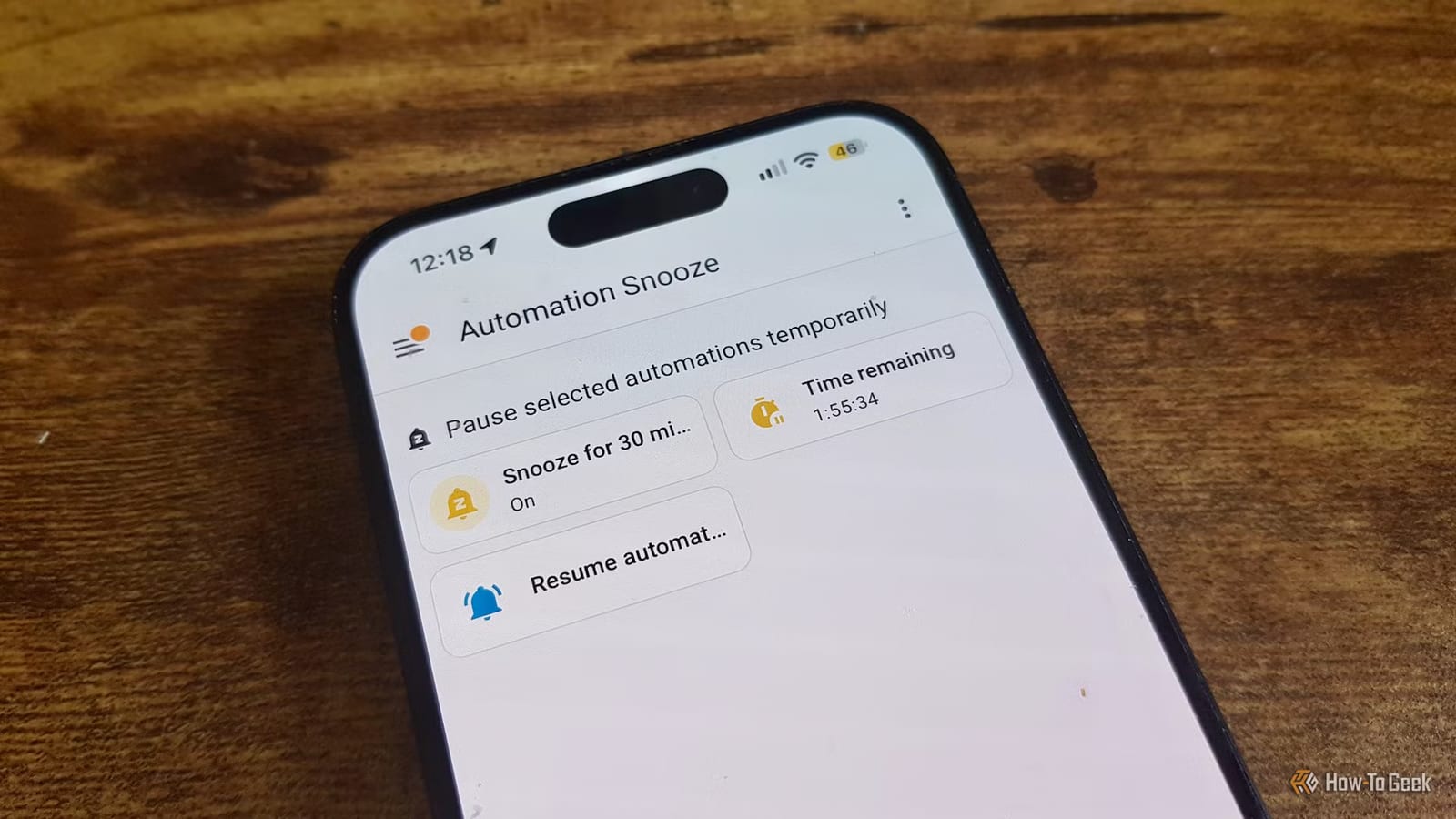
A smart home that talks at the wrong moment is annoying. Writer Adam Davidson fixed this by giving his Home Assistant setup a snooze button. One switch pauses chosen automations, and a timer turns them back on by itself. Home Assistant is software that runs a home's smart devices and automates them.
The problem
Most of his automations run with no input. The office light comes on when he walks in and the room is dark. After he has sat in his chair for half an hour, a presence sensor triggers a reminder to get up and take a break.
Usually that is what he wants. During a work video call, it is not. He does not want his smart speaker telling him to leave his desk while colleagues are listening.
Why one switch beats many exceptions
He had already made the break reminder skip itself when his laptop camera is in use. But he did not want to build exceptions like that into every automation he owns. A single pause control looked simpler.
His first plan was to label certain automations as snoozable and have a script turn them all off, then on again later. He spotted a flaw. If he had switched one of them off on purpose, the script would turn it back on with the rest.
Instead, he created a simple on/off toggle called Automation Snooze. Each automation he wants to pause now checks the toggle first. If it is on, the automation stops before doing anything.
How the timer works
A snooze that never ends is just an off switch. So turning on the toggle also starts a 30 minute timer. When the timer runs out, the toggle switches itself off and the automations return.
Five minutes before that happens, his phone gets an alert. It lets him do one of two things:
- Turn the automations back on right away.
- Extend the snooze, with choices from 15 minutes up to 2 hours.
If he extends it, the same warning repeats near the end of the new period. This continues until he ends the snooze or lets a timer run out.
How he uses it
He can start the snooze from a Home Assistant dashboard, from a dedicated control in the Control Center on his iPhone, or by asking Assist, the Home Assistant voice helper. Turning it off takes another tap or spoken command.
His takeaway is that his automations do the right thing almost all the time. The snooze button covers the few moments when they should stay quiet, without making him rework each one.
The takeawayIf your smart home speaks up at bad times, one pause switch with a built-in timer is easier than adding exceptions to every automation.