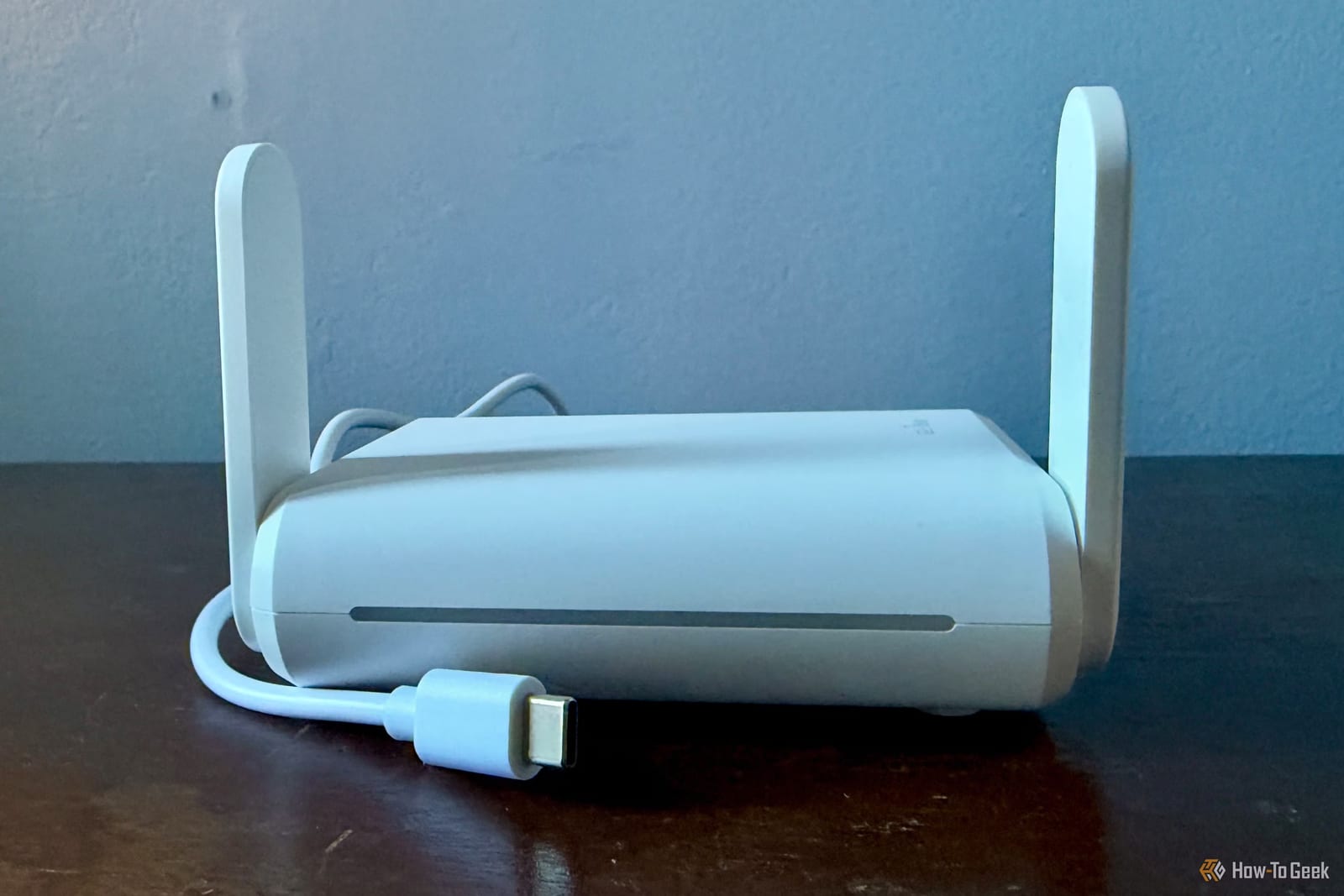
Hotel Wi-Fi login pages are a pain on every trip, and a small travel router can cut the hassle down to one login. The device joins the hotel network, then creates its own private Wi-Fi for your things. How-To Geek writer Monica J. White says it has changed how she handles hotel internet.
Why hotel logins are so annoying
Those login pages are called captive portals. Sometimes you only accept the hotel's terms. Other times you must enter a room number, a surname or other details. Being connected to the network does not mean you are online until you pass the page, and you may have to repeat it on every device.
Some gadgets make it worse. Streaming sticks and game consoles often lack a proper browser, so they struggle with these pages. Some hotels also limit how many devices you can connect, or make you log in again when your session runs out.
How a travel router helps
A travel router connects to an existing Wi-Fi network, such as the hotel's, and builds a separate network inside it. Your devices join the router instead of the hotel. Because of a standard networking method called Network Address Translation, the hotel typically sees just one device. Some hotels have stricter rules, so it may not work everywhere.
How to set it up
- Power on the router and connect your phone or laptop to its Wi-Fi.
- Open its admin page in a browser. The address is often 192.168.8.1, but it varies.
- Pick Repeater mode or Hotspot mode, then select the hotel's network.
- Open a browser, complete the hotel's login page, and share the connection.
If the login page won't appear
This is a common snag. Do not give up yet. The article suggests a few fixes, in this order:
- Visit a plain HTTP website to trigger the login page.
- Turn off any VPN or custom DNS settings on the router.
- Use the router's dedicated captive portal login, if it has one.
- Try MAC cloning, which copies the identity of a device you already logged in, such as your phone.
One more perk: you can keep the same network name and password on the travel router everywhere you go. Your devices should then reconnect on their own in each new hotel.
The takeawayA travel router lets you pass the hotel login once and share it with all your devices, though stricter hotels may not allow it.