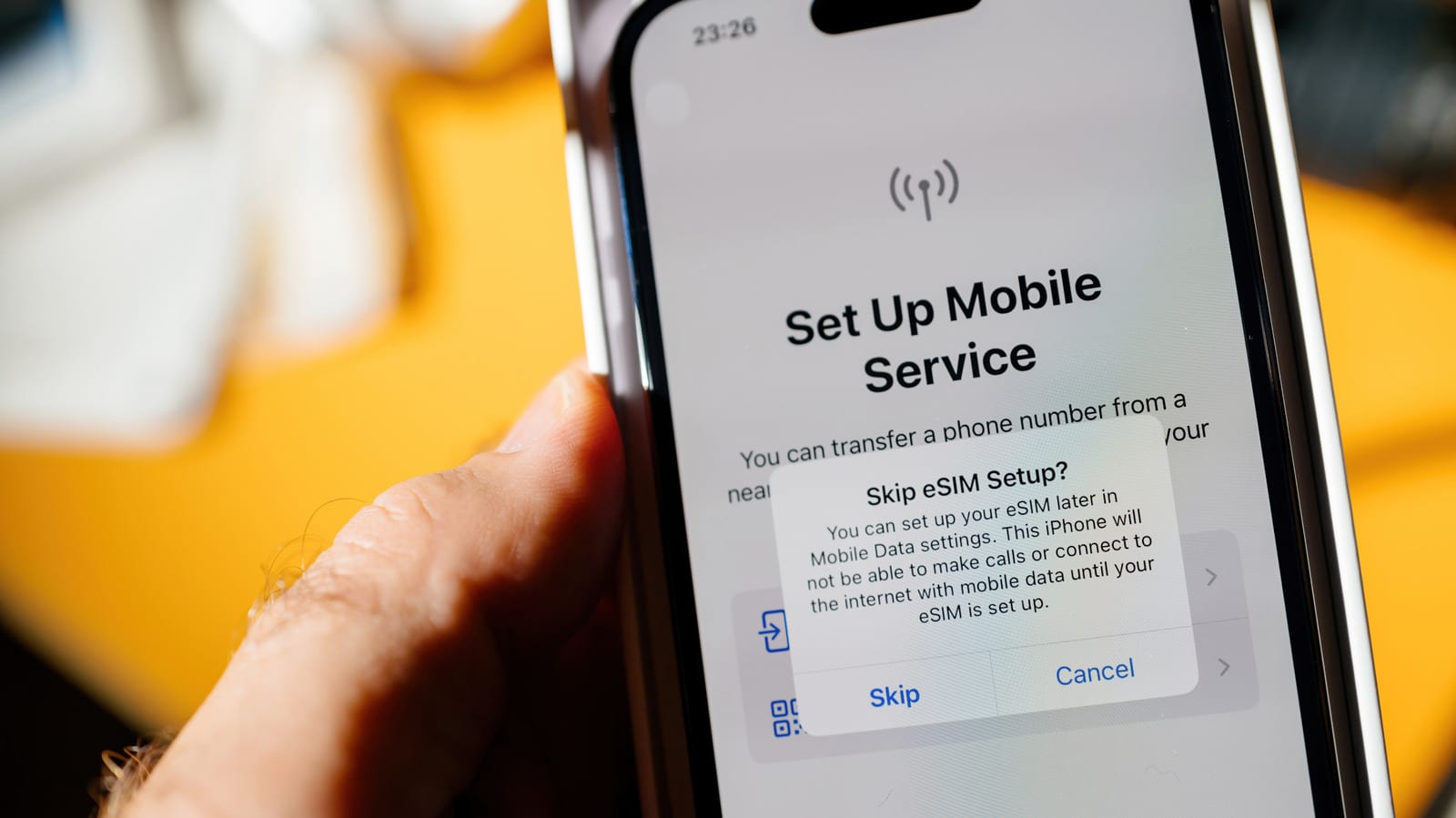
Whether your phone supports eSIM can be checked in a few steps. Open the phone app, dial *#06#, and look for a code called EID. If it appears, the phone has the digital SIM chip. It is worth checking before you travel, so you can pick a cheaper local plan instead of paying roaming fees.
What an eSIM is
An eSIM is a digital SIM built into the phone. It lets you activate a carrier plan without inserting a physical nano-SIM card. For most people, it also means running two lines on one phone, and setup is usually faster.
How to check
- On any phone, dial *#06# in the phone app and look for the EID.
- On iPhone, go to Settings > General > About. The EID is a 32-digit number.
- On Android, go to Settings > About phone and look under Device details or Status information.
- On Android, you can also open SIM manager under Network & Internet (Connections on Samsung) to see if you can add an eSIM.
Which phones qualify
Apple says eSIM works on iPhone XS, XS Max, XR and later. The iPhone 13 and newer can run two eSIMs at the same time. Android is less tidy. Android got eSIM support in 2017 and iPhones followed a year later, but each maker moved at its own pace. Google's Pixel 2 and 2 XL had it in 2017, Motorola in 2019, and Samsung in 2020 with the Galaxy S20 series.
Many budget or older Android models, and some region-specific versions, skip the chip entirely. That is why checking for the EID beats guessing from the model name.
Watch for a locked phone
A phone locked to your carrier may still show an EID, because you can technically get an eSIM from that carrier. But it could refuse plans from other carriers, which would spoil a trip plan built around a local provider. On an iPhone, go to Settings > General > About and look for "No SIM restrictions" next to Carrier Lock.
Your carrier also has to support eSIM activation. Not every provider has rolled it out, even when the phone can handle it. If you are unsure, contact your mobile provider and ask about your exact device.
Why it helps beyond travel
If your phone supports eSIM, you can often run a traditional SIM alongside it. That is handy for keeping a personal and a work number active, or a home line and a travel plan, on a single phone.
The takeawayDial *#06# before your trip, look for an EID, and confirm your phone is unlocked and your carrier supports eSIM.