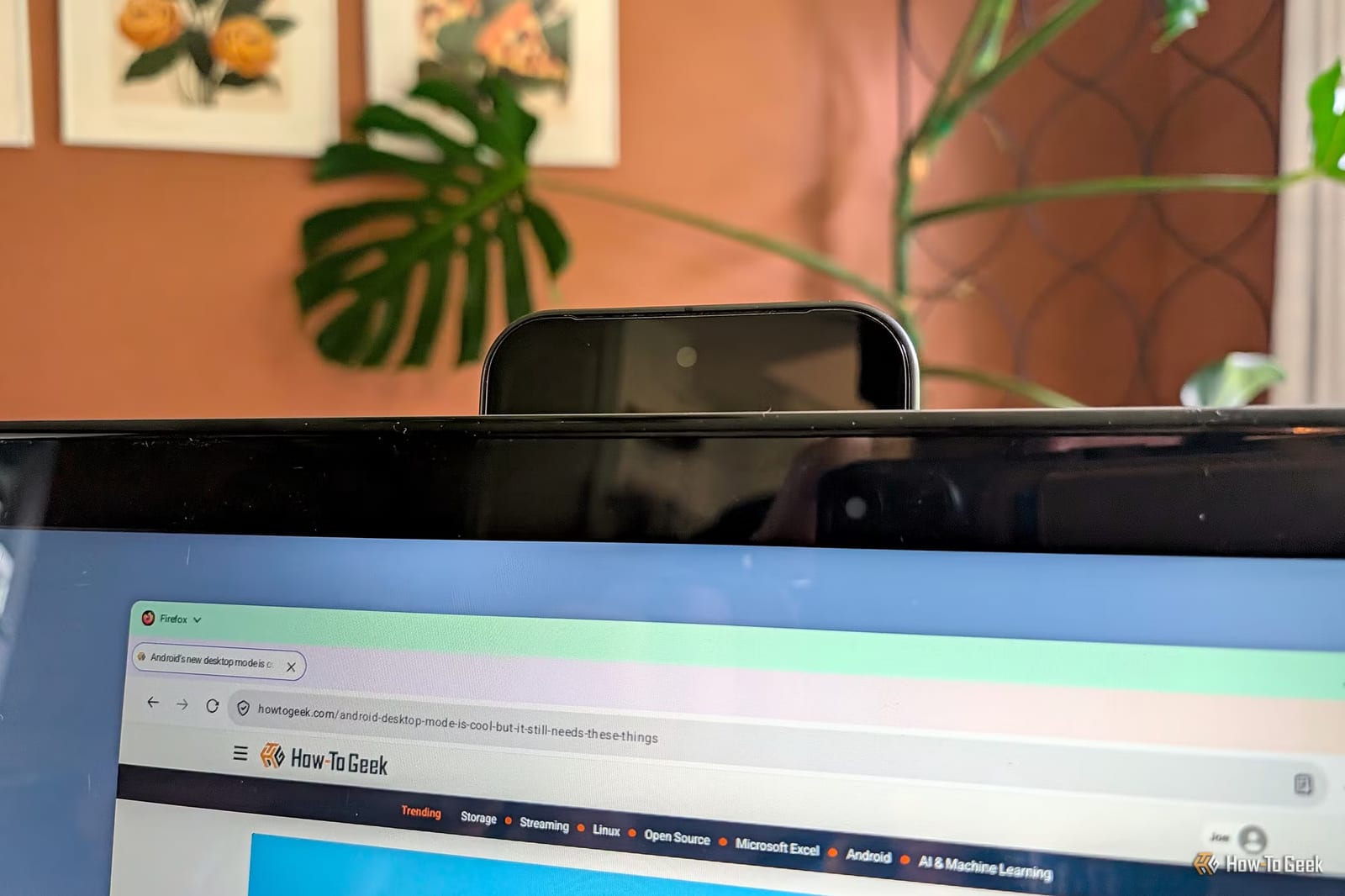
A Pixel phone can work as a webcam for your computer using just a USB-C cable. The feature is built into Android 14 and newer, so there is nothing to download. A How-To Geek writer says setup takes seconds and works on Windows, Mac and Linux.
How it works
Google added the feature in Android 14. The phone shows up on the computer as a standard video camera, which is a type that desktop systems already know how to use. That is why no special software is needed. The writer tested it on a Windows desktop, a Mac mini and a Steam Deck, a handheld gaming device. All three worked. On the Steam Deck, you first switch to Desktop mode.
How to turn it on
- Connect the phone to the computer with a USB-C cable.
- Tap the charging notification, then tap "Tap for more options."
- Set "USB controlled by" to "This device."
- Scroll down and tap the Webcam button.
Then open your video call app and check the picture. On Windows, you can also check it in Settings.
Cables and camera settings
The writer tried the cable that came with the Pixel and two USB-C charging cables limited to slower USB 2.0 speeds. All three worked, though one charging cable produced visual glitches. Most USB-C cables should be fine. A Webcam Service notification on the phone lets you switch between the main, ultrawide and selfie cameras. The telephoto lens is not available. A High Quality Mode exists, but it warns that long use can heat the phone. The writer saw no major difference and found the regular mode plenty for video calls.
Other phones
Support outside Pixels looks limited. The writer says the Galaxy S26, Fold8 and Flip8 are the only Samsung phones that support it, based on what he could find. A Galaxy S25 he tested did not show the Webcam option. Motorola phones with Smart Connect offer a similar USB feature, but it needs a companion app on a Windows PC.
If your phone is not supported
Windows 11 users can use Microsoft's Link to Windows app to turn an Android phone into a wireless webcam. It requires a Microsoft account. Another option is DroidCam, an app that needs a companion program on a Windows or Linux PC.
The takeawayIf you own a Pixel on Android 14 or newer, a USB-C cable is enough to turn it into a webcam for your next video call.