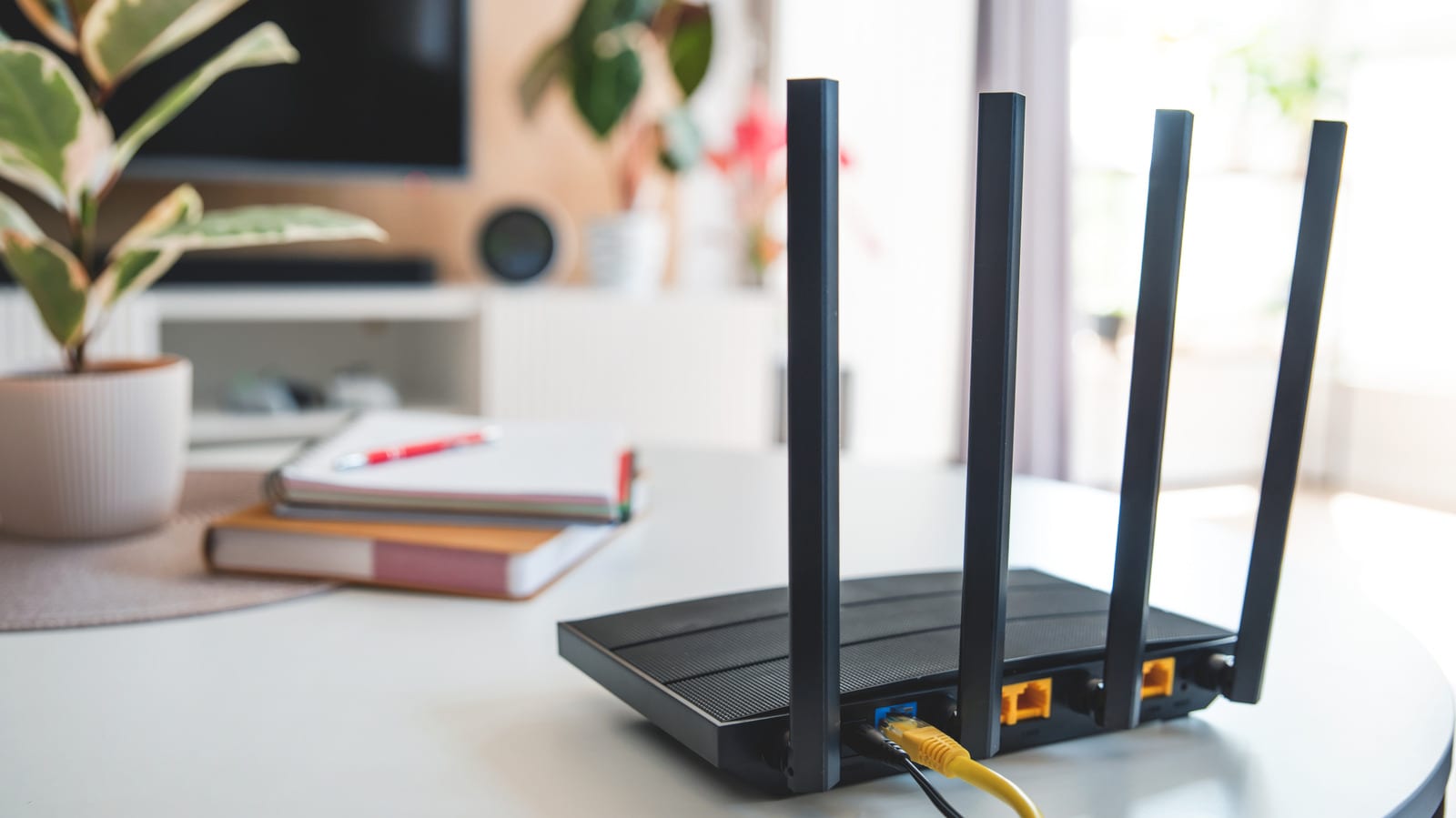
A router that feels warm is normal. One that feels uncomfortably hot is worth a look. Engadget explains that too much heat can cause dropped connections, uneven speeds and shutdowns, and over time it can damage the device. The fix often costs nothing and starts with where the router sits.
Why routers get hot
A home router holds a processor, memory, wireless radios and parts that manage power. Many newer models combine core networking parts on one chip, called a system on a chip. Modern routers can move thousands of megabits of data per second. That puts more demand on the processor and creates more heat.
Signs of trouble
The clearest sign is touch. If the router is also showing the problems below, the processor may be slowing itself down to cool off and protect its parts.
- Internet speed that rises and falls
- Random freezes or shutdowns
- Wi-Fi bands switching and range shrinking
Letting the router cool before turning it back on can restore performance, but only until it overheats again. These symptoms also do not prove the router is bad.
What to try first
- Move it to an open spot. Do not tuck it into a closed space or surround it with objects.
- Keep it away from windows where direct sunlight hits it.
- Keep it away from computers and game consoles, which give off a lot of heat under load.
- Clean dust and debris from the vents regularly.
- Update the router's firmware, which is its built-in software.
Firmware updates often fix stability and performance problems. That can sometimes help with bugs that cause overheating.
If heat is still a problem
The power adapter is the next suspect. A faulty one, or one not rated for your router, can push more current than the router's parts can handle. That creates extra heat and can damage components. Replacing it with one rated for your router should help.
If moving, cleaning, updating and a new adapter all fail, the fault most likely lies in the router itself. It may simply be near the end of its life and ready for replacement.
The takeawayIf your router is uncomfortably hot, give it airflow, clean the vents and update it before blaming the router or buying a new one.