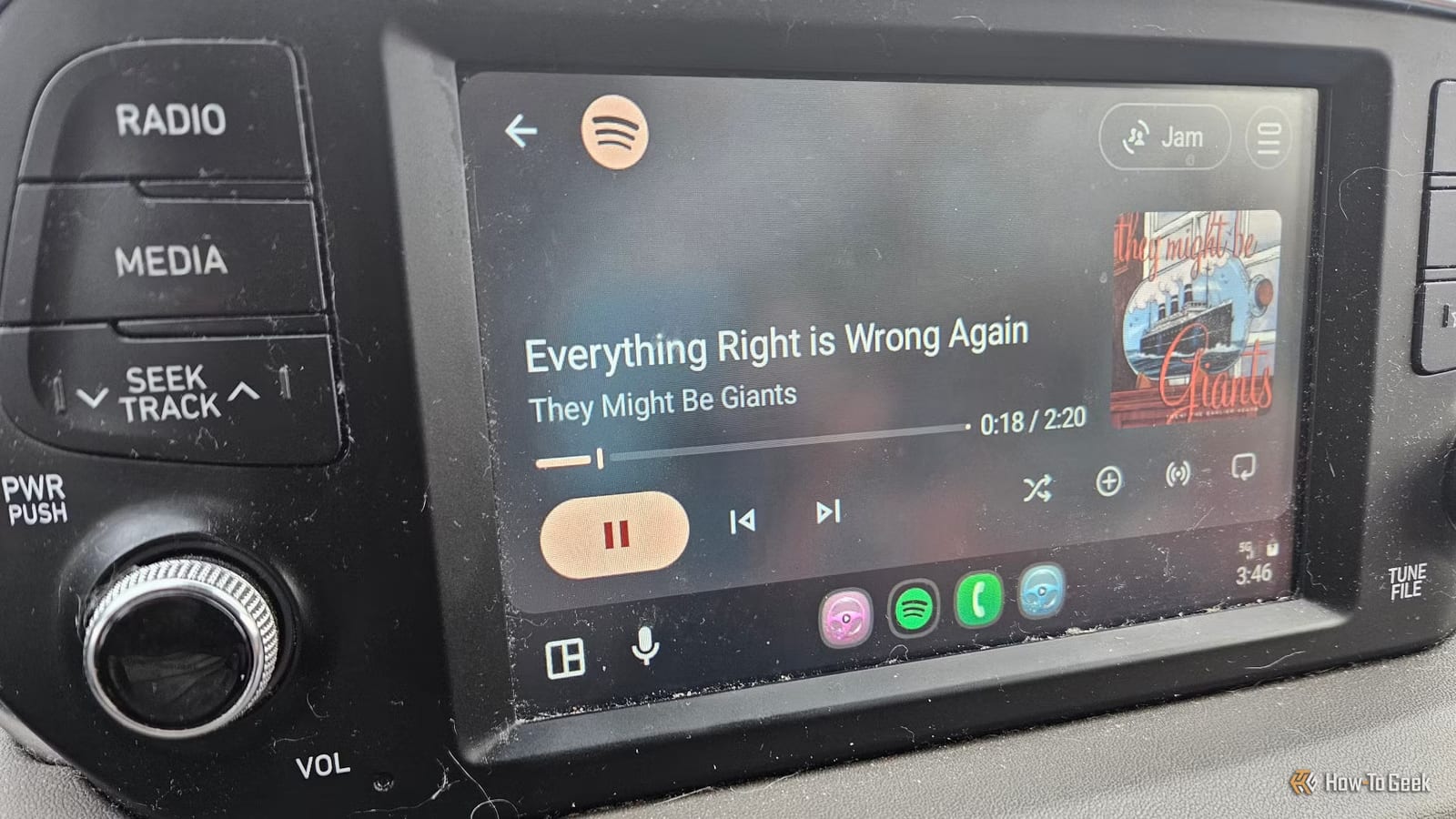
A writer at How-To Geek found that wireless Android Auto was draining his Samsung phone overnight. Before a fix, the battery fell from 80% to about 50% while it sat idle. After he turned off one startup setting, it only dropped to about 76%. The setting costs nothing to change and takes a minute.
What the problem looks like
Android Auto puts your phone's apps on a car's built-in screen. The writer says newer cars can make a phone keep compressing and streaming data even when nobody is using it. He says this seems more common in electric vehicles. He also cites BGR, which says Android Auto typically uses about 8% to 15% of a battery per hour of use.
The odd part is that it hit only one of his two phones. His Samsung Z Fold 5 had the drain. His Motorola Moto G did not, in either the new or old car. He also found a 2024 post on the Chevy Bolt Forums describing a similar drain on a Samsung phone, tied to Android Auto connecting on its own in the background.
The setting that helped
The setting is called Start Android Auto while locked. He turned it off and tested for a few days. The battery stopped draining as fast. He says he is reasonably confident, not certain, that this was the cause.
- Open your phone's settings and search for "Android Auto."
- Go to Startup and turn off Start Android Auto while locked.
- On Samsung phones, it is also under Connected Devices.
- Optionally, set Android Auto to start only if it was used on the last drive.
Other things to try
If that does not help, the writer lists a few more steps. Manually disconnect Bluetooth, then see whether the phone reconnects by itself once you are inside. That can show whether it keeps trying to link up with the car. You can also unpair the phone and see if the drain stays. Turning off wireless Android Auto is a last resort.
He also mentions Tasker, an automation app that can shut off Android Auto when it is not in use. He has not used it recently. A wired connection drains less, but he says that defeats the point of going wireless.
What is not known
This is one person's test on one phone, so the results may differ on yours. The writer says it will likely depend on the device. If your phone is low in the morning after a drive, check your Android Auto settings and watch how the battery behaves.
The takeawayIf wireless Android Auto leaves your phone low overnight, turn off Start Android Auto while locked under Startup and watch the battery for a few days.