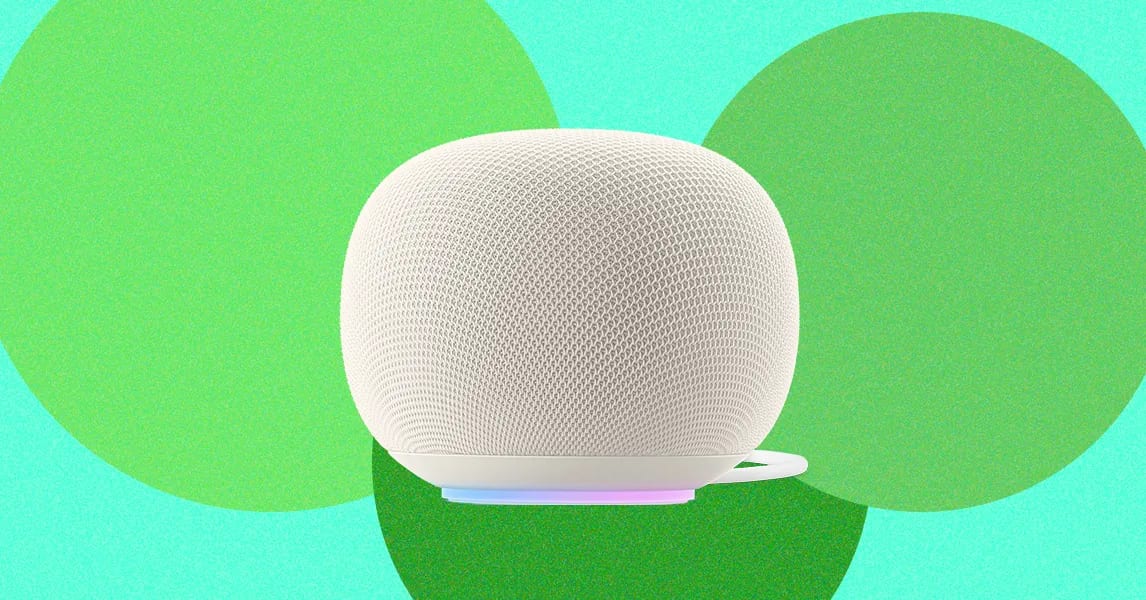
A Wired writer found that her Google Home speaker used 487 GB of data in ten days. That is almost as much as everything else in her home used across August and September. Google says a server error caused it and that the problem is now fixed.
What went wrong
A Google spokesperson told Wired: "A server misconfiguration caused some Google Home Speakers to repeatedly download a software update. This issue has now been resolved." Google also confirmed the bug hit only some devices, so many owners were never affected.
The writer and her husband then checked every device their router could identify. A Ring smoke detector was listed under Amazon with 22 GB in one week, about the same as one of the family's smartphones. A mystery device labeled "WATCH" used about 21 GB in a week, though nobody at home had used a smartwatch in the last year. That one is still unsolved.
Why it matters
The writer has a large internet plan with a 2 terabyte cap per billing period, so this was not a big problem. She still unplugged the speaker for now. On a plan where heavy downloads cost extra, a bug like this could mean surprise fees. Even without a cap, a device that hogs data can clog the network and slow everything else.
How to check your devices
Options depend on your router. Some hide detailed data behind a paid subscription.
- Asus: open asusrouter.com, log in, and turn on the Traffic Analyzer tab. It shows the top five data users.
- TP-Link: open the Deco or Tether app, tap Network, then Traffic Usage.
- Netgear: it tracks only total traffic, with no breakdown by device.
- Eero: the free app lists devices but not how much data each uses.
Another route is your internet provider's app. The writer used the AT&T app, which shows usage for today, the past seven days and recent billing periods. It lists only a handful of high-volume devices, but that was enough to spot both the speaker and the smoke detector.
What to do
If your router's app is limited, try its web page, which often shows more than the phone app. Look for any device using far more than you would expect. If something looks odd, unplugging it is a simple way to test whether it is the cause.
The takeawayCheck which devices use the most data on your home network, especially if your plan has a cap or extra fees.