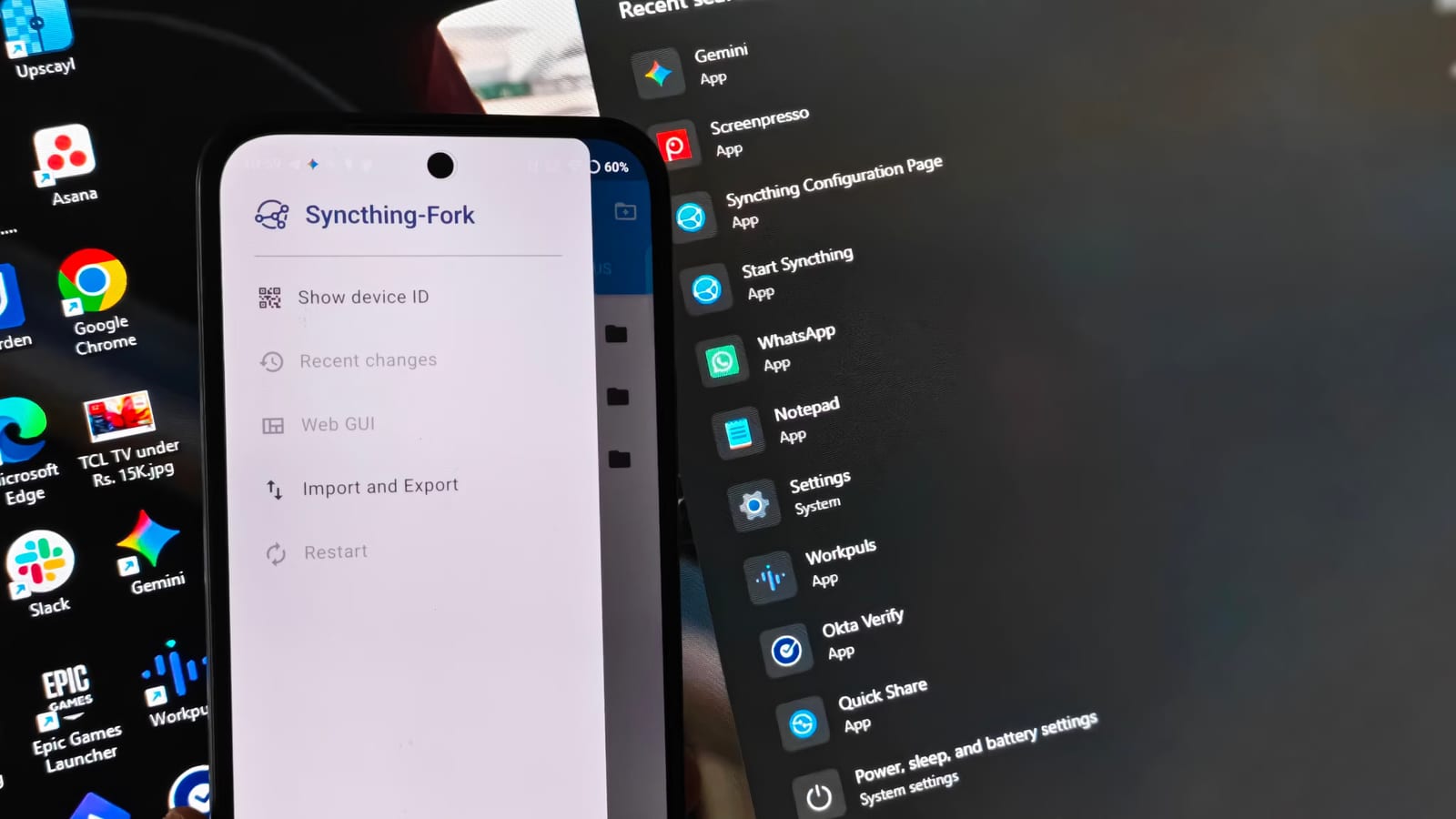
A free tool called Syncthing can back up your phone photos to your own computer, with no Google One fee and no outside server involved. A writer at How-To Geek says he switched to it after tiring of paying for cloud space and sending photo batches by hand. There is one catch worth knowing before you start.
What it is
Syncthing is free, open-source software that moves files directly between your own devices over your home network. Open-source means the code is public for anyone to inspect. Because the files go straight from phone to PC, they never touch a third-party server. Google's free tier gives you 15GB, which the author says is not enough for most people.
How the setup works
The official Syncthing Android app was largely abandoned on the Play Store in early 2024. The author used Syncthing-Fork, a copy of the original app, available from the Play Store or F-Droid. On Windows, he used Syncthing Windows Setup, maintained by Bill Stewart on GitHub, which runs Syncthing as a background service. Syncthing is also available for macOS.
- Open the Syncthing Web GUI on the PC.
- Go to Actions, then Show ID.
- Scan the QR code with the Syncthing-Fork app on the phone.
The setting that can delete photos
By default, Syncthing syncs both ways. If you delete a photo on your PC to free up space, it is deleted from your phone too. To avoid that, set the phone folder to Send Only and the PC folder to Receive Only. Skip this, and tidying photos on the desktop can permanently erase them from the camera roll.
Speed, battery and rough spots
The author synced a 7.17 GiB photo folder at a sustained rate of nearly 8 MB/s to his Windows PC. Sending from phone to PC went smoothly. Pushing a folder from PC to phone hit an Android storage permission error and stalled at 0 B/s until he created a new folder on the phone, after two or three tries.
To protect battery life, he set the phone app to run only on Wi-Fi and only while charging. The Windows setup can also limit the service to times when a laptop is plugged in.
The takeawayBefore relying on Syncthing for photo backups, set the phone folder to Send Only and the PC folder to Receive Only so deletions never travel back.