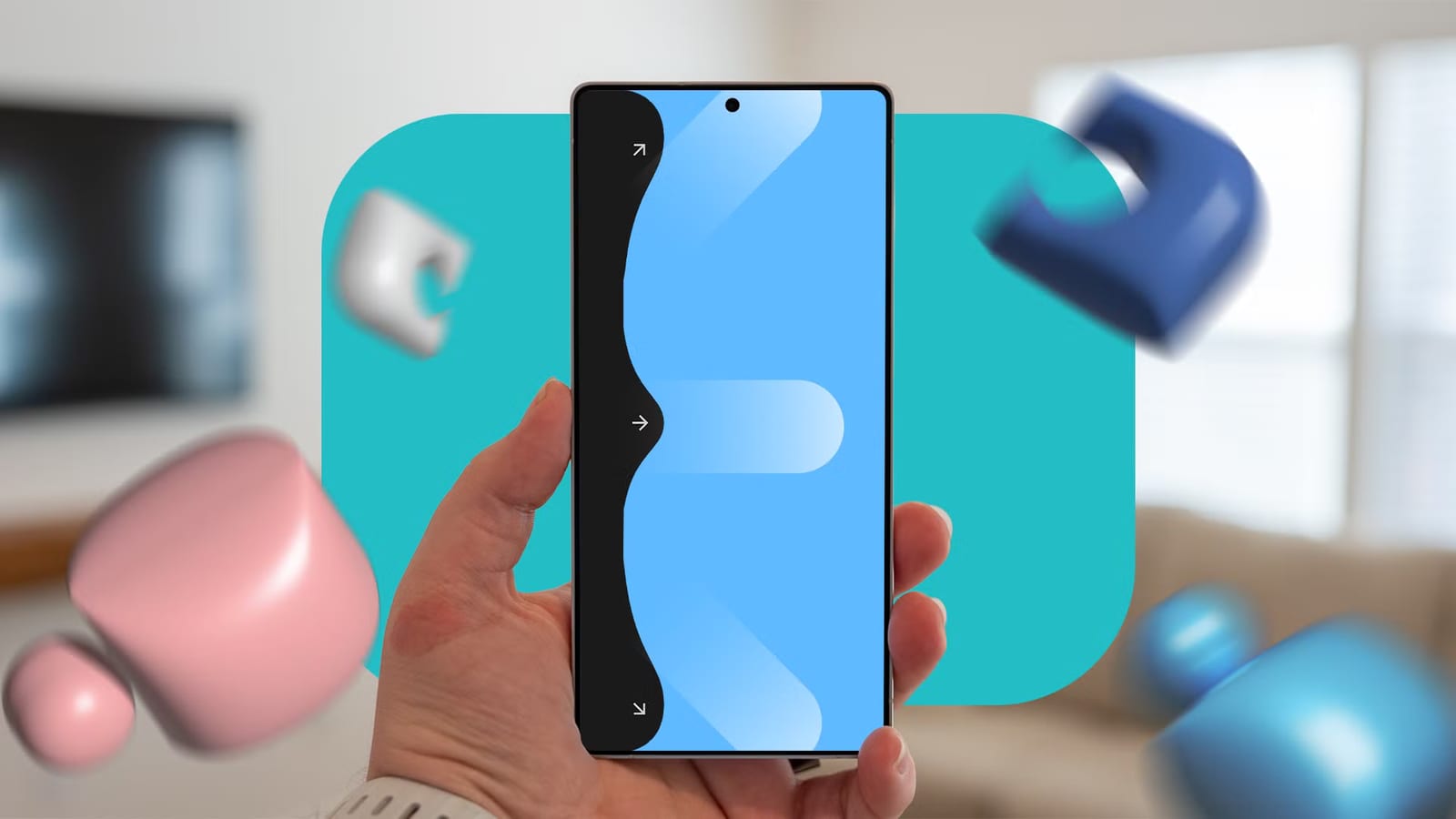
Big phones are hard to use with one hand, and a free Samsung add-on can help. One Hand Operation + puts small swipe handles on the screen edges. Each swipe can open the notification panel or other tools, so the thumb no longer has to stretch to the top corner. Android Police writer Ben Khalesi says he now can't use a Galaxy without it.
What it is
One Hand Operation + lives inside Good Lock, an optional Samsung app for customizing a Galaxy phone. Most people never open it. The add-on places handles on the left and right edges of the screen. It reads the angle and length of each swipe, so three directions become six distinct gestures. Those are straight inward, diagonally up and diagonally down, plus long versions of each.
What changed
Good Lock used to be limited by region. People used VPNs, SIM card tricks or files installed from outside the app store to get it. Samsung has now made it available in more countries through the Galaxy Store and Google Play Store, so those workarounds are no longer needed. The material does not list which countries were added.
How the writer sets it up
- Diagonal up opens Recent Apps.
- Diagonal down pulls down the notification panel.
- A straight swipe stays as the Back command.
- A long swipe, held about 300 milliseconds, opens Quick tools.
- Other actions include screenshots, flashlight, Do Not Disturb and Previous App.
The handles can also be made narrower or moved. That helps avoid accidental Back swipes, such as being kicked out of a photo gallery when a scroll is misread.
The catch
The menus are dense and confusing at first. Khalesi says he nearly uninstalled the app several times. His advice is to set up one diagonal swipe for the notification panel and use it for three days. After that, he says, going back to standard navigation feels wrong.
A related Good Lock module, RegiStar, adds back-tap. Firm taps on the back of the phone trigger actions, such as a double tap for Samsung Wallet and a triple tap for a screenshot. It does not work fully on every Galaxy. Some A-series and Flip models lack full support.
What to do
Galaxy owners can try Good Lock from the Galaxy Store or Google Play Store. The article is one writer's experience, not a lab test, so results may vary. Starting with a single gesture keeps the learning curve manageable.
The takeawayGalaxy owners can try the free One Hand Operation + add-on, starting with one diagonal swipe for the notification panel and giving it three days.