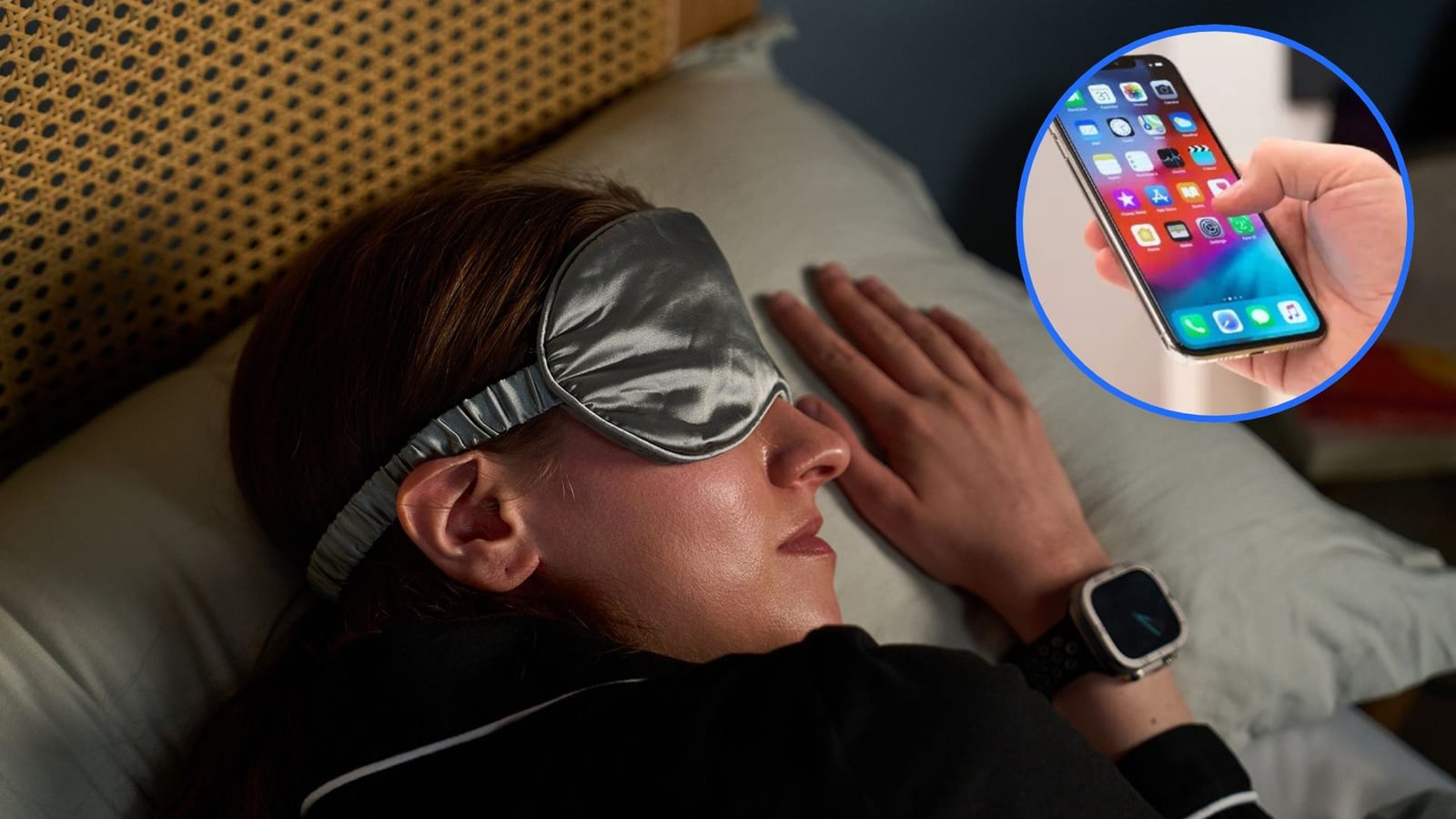
A Tom's Guide writer who kept waking at 3 a.m. says a free setting already on the iPhone helped. It is called Background Sounds. It plays a steady sound to cover up noises like a creaking door or a TV in another room. There is no app to download, no sign-up and no fee.
What it is
Background Sounds is designed to mask unwanted noise around you. It can also help people who live with tinnitus, which is a ringing or buzzing in the ears. For light sleepers, the idea is simple. Silence can be broken by any small sound. A steady sound leaves fewer gaps for noise to interrupt.
How to turn it on
- Open Settings and scroll to Accessibility.
- Tap Audio & Visual, then Background Sounds.
- Switch it on, then tap Sound to pick one.
- Adjust the volume, then turn on Stop Sounds with a Timer.
The timer can end the sound at a set time, such as 6 a.m. to match a wake-up alarm. It can also stop after a set stretch, such as two hours. The sound can play through the phone speaker, a Bluetooth speaker or sleep-friendly earbuds.
Which sound to pick
The menu includes balanced noise (white noise), bright noise (pink noise) and dark noise (brown noise). It also has ocean waves, crackling fire, rainfall, streams and a plane. Psychologist Dr. Chris Mosunic of Calm says white noise suits people who need to mask many sounds, including sudden or loud ones. He says pink noise is more natural and balanced. He says brown noise can ease nighttime anxiety or cover low rumbles such as traffic.
Neurologist Dr. Lynette Gogol says the best sound feels steady and does not draw attention to itself. She advises keeping the volume modest. The goal is gentle masking, not a room full of sound.
What the evidence says
The experts are not all in complete agreement. Professor Dan Berlau says high-quality evidence shows silence is best for sleep. He adds that continuous sounds like white or pink noise can help many people by covering interruptions. Some small studies found people fell asleep faster or rated their sleep better in noisy settings.
Dr. Gogol notes that lab studies found precisely timed pink-noise pulses can boost deep sleep under controlled conditions. That is not the same as playing a sound on a phone all night. The article does not claim the iPhone setting delivers that effect.
The takeawayIf small noises wake you, try Background Sounds on your iPhone tonight at a modest volume, with a timer set for your wake-up time.