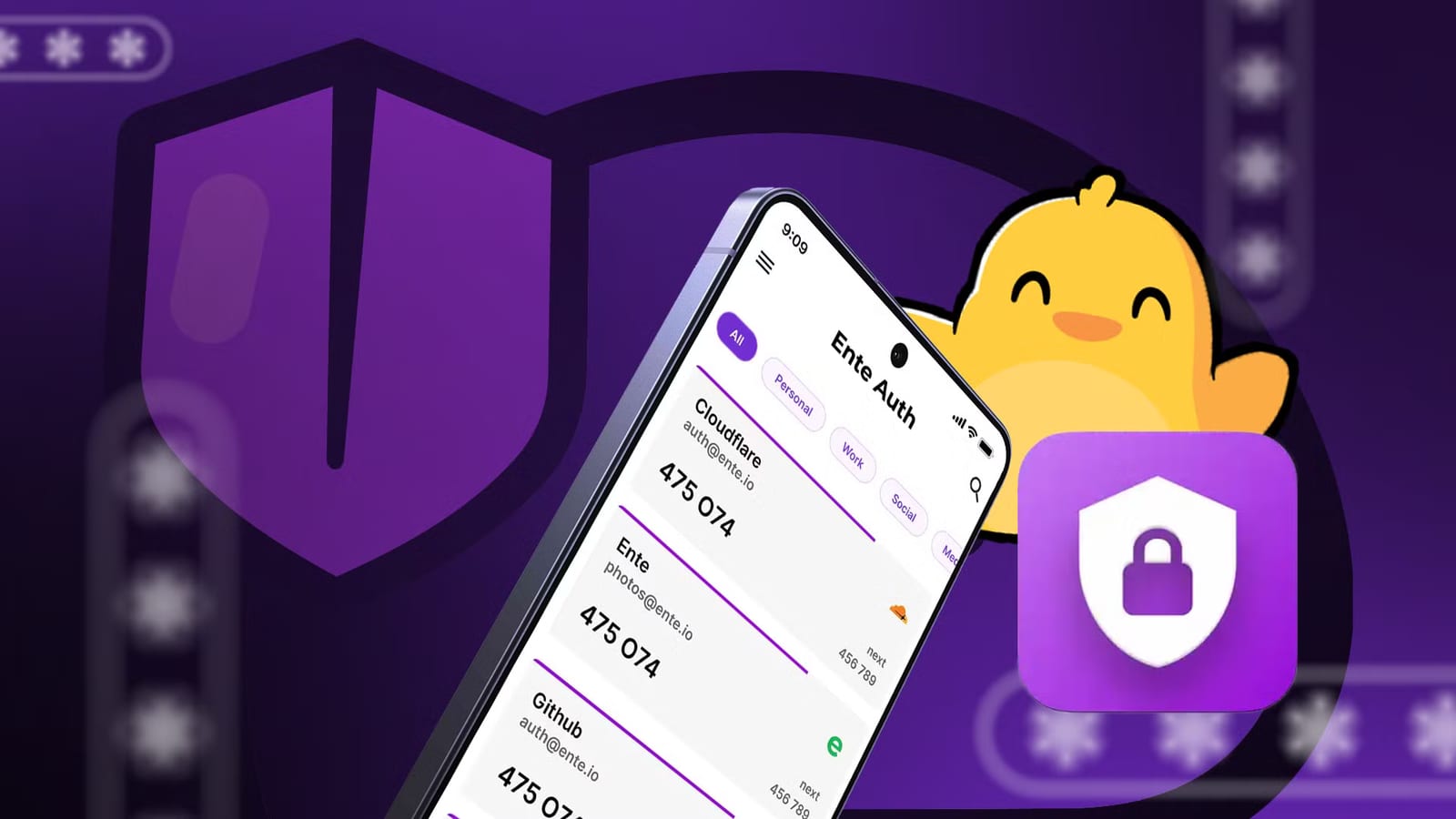
A tech writer at Android Police moved from Google Authenticator to Ente Auth, an app that scrambles your login codes on your device before they are stored in the cloud. The goal is simple: if your phone is lost, you still have a way to get your codes back.
Why it matters
An authenticator app makes the short, one-time codes you type in after your password. Those codes guard your email, social media and other services. If the app is gone and you have no backup, getting back into those accounts could be a nightmare.
What Ente Auth offers
Ente Auth uses end-to-end encrypted cloud sync, which means only your devices can read the data. It also supports encrypted exports and runs on Android, iPhone, desktop computers and the web. You can use it with an Ente account for sync, or in offline mode with no account at all.
Google Authenticator has improved over the years. It can sync codes through your Google Account, which makes switching phones easier. The writer still calls it a good choice for simple sync, but sees Ente Auth as worth a look for people who want more control over recovery.
How the backups work
To make an encrypted backup by hand, follow these steps:
- Open Settings, then Data, then Export codes.
- Pick the encrypted option and set a password.
- Save the file somewhere private that you can reach from another device.
Ente Auth can also make automatic local backups, protected by a password you choose. It keeps up to five of the most recent ones. A backup that sits only on your phone will not help if you lose the phone.
The catch
The export password is separate from your Ente account password. Ente says it cannot recover it for you. Lose it, and you could be locked out of that backup.
In offline mode, codes stay on the device and are not synced to Ente. Recovery then depends on the exports and local backups you create. An unencrypted export left in a random folder, or sent over an insecure channel, would be risky.
Making the switch
Ente Auth can import from several authenticator apps. To move codes from Google Authenticator, open its menu, tap Transfer codes, then Export codes. Verify your identity and pick the accounts. The app shows a QR code, which is a square barcode. It blocks screenshots, so you need a second device or a camera to capture it. The writer used a laptop webcam, then deleted the picture.
In Ente Auth, log in and tap Menu, then Data, then Import codes, then Google Authenticator. Choose Scan a QR code and scan the one from the old app. Afterward, the writer checked that the codes worked with a couple of services instead of assuming the move went fine. A separate copy of the data went into a dedicated folder on a laptop.
The takeawaySet up an encrypted backup you control, store it away from your phone, keep its password safe, and test your codes before you need them.