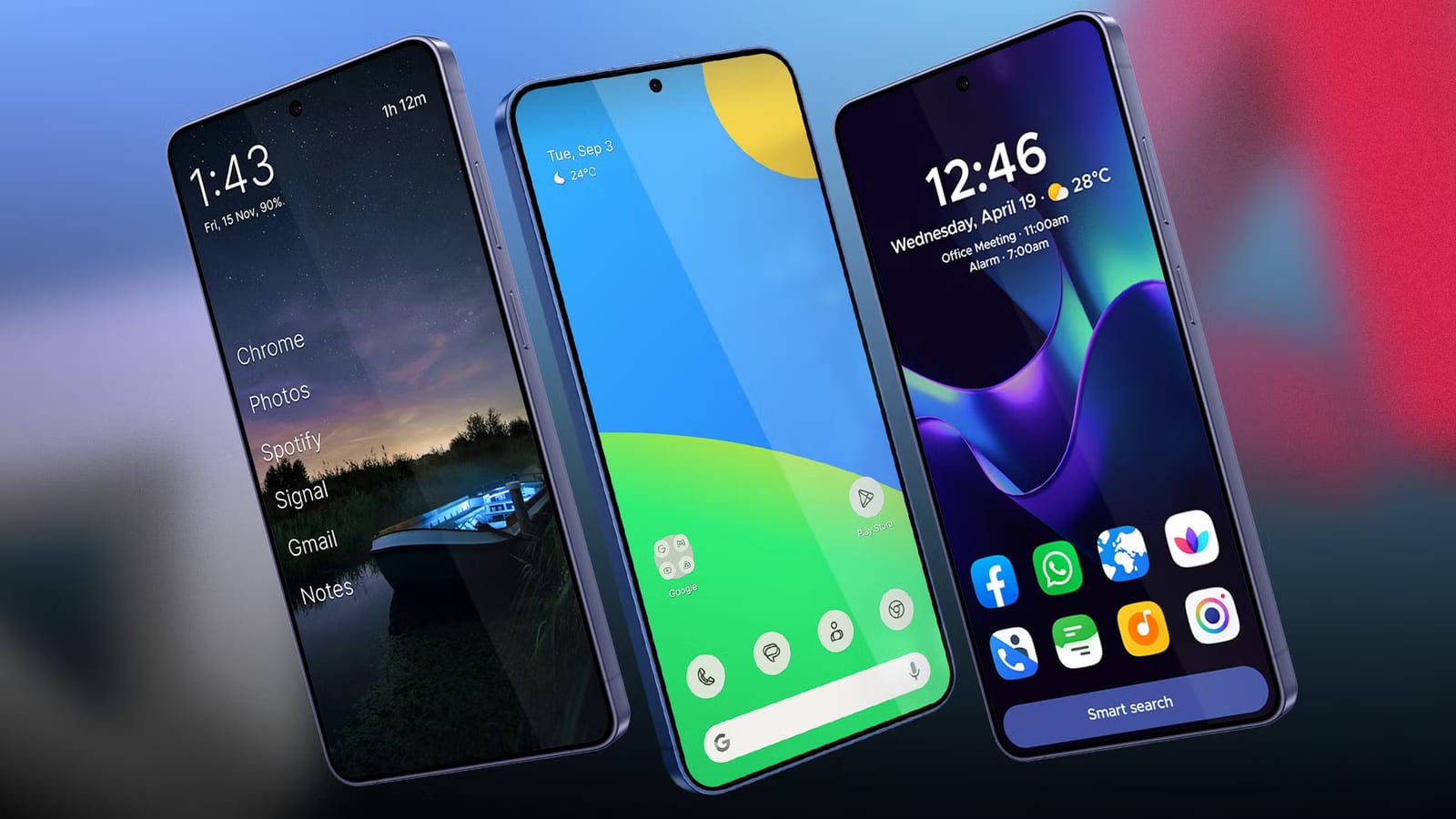
An Android Police writer tested four replacement home screen apps and picked Hyperion Launcher as the fastest. Marvin Velasco says it worked well on low-end and midrange phones, and that it won him over in about 10 minutes. The core app costs nothing to try. Extra features cost a one-time $2.
What a launcher is
A launcher is the app that controls your phone's home screen, app drawer and icons. Android lets you swap it for another one. That means you can change how your phone looks and feels without changing the phone.
How the four compared
- Lawnchair: a clean, Pixel-style look, but too basic for the writer.
- Smart Launcher: sorts apps into tabs automatically, but takes time to learn.
- Olauncher: very light and text-only, but it has no widget support.
- Hyperion Launcher: the winner, for speed and ease of use.
Why Hyperion won
The writer says Hyperion does not need many resources to reach top speed. Animations looked smooth on every device he tried it on. It resembles the stock Pixel launcher, but it focuses on quick animations and smooth frame rates, which makes the phone feel faster. Scrolling through the app drawer is where the difference shows.
Animation speed can be changed in the main menu to Slow, Normal or Fast. The writer recommends leaving it on the default.
Switching and customizing
Hyperion can bring over your old setup. In the main settings, open Backup and restore and choose Import from other launcher. This brings in dock and folder setups from another launcher's saved profile.
Users can change background and accent colors, icon shapes and grid sizes. To make a folder, drag one app icon onto another. If customizing goes too far, a Debugging section near the bottom of the menu can reset the icon cache, reset settings or restore the default desktop layout.
The catch
Some of the best features sit behind a paywall. Hyperion Supreme costs $2, paid once. It unlocks full gesture mapping, font settings and privacy tools such as app hiding and biometric integration, which means unlocking with a fingerprint or similar. The writer thinks it is worth it. Add-ons are limited. Hyperion Dock enables Google Feed, and Sesame Shortcuts adds search across the phone.
This is one writer's opinion based on his own testing. The article gives no benchmark numbers, so results on other phones may differ.
The takeawayIf an Android phone feels slow, try Hyperion Launcher first and decide later whether the $2 upgrade is worth it.