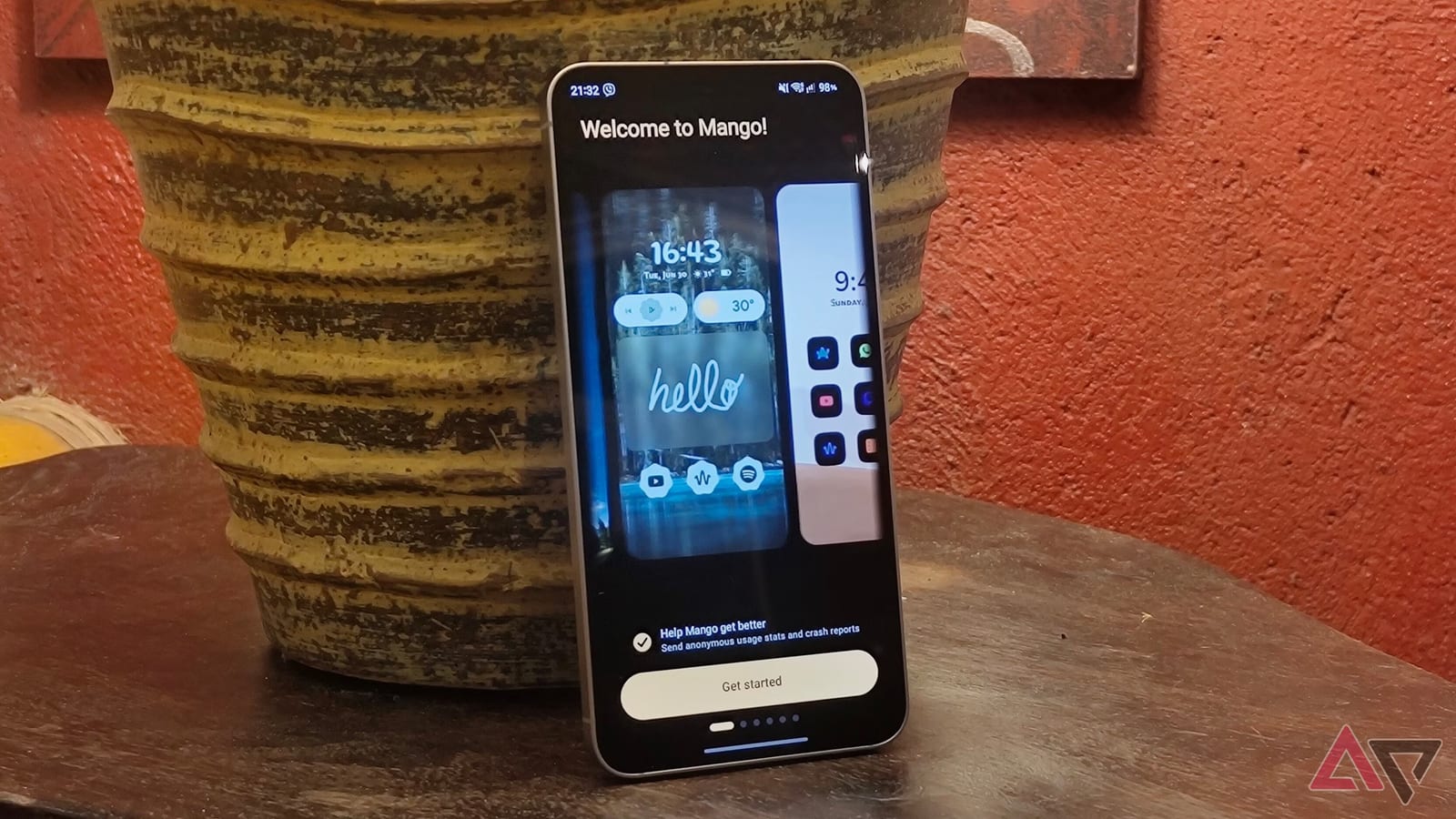
A writer at Android Police replaced the home screen on his Samsung phone with a free app called Mango Launcher, and what began as a test became a semi-permanent switch. A launcher is the app that controls your home screen and your list of apps. Mango hides apps for free, a basic feature many rival launchers charge for.
Why he made the switch
Writer Marvin Velasco says Samsung's One UI Home does well at one-handed use and overall speed. But he felt restricted by its customization options. He had used Samsung's Good Lock tool for extra control, yet still wanted something new. Mango Launcher looks basic on the surface, he says, but offers more customization than he expected. On first launch it gives a tour of the gestures and offers starter themes.
What it can do
- Hold an app icon to rename it, change its color, add it to favorites or hide it from the app drawer.
- Swipe an icon sideways to see the app's shortcuts, such as Compose in Gmail.
- Type part of an app's name in search and it opens at once. Typing "Gm" opens Gmail.
- Use an A to Z scrubber to scroll through apps by swiping up or down from the home screen.
- Export your settings to a Mango file and import them on another device.
Mango also supports folders, which you create by pressing and holding a blank spot on the home screen. The app drawer can sort apps into seven categories, and the writer found the sorting accurate. He still turned categories off, since search and scrubbing were enough for him.
The catches
Speed is his biggest complaint. On one of his midrange phones, Mango lagged when many animations ran back to back. Some features also sit behind a paywall, including widget pages, replying to notifications from the home screen, and a scribble tool that opens apps from your handwriting.
Pro costs $7 per year or $25 once for a lifetime license. The free version has no ads and keeps upgrade reminders to a minimum. The writer says widgets matter to him, but he considers most other Pro features unnecessary. He would not pay if all he wants is a free alternative to One UI Home.
What to do
If your Samsung home screen feels cluttered, Mango Launcher is a free option to try in minutes. Choose your favorite apps during setup, then hide the ones you rarely use. If your phone is midrange, watch for lag. If it does not suit you, you can go back to One UI Home.
The takeawayIf your Samsung home screen feels messy, Mango Launcher is a free, ad-free trial, but watch for lag on a midrange phone.