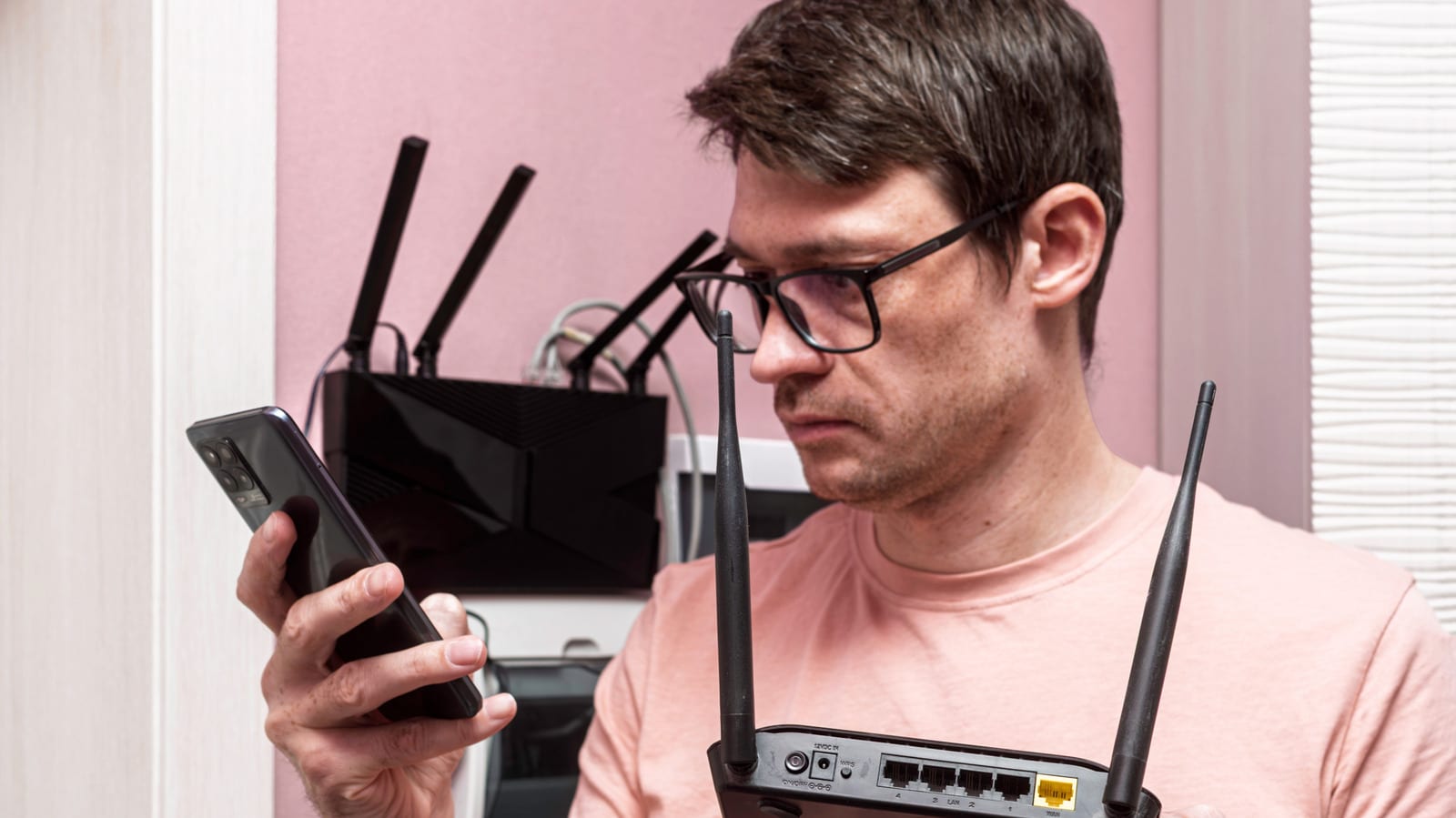
Top-of-the-line routers promise huge speeds, but for most homes they are money spent on a limit you will never reach. Engadget's guide points to Netgear's Nighthawk RS700S, rated up to 19Gbps and priced above $500. A router under $100 from a brand like Netgear or TP-Link will handle what a typical household throws at it.
Your plan sets the speed limit
A router takes the connection your provider delivers and shares it around the home. That is the whole job. It cannot make the connection faster. The FCC's benchmark for broadband is 100Mbps down and 20Mbps up, and a budget router only has to carry that to your devices without choking. Check what you pay for before shopping. A router rated far above your plan adds nothing.
What to look for
- Gigabit ports, so wired devices like a desktop, console or smart TV are not slowed down.
- Parental controls for screen time and blocking sites, often through a free app.
- Wi-Fi 6, which handles many devices at once so they don't fight for bandwidth.
- Coverage that fits your space, since a fast router in the wrong corner gives slow speeds where you sit.
In a larger home, a mesh kit or a second access point may help more than a pricier single router.
The Wi-Fi 7 catch
Wi-Fi 7 is the newest standard, and most expensive routers use it. The Wi-Fi Alliance says its wider channels double throughput compared with Wi-Fi 6. But your devices need Wi-Fi 7 too, and plenty of phones and laptops do not have it. Older devices still work with a Wi-Fi 7 router, but they will not get faster.
The top speeds printed on the box are also theoretical maximums, not what you will necessarily measure in your living room.
Who needs what
If you live alone or with a roommate, even an older Wi-Fi 5 router can usually manage phones, laptops and TVs. In a household of four to six people, Wi-Fi 6 is the safer pick because it shares the connection among many devices. Wi-Fi 7 starts to make sense in a big home or home office with a gigabit-plus fiber plan and plenty of Wi-Fi 7 devices.
When spending more makes sense
- VR gaming: Meta suggests considering a dedicated router if latency is a problem with Air Link.
- Moving big files to a NAS or running backups, which never touches your internet plan.
- Competitive gaming or streaming, where a latency spike can cost a match or viewers.
- Smart homes packed with cameras, sensors, plugs and speakers that strain a cheap router.
If none of that sounds like your home, the extra cost buys headroom you won't use.
The takeawayCheck your plan's speed and your home's size first, because a router under $100 will likely cover most households.